Using your Edger...Usual procedure
3-63
LTO
3.2.8.5.3 PRODUCING A JOB WITH BEVEL FINISHING
3.2.8.5.3.1 Object
Produce a job with the following characteristics:
Mineral > Fragile lens > 1/2-1/2 bevel > Rear safety-bevel = 0.40 mm > Without polishing
3.2.8.5.3.2 Procedure
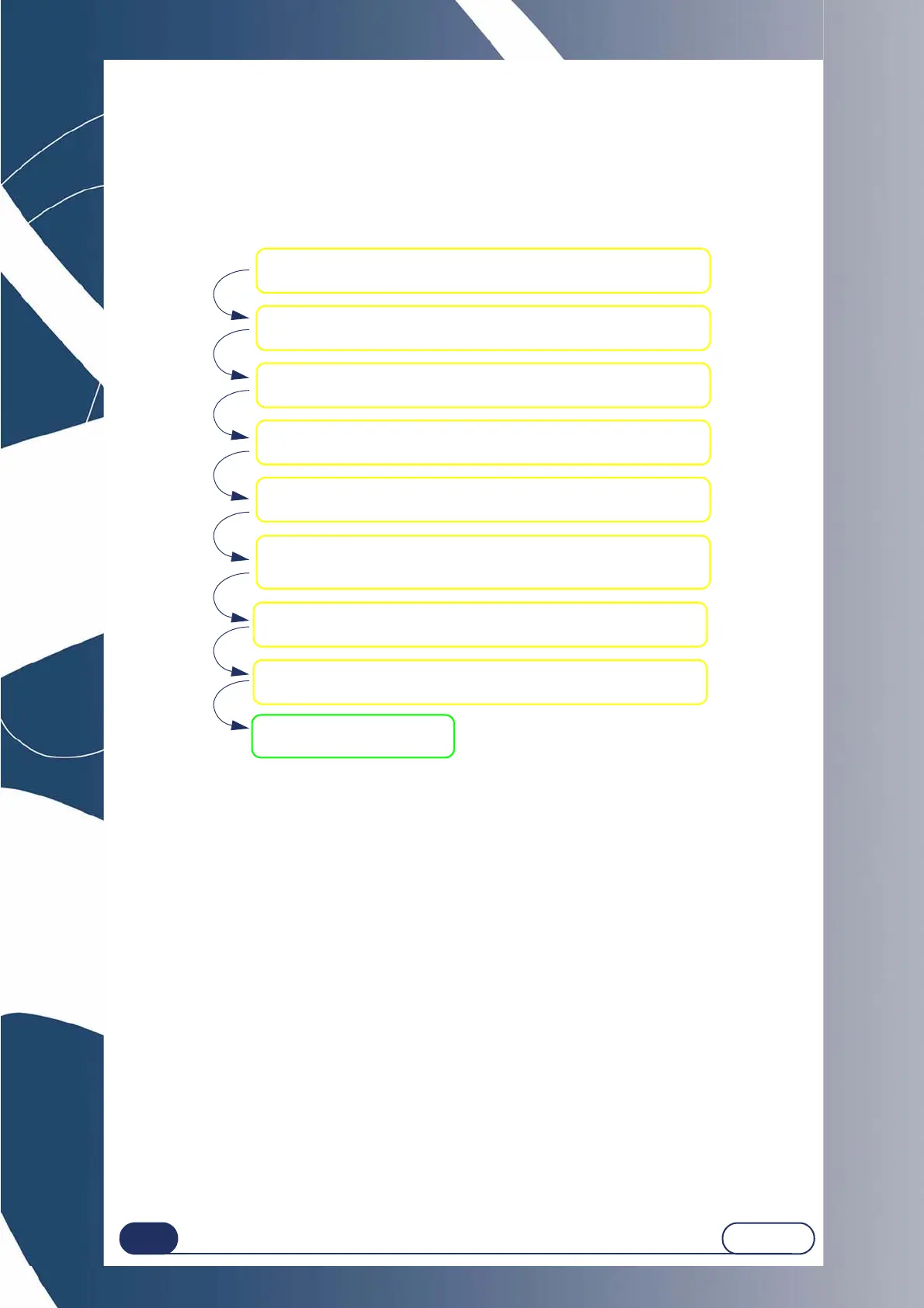
To carry out the job described above, proceed as follows:
Flow chart 3-5 : Production of a job with Bevel finishing
3.2.8.5.4 HINTS
When the edging cycle is finished, remove the edged lens without removing the block so as to be able to
retouch it if necessary.
If you are unsure about the type of bevel positioning, we advise you to choose Manual type from the main
screen. During the cycle, when the manual finishing screen is displayed, press the Manual Bevel button,
select the type of bevel you wish and visualise the position of the bevel apex directly on the screen.
3.2.8.5.5 LIMITS
If the maximum thickness of the lens is less than 2 mm, the applied bevel will automatically be of 1/2 - 1/2
type, whichever type of bevel is selected initially.
See “Points to remember”, page 78.
Select the type of REAR safety-bevel for 0.4 mm
(CB no. 2).
Create a Job in the creation interface.
Select MINERAL lens material.
Select FRAGILE lens type.
Select BEVEL finishing.
Select 50% sub-finishing.
Place the lens in the edging chamber.
Start the edging process.
Tighten the lens



 To Next Page