214327 168 Revision B
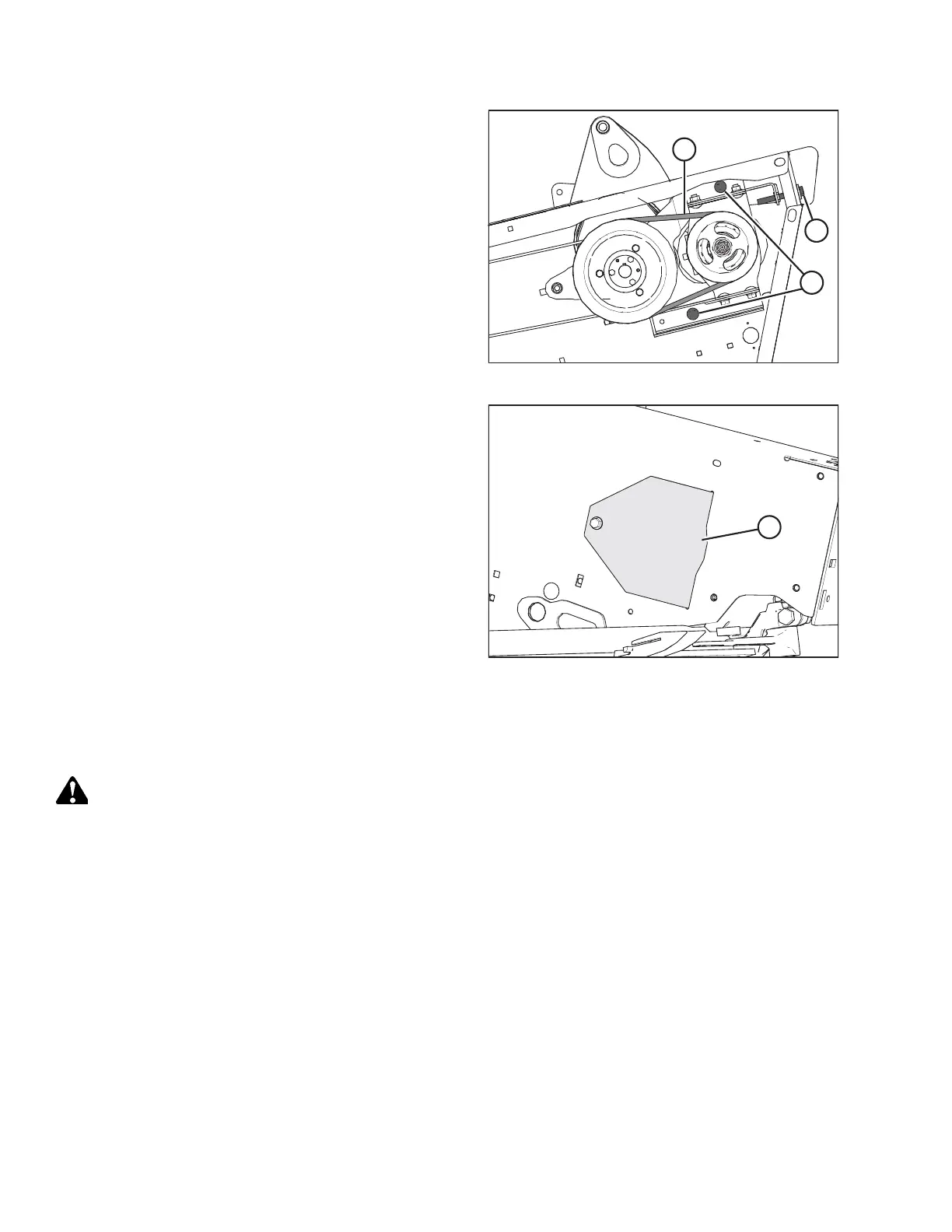
Figure 5.83: Knife Drive V-Belts
NOTE:
The following two steps apply only to the left drive.
5. Loosen two bolts (A) on the endsheet.
6. Turn adjuster bolt (B) counterclockwise to loosen it and
remove two V-belts (C).
Figure 5.84: Access Cover
7. Open access cover (A) on the endsheet behind the
cutterbar to provide clearance between the knife drive box
pulley and the endsheet.
8. Remove the knife drive belt.
Installing Timed Knife Drive Belts
The procedure for installing timed knife drive belts is the same for both sides of the header.
DANGER
To prevent bodily injury or death from the unexpected start-up or fall of a raised machine, always stop the engine and
remove the key before leaving the operator’s seat, and always engage the safety props before going under the
machine for any reason.
If the belt is out of alignment, refer to Checking Knife Drive Belt Tracking, page 174.
MAINTENANCE AND SERVICING



 To Next Page