214327 178 Revision B
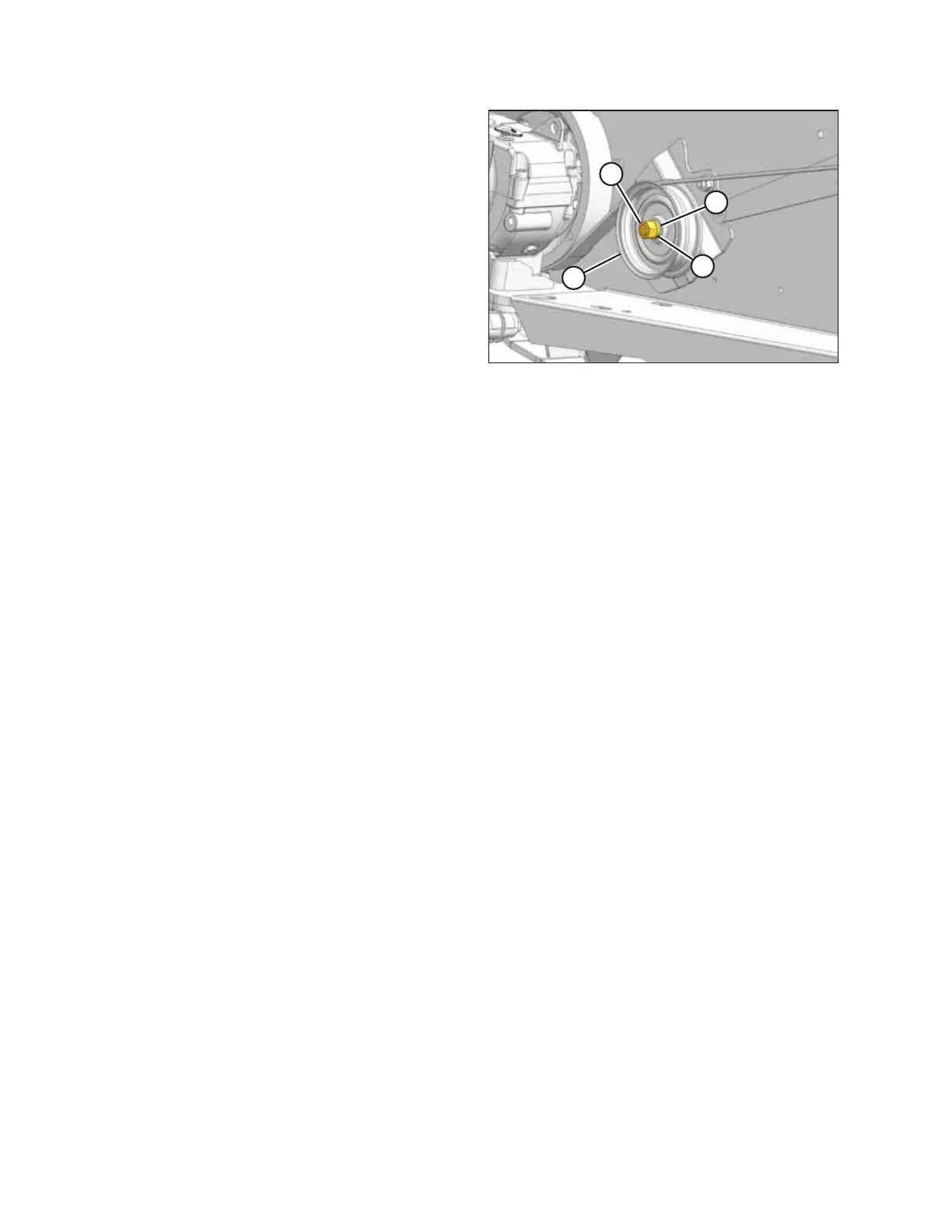
Figure 5.105: Knife Drive
3. Remove nut (A) securing the idler to the bracket, and
remove lock washer (D), the idler pulley, and flat washer
(C).
4. Install idler pulley (B), ensuring it lines up with the knife
drive box pulley, using flat washer(s) (C) as required.
5. Reinstall lock washer (D) and nut (A).
6. Tension the belt. For instructions, refer to Tensioning Timed
Knife Drive Belts, page 170.
7. Operate the header and check the tracking. For
instructions, refer to Checking Knife Drive Belt Tracking,
page 174.
MAINTENANCE AND SERVICING



 To Next Page