Section 4 – MONITOR Mini-Crawler Crane M A E D A
4-24 9/2020 MC285CB-3
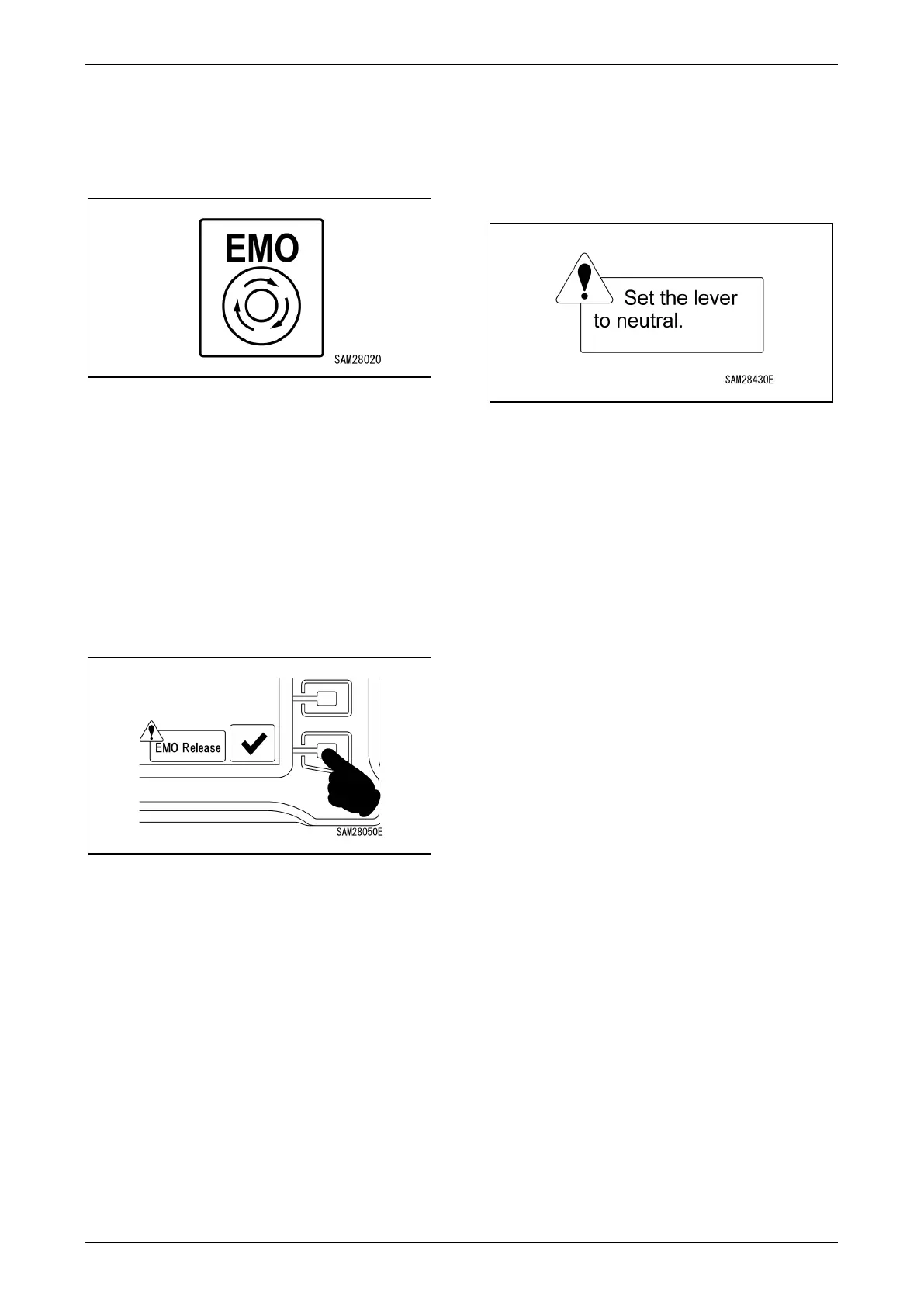
Emergency Stop Display
Displayed when the emergency stop switch has
been pressed. It disappears when the
emergency stop is reset.
Fig. 4-53
Emergency Stop Reset Guide Display/
Emergency Stop Reset Switch
Displayed when the emergency stop switch has
been pressed on the radio remote control unit. It
disappears once communication is established
with the radio remote control unit.
To operate the levers on the machine while the
guide is displayed, press the emergency stop
reset switch at the bottom right of the monitor.
Fig. 4-54
Lever Neutral Warning Display
Displayed when a lever input was made after
resetting the emergency stop.
Let go of the control levers on the machine or the
radio remote control unit.
Fig. 4-55



 To Next Page