M A E D A Mini-Crawler Crane Section 4 – MONITOR
9/2020 MC285CB-3 4-23
57BConsumables Display
A warning is displayed if the replacement time
for consumables is approaching or has been
exceeded.
If a warning is displayed, replace the relevant
consumable and take the appropriate action.
See “CONSUMABLES” on 5-6.
58BAbnormality Display
A warning is displayed if an abnormality occurs
continuously in the machine.
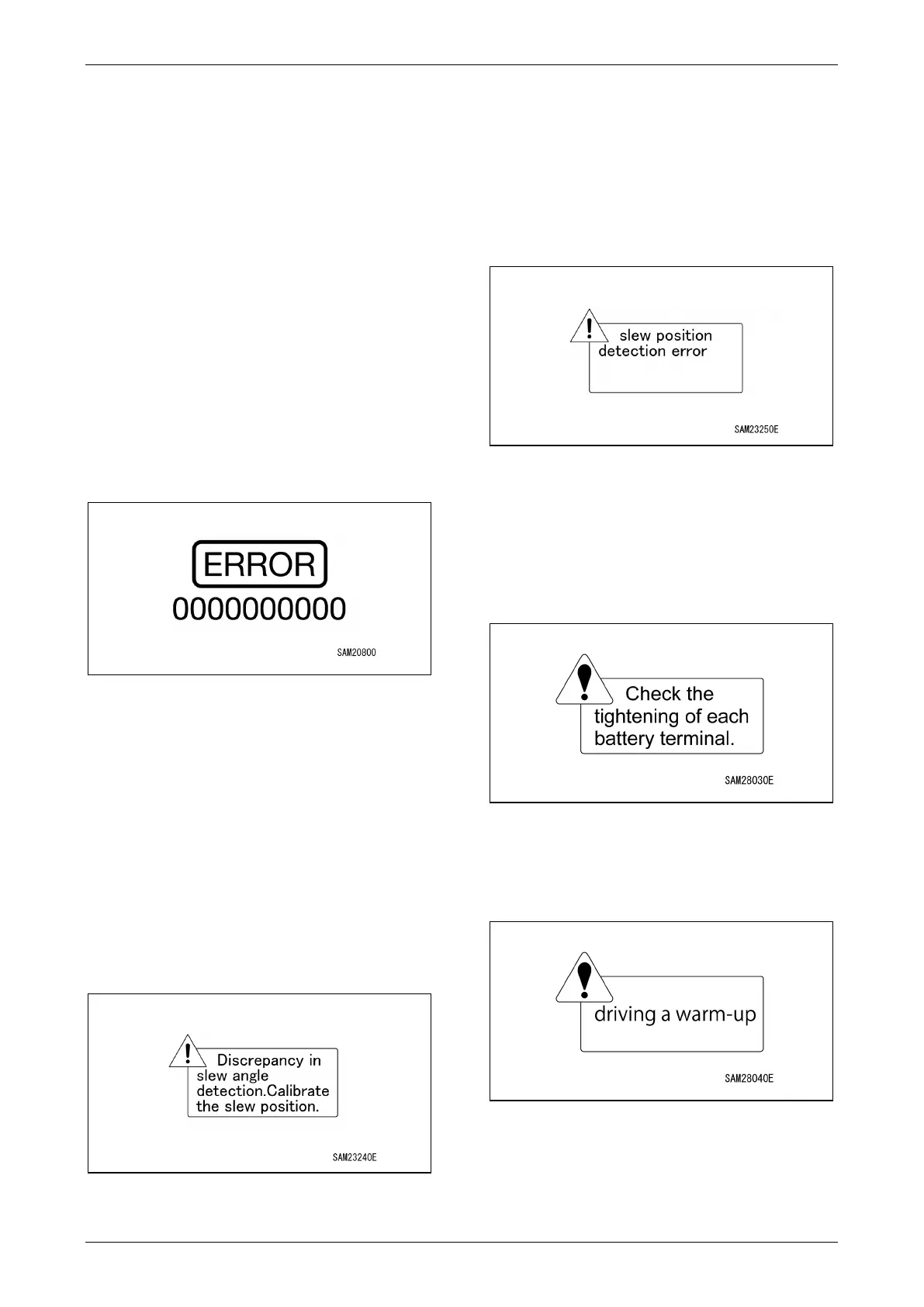
665BError Code Display
Displays an error code for the current error.
If multiple errors occur simultaneously, check
the error history display in user mode.
Fig. 4-48
NOTICE: Error codes are also displayed if faults
other than consumable related indications are
displayed. For more information on error codes,
see “Error Codes” on page 5-62, and take
corrective action.
Slew Position Abnormality
A warning is displayed if the slewing angle is
offset.
If a warning appears, see “Slewing Position
Calibration” on page 5-63 and calibrate the
slewing angle.
Fig. 4-49
Slew Detection Abnormality
A warning is displayed if an abnormality occurs
when using slewing operation lever limit switch
detection.
If a warning is displayed, see “Electrical
Components” on page 5-59 and take the
appropriate corrective action.
Fig. 4-50
Battery Terminal Check Display
Displayed when a voltage difference between
batteries caused by an abnormality in the battery
terminals is detected and stops the motor.
Check the battery terminals.
Fig. 4-51
Warming Up Display
Displayed when the machine is warming up.
Fig. 4-52



 To Next Page