90 CONTENTS
Since
mvIMPACT Acquire 2.18.1
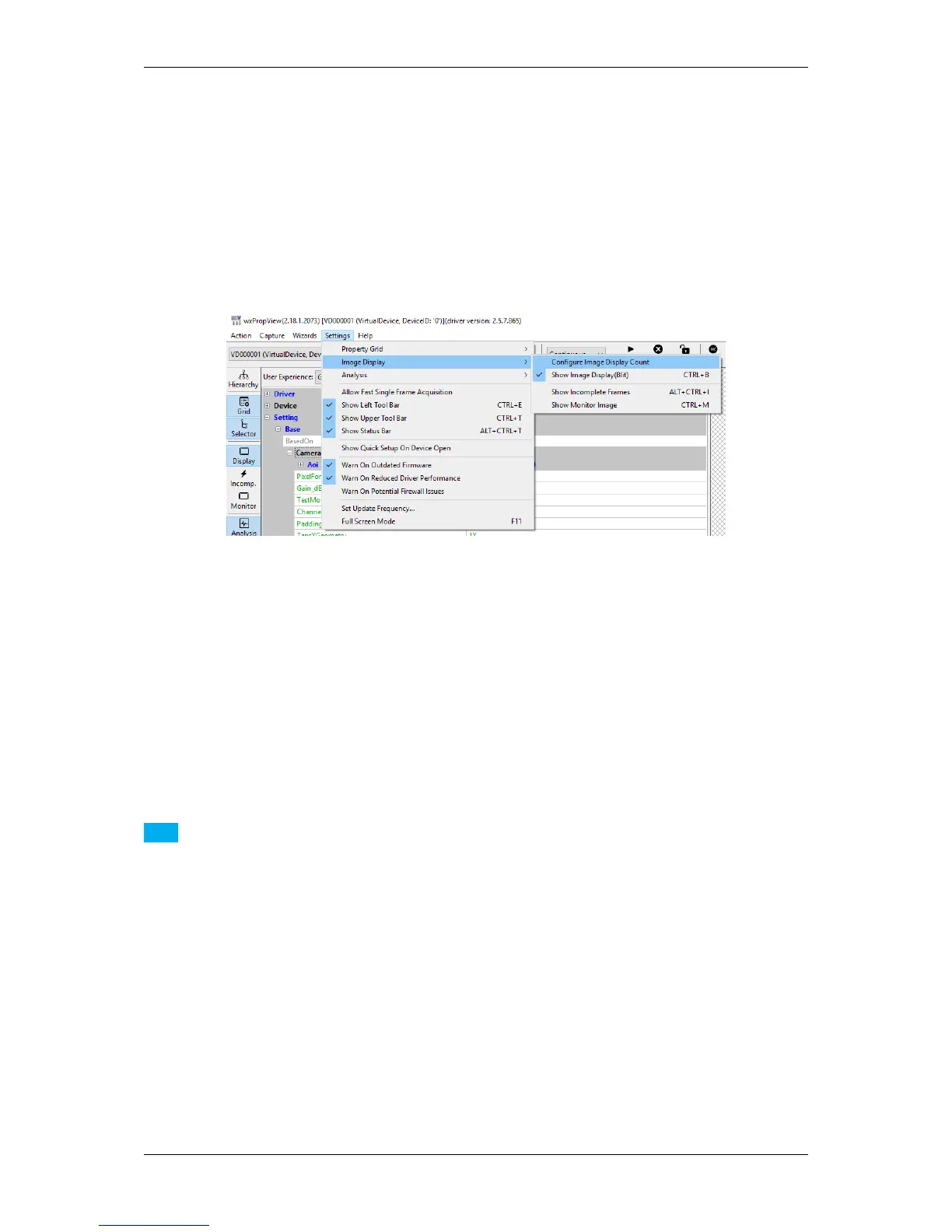
Is is also possible to change the amount of display at runtime via "Settings -> Image Displays -> Configure Image
Display Count":
Figure 15:wxPropView - Create capture setting
Additional capture settings can be created via "Menu Bar": "Capture -> Capture Settings -> Create Capture
Settings". The property grid will display these capture settings either in "Developers" or in "Multiple Settings
View".
Note
In GenICam interface (p. 93) layout multiple capture settings are NOT supported. However, you can define
different acquisition sets using the Sequencer Control (p. 122).
12.1.1.10 Bit-shifting an image
wxPropView (p. 74) shows snapped or live images in the display area of the GUI. The area, however, shows the
most significant bits (msb) of the image in the 8 bit display.
The following image shows how a mid-grey 12 bit pixel of an image is displayed with 8 bit. Additionally, two shifts
are shown.
MATRIX VISION GmbH



 To Next Page