204 CONTENTS
Note
You have to keep in mind that there are two types of images: the one generated in the camera and the other
one displayed on the computer monitor. Up-to-date monitors offer different display modes with different color
spaces (e.g. sRGB). According to the chosen color space, the display of the colors is different.
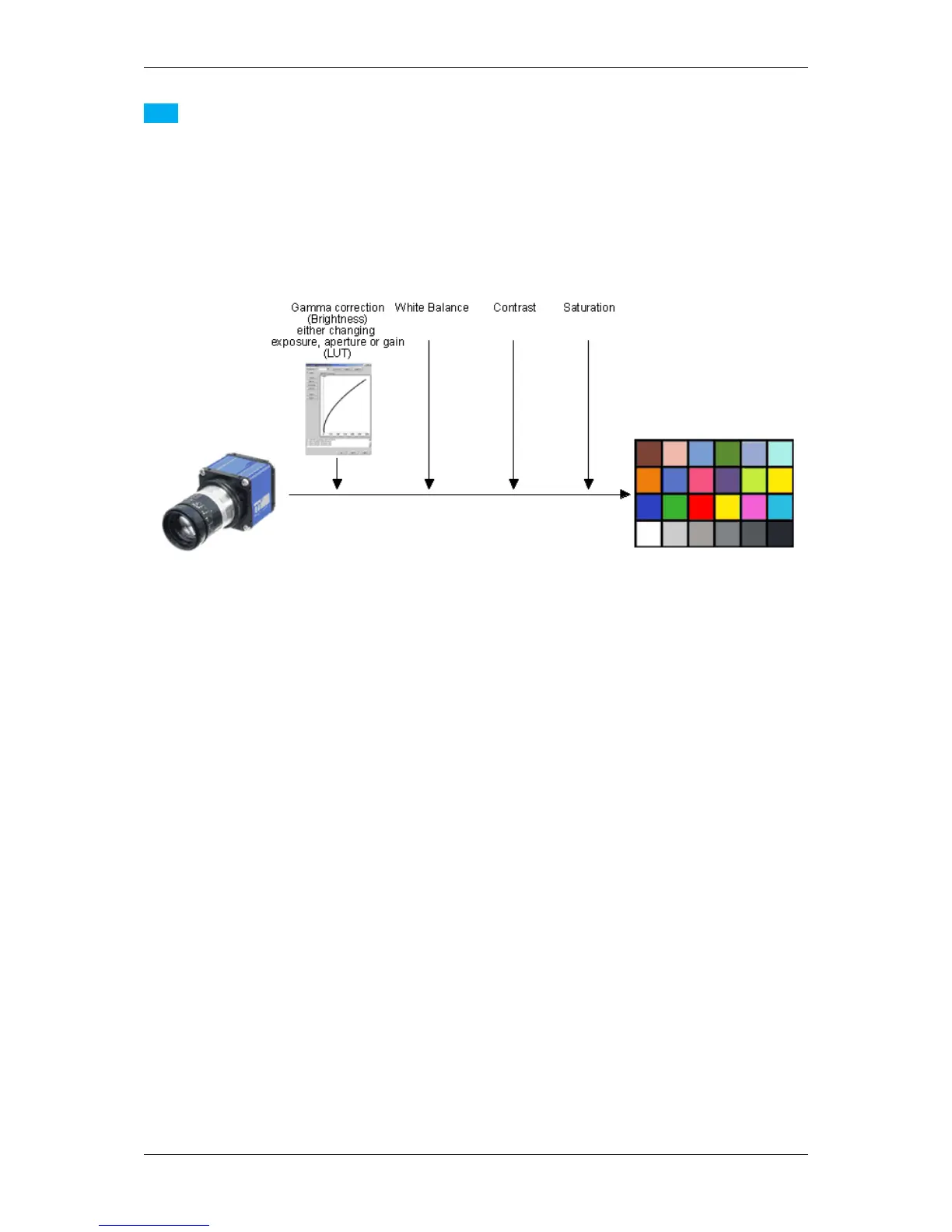
The following figure shows the way to a perfect colored image
Figure 4: The way to a perfect colored image
including these process steps:
1. Do a Gamma correction (Luminance) (p. 204),
2. make a White balance (p. 208) and
3. Improve the Contrast (p. 210).
4. Improve Saturation (p. 212), and use a "color correction matrix" for both
(a) the sensor and / or
(b) the monitor.
The following sections will describe the single steps in detail.
20.3.2.1 Step 1: Gamma correction (Luminance)
First of all, a Gamma correction (Luminance) can be performed to change the image in a way how humans perceive
light and color.
For this, you can change either
• the exposure time,
• the aperture or
• the gain.
MATRIX VISION GmbH



 To Next Page