Medrad™ Intego™
PET Infusion System
94
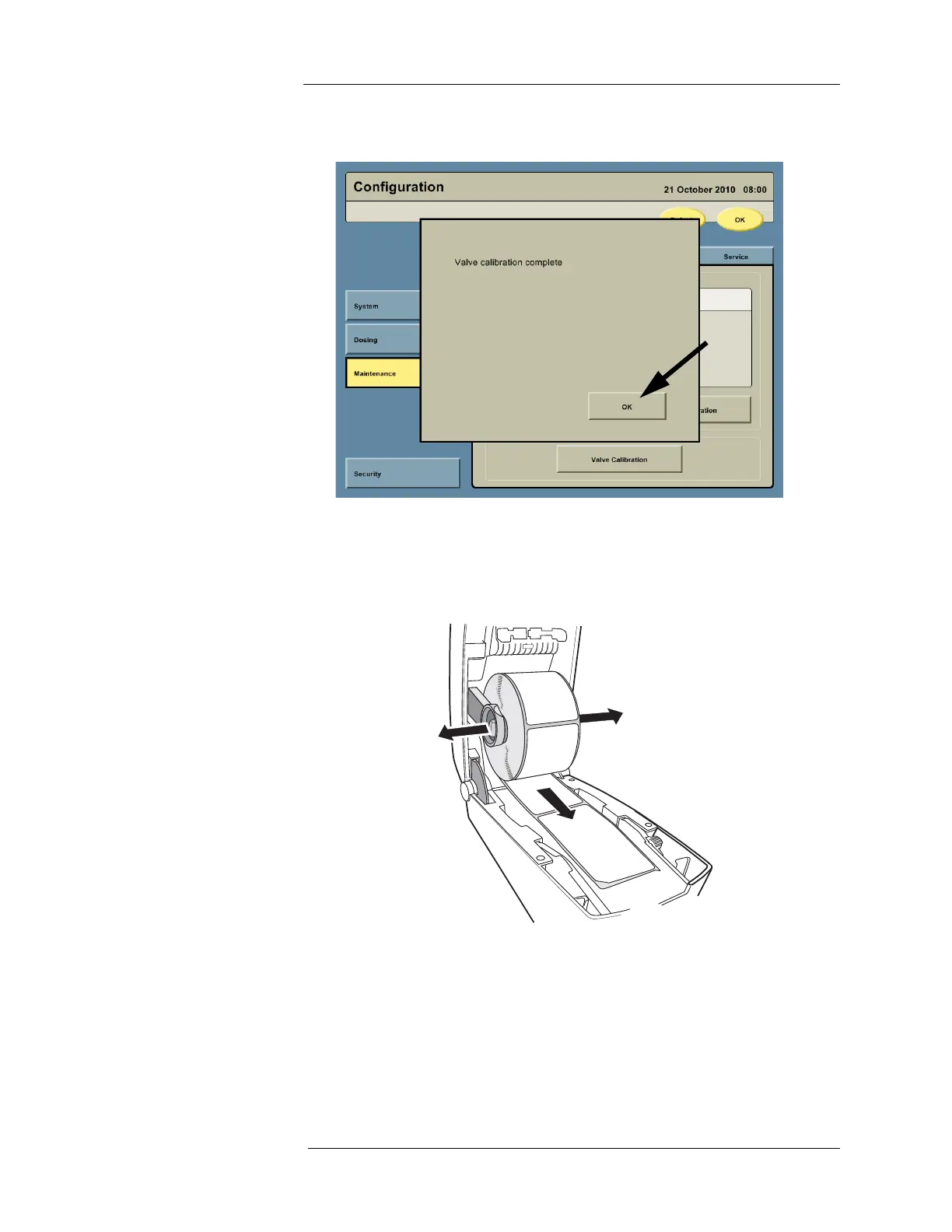
5. When the calibration procedure is complete the system will display a message that
calibration is complete. Press OK.
Replacing the Printer
Paper
1. Depress the two locking catches on the sides of the printer (one on either side) and pull
the printer cover away from the cart. The cover pivots forward and downward. Spread the
two arms holding the roll of paper and remove the spent roll.
2. Place the new roll onto the arms so that the loose end of the paper rolls from underneath.



 To Next Page