67
5 - Patient Infusion
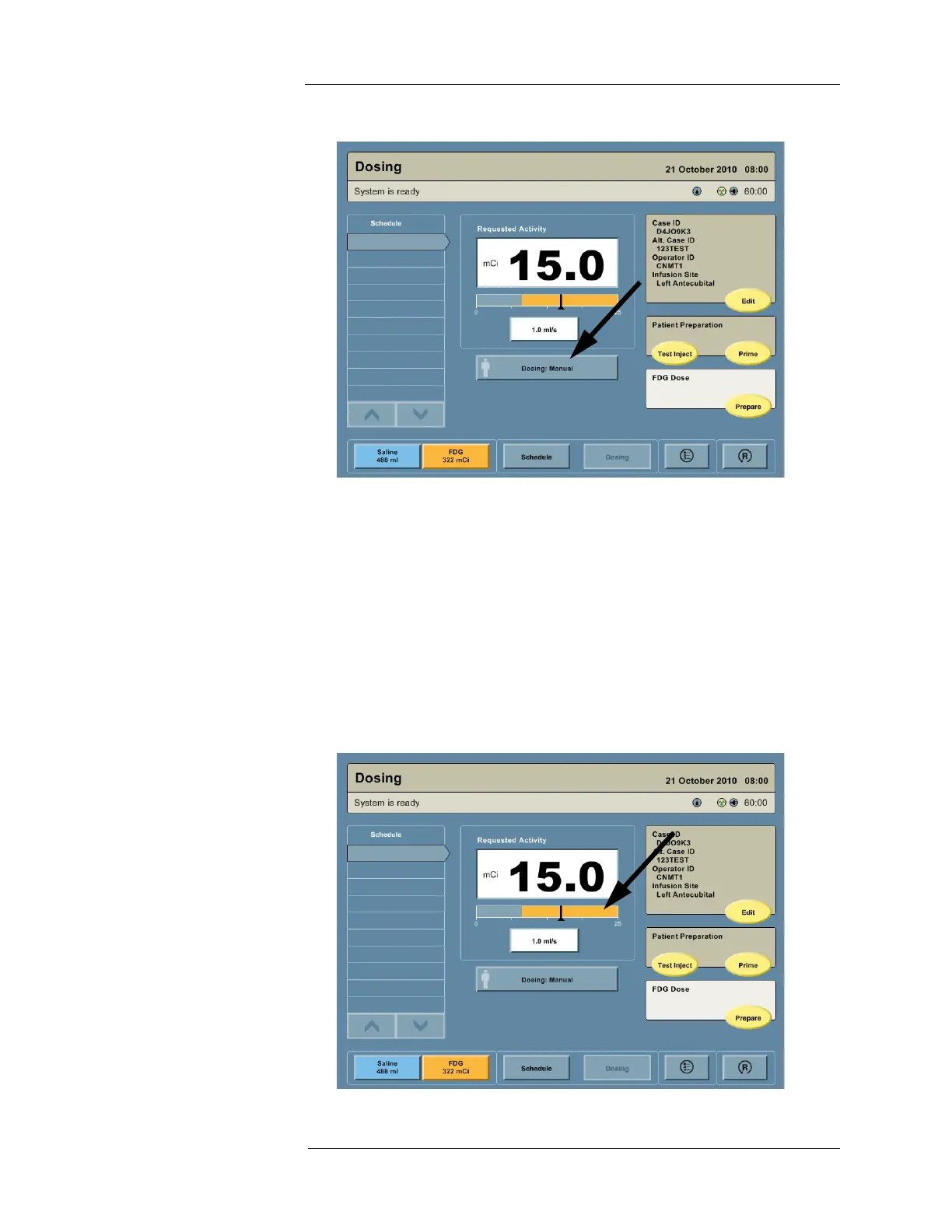
Requested Activity and the Activity Bar
Once the requested patient dose is established, it is displayed graphically on the Activity Bar
below the Requested Activity field. The Activity Bar shows the requested patient dose, valid
dosing range, and personalized dosing limits defined by the user selected formula within the
total patient dosing range of the Intego™ PET Infusion System.
NOTE: The filled color portion covers the valid range of doses the Intego™ PET
Infusion System can deliver under current conditions.
NOTE: The white dashed lines and pointers mark the upper and lower dosing limits
imposed by the currently selected formula (only visible when using Personalized
Dose Entry).



 To Next Page