29
3 - System Configuration
3 - System Configuration
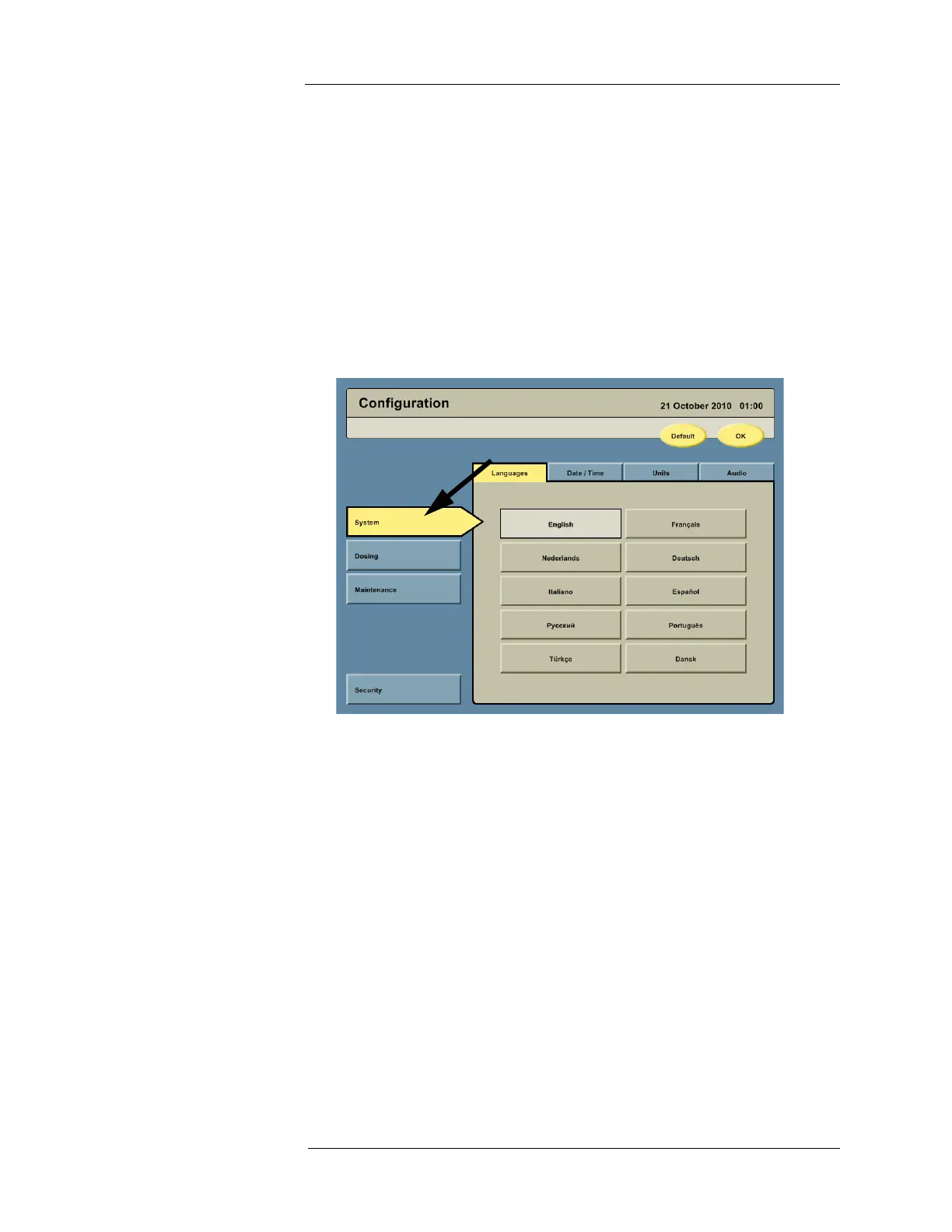
To configure the Intego™ PET Infusion System, press the CONFIGURATION button on the
Navigation Bar.
NOTE: To save configuration changes, press the OK button. To return to the factory
settings, press the DEFAULT button.
System Settings On the left side of the Configuration screen, press the SYSTEM button to access the
configuration options. Languages, Date/Time, Units, and Audio tabs will be displayed along the
top.
1. Press the Languages tab to access the language configuration options.
a. Configure the Intego™ PET Infusion System by pressing the button with the desired
language.



 To Next Page