Medrad™ Intego™
PET Infusion System
6
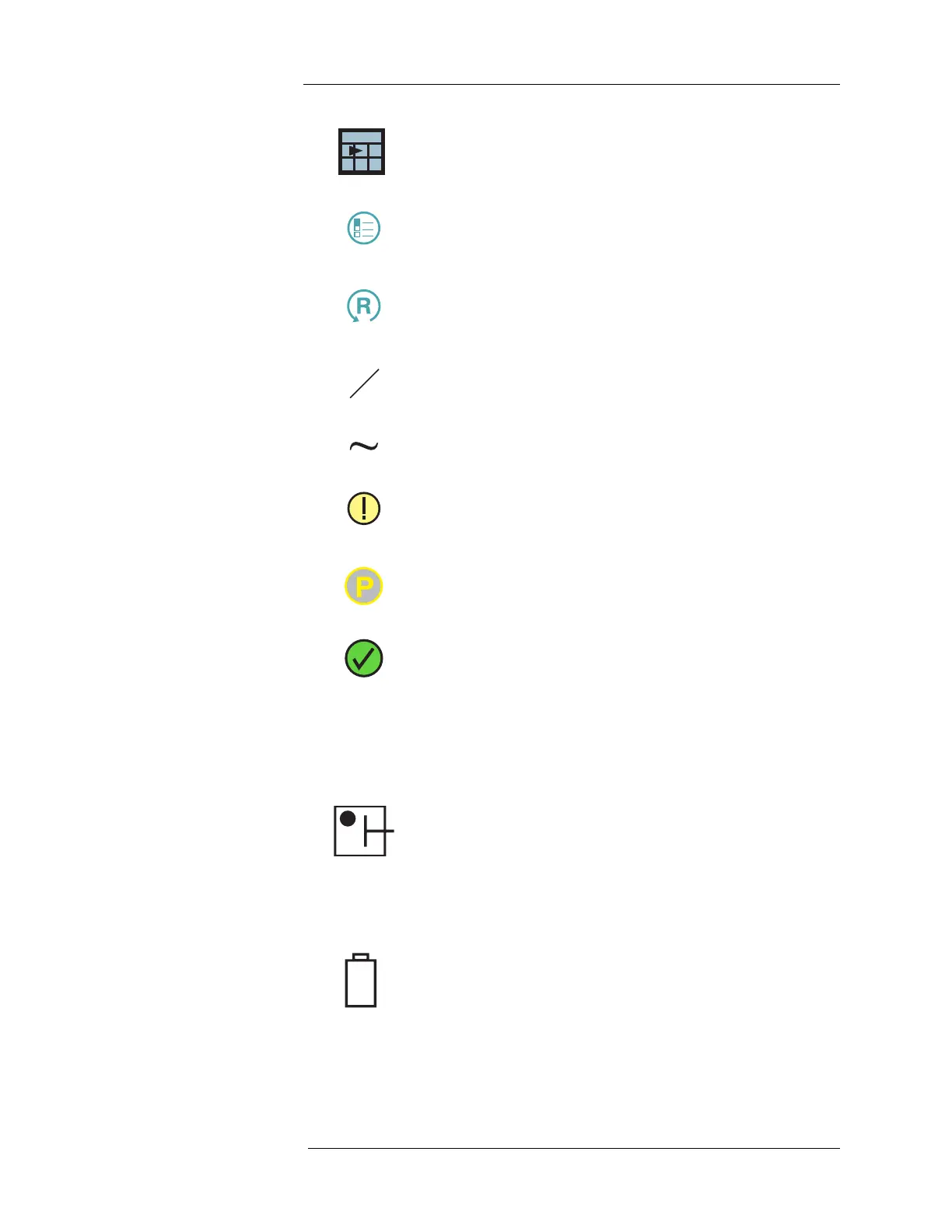
Day selector icon. Toggles between today and yesterday.
Configuration icon. Located on the configuration button; used to
open the Configuration screen.
Reset icon. Located on the reset button. Resets the RP field to the
configured default value or the current scheduled dose and resets
the patient infusion process back to entering patient information.
AM/PM icon. Press this icon to set AM or PM when entering time
data.
Approximately icon. Used to identify estimated values.
Attention icon. Used to identify items that require clinician
attention.
Partial infusion delivered.
Complete infusion delivered.
Status Indicators
The following Status Indicators are used on all Intego™ PET Infusion Systems.
System Power and Dose Calibrator Status (Green)
On – Intego™ PET Infusion System is On and Dose Calibrator is
ready for use.
Blinking – Intego™ PET Infusion System is On and Dose
Calibrator is warming up.
Off – Intego™ PET Infusion System is Shutdown.
Fluid Delivery Battery Backup Status (Amber)
On – Intego™ PET Infusion System is using battery backup.
Blinking – Only 5 minutes or less remain on battery before the
Intego™ PET Infusion System will completely Shutdown. Connect
the Intego™ PET Infusion System to AC power.
Off – Intego™ PET Infusion System is not using battery backup.



 To Next Page