43
4 - Daily Setup
.
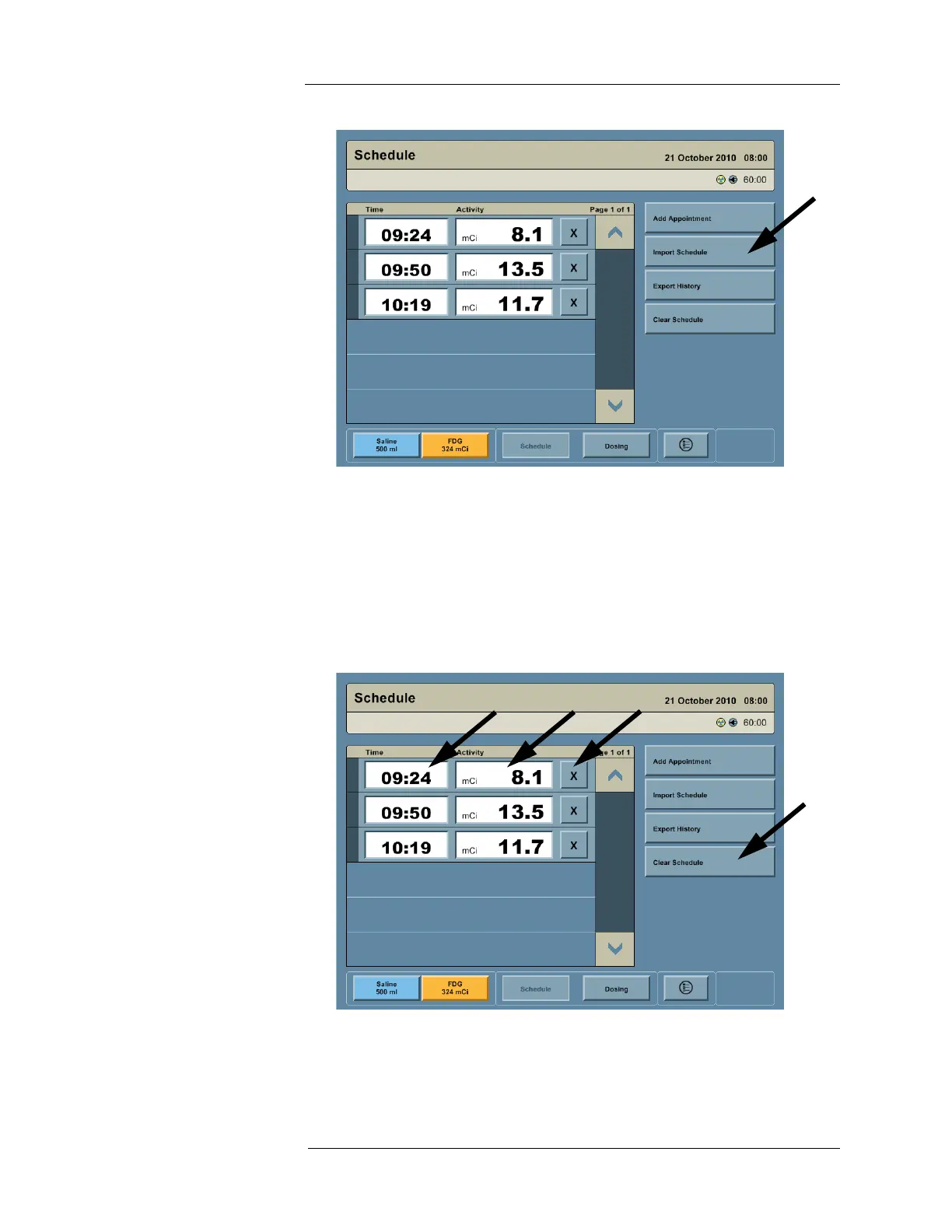
Editing the Schedule
1. To edit a scheduled RP infusion, press the Time field or Activity field and enter the new
value.
NOTE: The Intego™ PET Infusion System automatically sorts the schedule by infusion
time. Editing infusion time may reorder the schedule.
2. To delete a scheduled infusion, press the X button.
3. To remove the entire schedule, press the CLEAR SCHEDULE button.



 To Next Page