19
2 - System Basics
Securing the Intego™
PET Infusion
System
The Device Lock feature secures the display and disables the Drive System (for INT SYS 200
only). A Standard lock can be used to secure the Shielded Chamber.
Locking the Device
NOTE: To enable the Device Lock feature, see "System Configuration."
1. Press the ON/SHUTDOWN/STANDBY button.
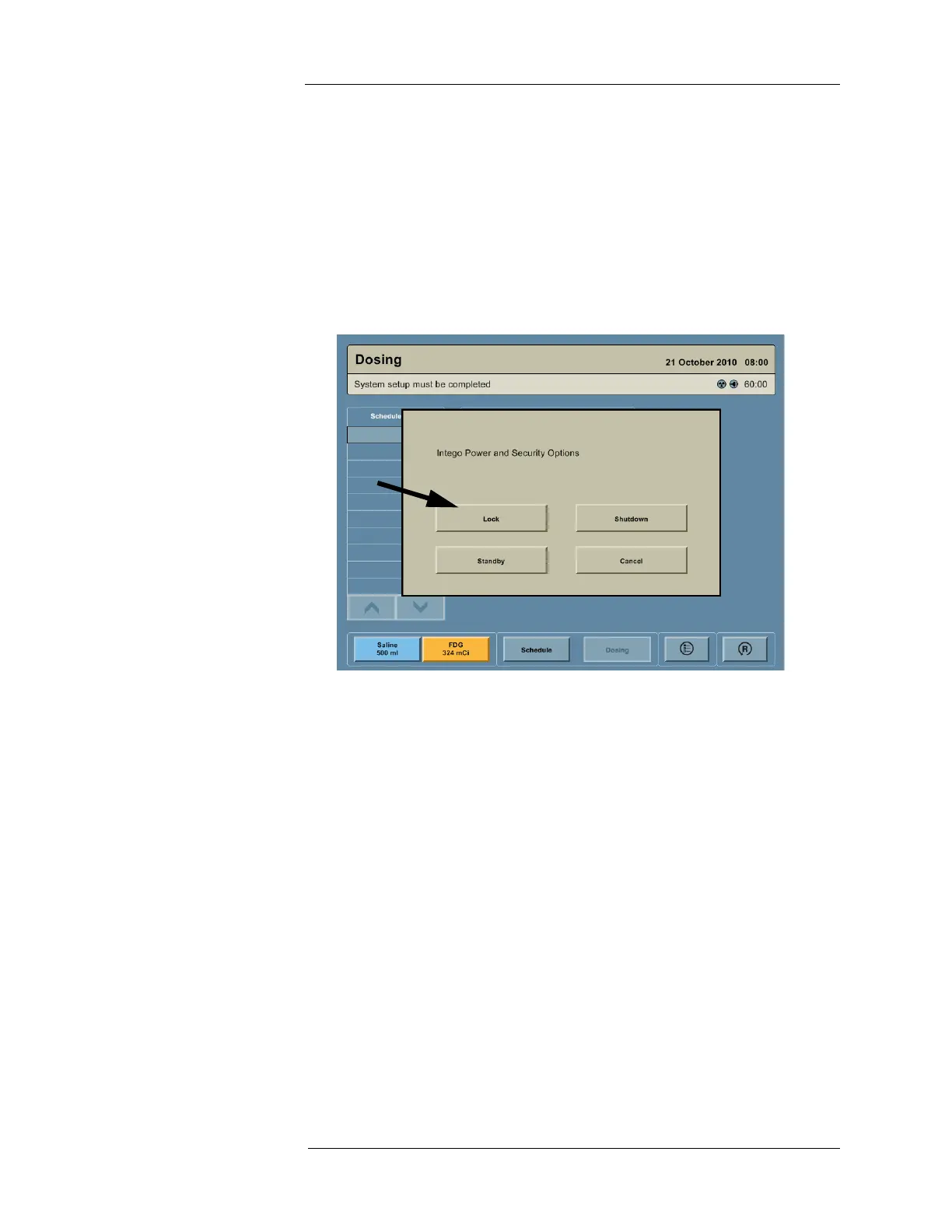
2. A dialog box appears on the screen with the message “Intego Power and Security
Options.” Press the LOCK button. A dialog box appears on the screen with the message
“Device Locked.”



 To Next Page