Medrad™ Intego™
PET Infusion System
72
3. To start the next patient, install a PAS, go to the Dosing screen, and proceed with
"Entering Patient Information."
Monitoring the Vial The Intego™ PET Infusion System continuously analyzes if the activity and volume of the
currently loaded Multi-Dose Vial is sufficient to meet the dosing requirements of the Multi-Dose
Vial schedule. When the Multi-Dose Vial schedule cannot be satisfied with the Multi-Dose Vial,
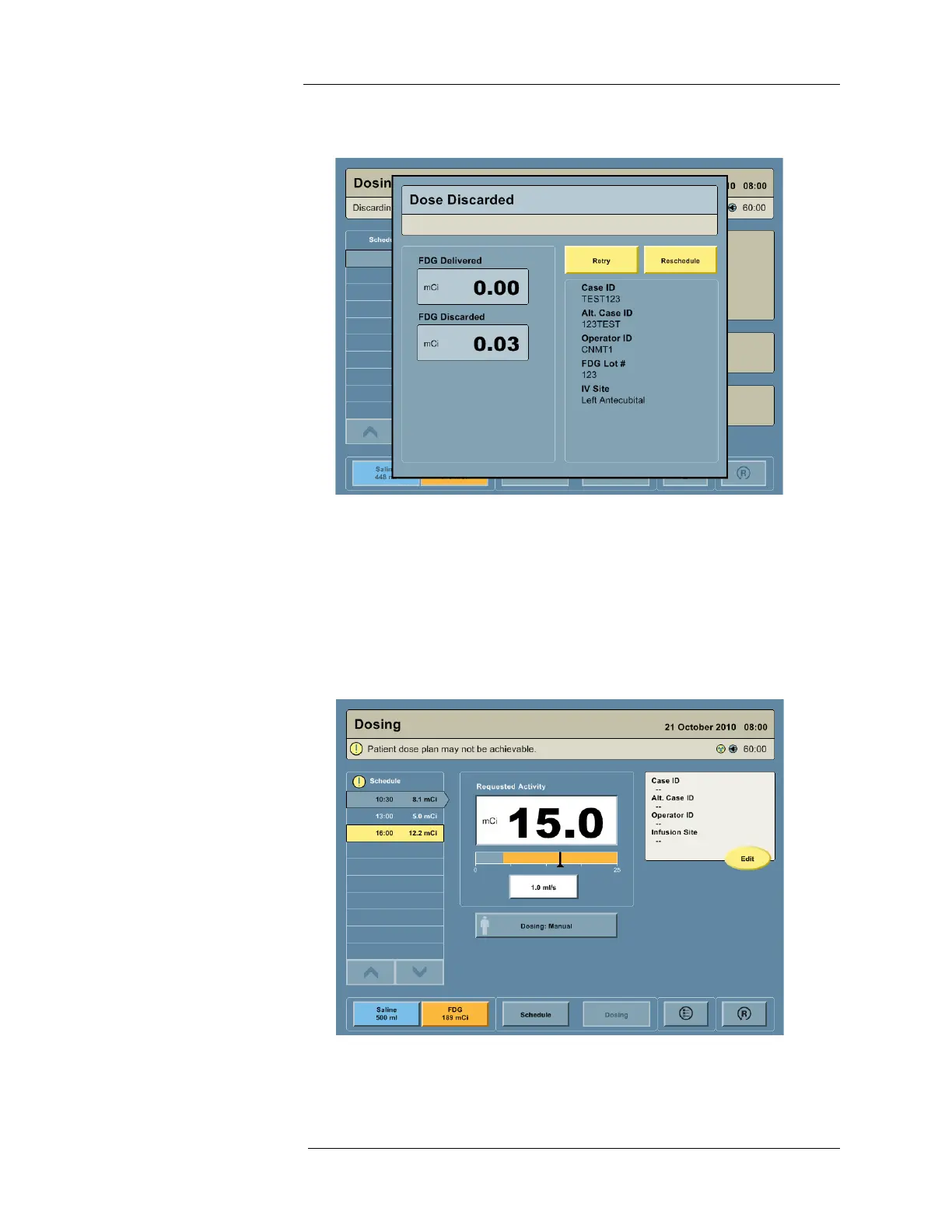
the system alerts the user as follows:
1. On the Dosing screen: By displaying an Attention icon and message in the Status Bar, by
displaying an Attention icon at the top of the Schedule Monitor, and by highlighting the
unachievable RP infusions in yellow.



 To Next Page