31
3 - System Configuration
a. Configure the weight units by pressing either the POUNDS button or the
KILOGRAMS button.
b. Configure the activity units by pressing either the CURIE button or the BECQUEREL
button.
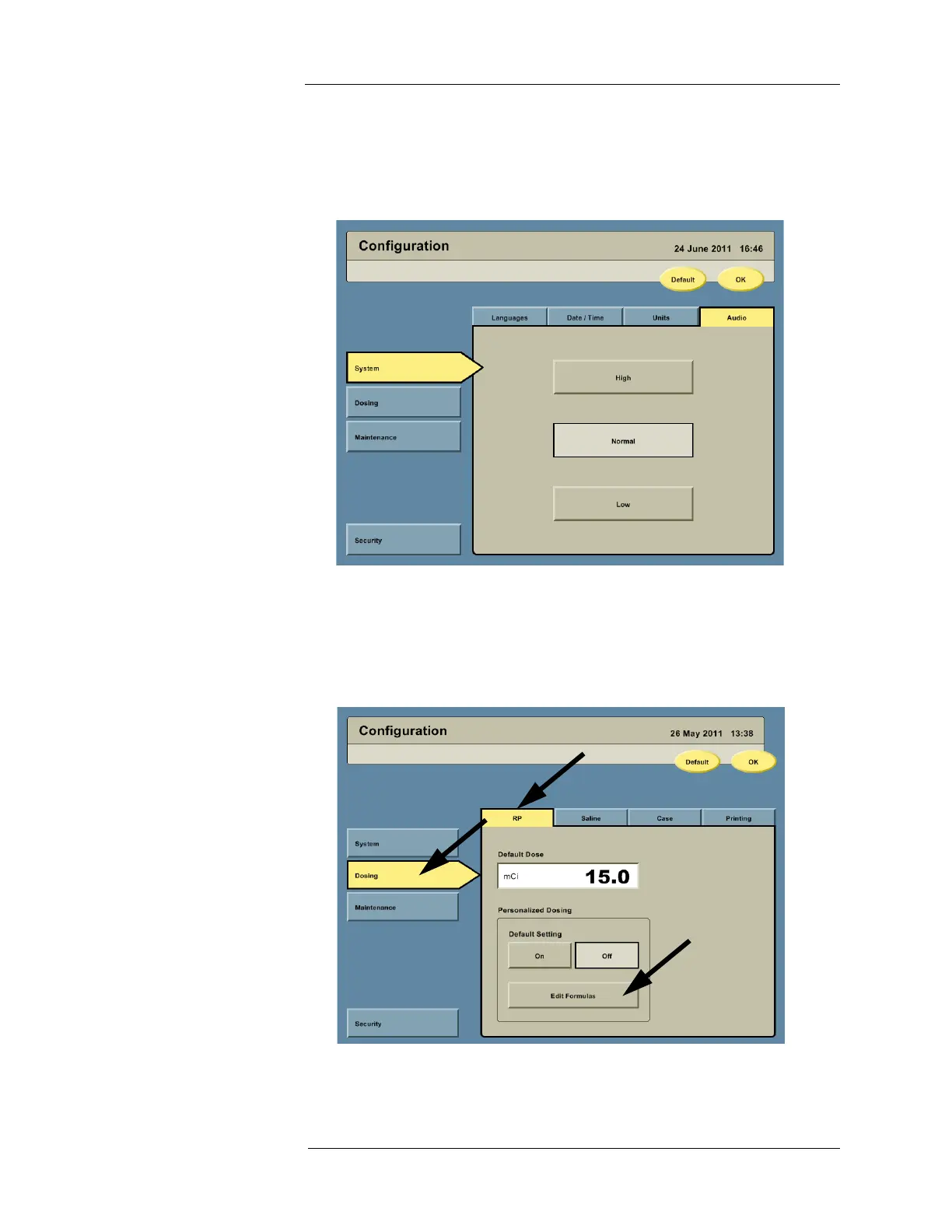
4. Press the Audio tab to access the audio configuration options.
a. Configure the audio level by pressing the HIGH button, NORMAL button, or LOW
button.
Dosing Settings On the left side of the Configuration screen, press the DOSING button to access the dosing
options. RP, Saline, Case, and Printing tabs will be displayed along the top.
1. Press the RP tab to access the RP configuration options.



 To Next Page