45
4 - Daily Setup
Performing Daily QC The Daily QC confirms proper operation of the Dose Calibrator. Daily QC can only be
performed without a Multi-Dose Vial or SAS installed. It is possible to perform RP infusions
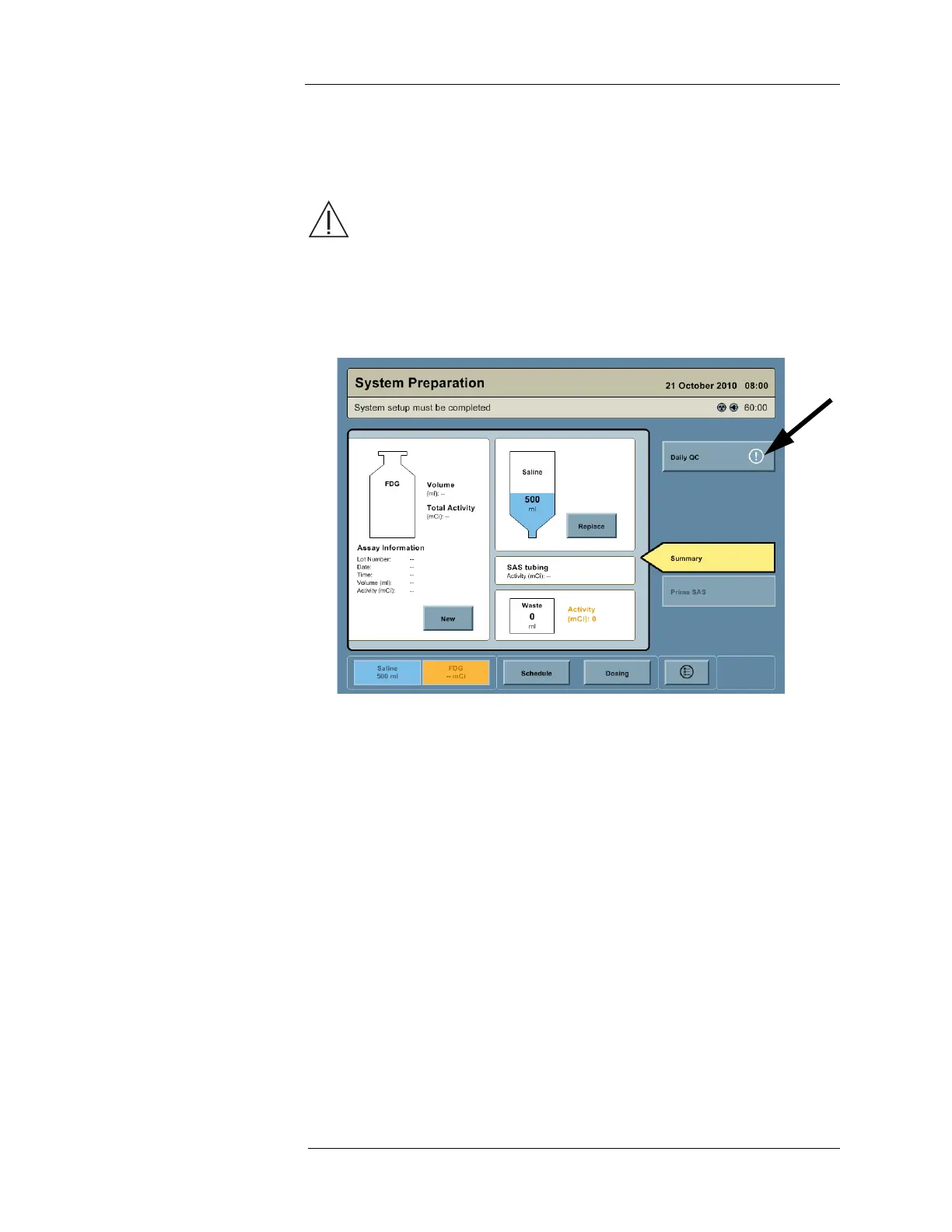
without valid Daily QC results, but this is not recommended. An Attention icon is displayed on
the DAILY QC button when the system is being used without valid Daily QC results.
WARNING: Using the Intego™ PET Infusion System without performing the
necessary QC processes could result in the patient receiving an incorrect
dosage of the RP indicated for use. Be certain to perform all necessary QC checks
at the recommended intervals.
1. Access the System Preparation screen by pressing the SALINE button or RP button on
the Navigation Bar.
2. Press the DAILY QC button.
NOTE: Nearby radiation sources may cause the zero adjustment to fail. Remove any
nearby radiation sources before starting daily QC.



 To Next Page