Medrad™ Intego™
PET Infusion System
46
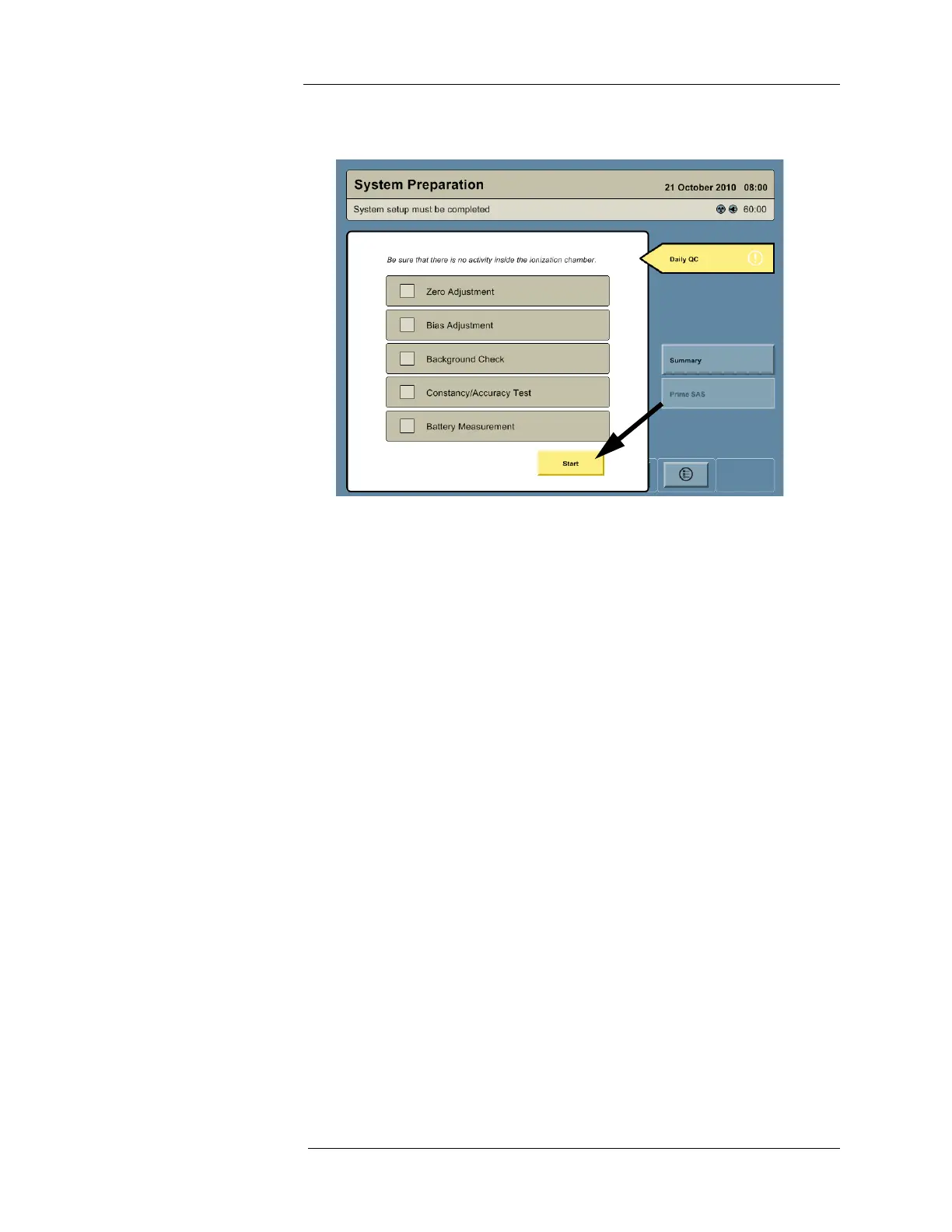
3. Press the START button. The Intego™ PET Infusion System will automatically proceed
with all listed Daily QC tests and check the box next to each test as it completes.
NOTE: The Bias Adjustment may compensate for a failed Zero Adjustment. The Daily
QC is valid if the Zero Adjustment fails but the Bias Adjustment is successful.
4. If the Zero Adjustment fails, check for and remove any nearby sources of radiation and
repeat the Daily QC test from Step 3.
5. Daily QC will pause at the Constancy/Accuracy test and produce the prompt shown
below.
a. If the
137
Cs calibration source is not available, press the SKIP button to bypass the
Constancy/Accuracy test and proceed to step 10.
b. If the
137
Cs calibration source is available but the displayed assay information is
incorrect, press the EDIT button, update the assay information, and proceed to step
6.



 To Next Page