24
Medrad™ Intego™
PET Infusion System
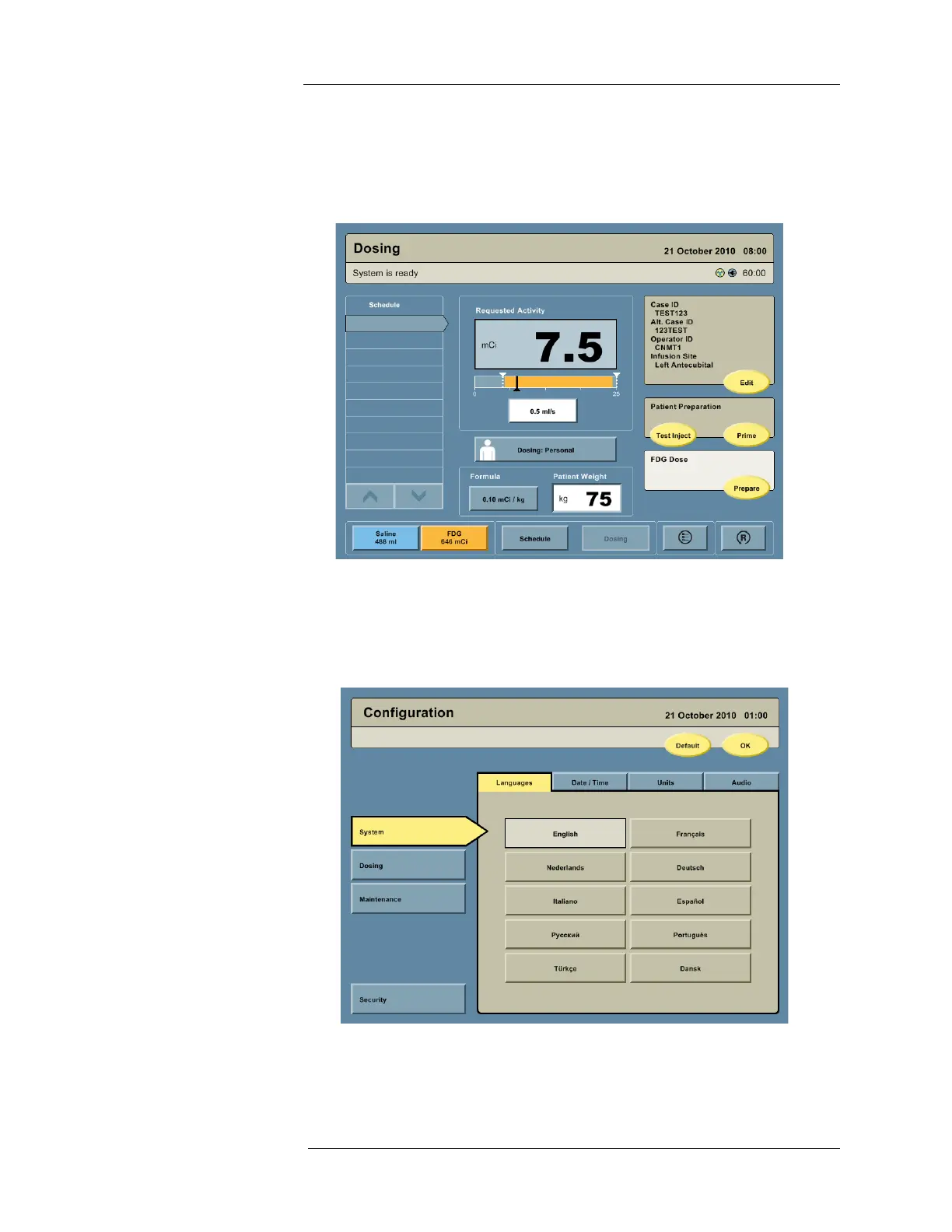
Dosing Screen
This screen enables the user to monitor the Multi-Dose Vial schedule, prepare and deliver the
patient dose using Personalized Dosing or Manual Dosing, enter patient and operator data,
prime the PAS, perform test injections, change the flow rate, and monitor the RP activity being
delivered to the patient.
Configuration Screen
This screen enables the user to set preferences, such as language, date and time, units, audio
level, default values, security code, and Personalized Dosing formulas. Daily QC source assay
information is entered on the Configuration screen. Dose Calibrator quarterly linearity and
yearly calibration, and pinch valve calibration are performed from the Configuration screen.
NOTE: The Navigation Bar does not appear on the Configuration screen. To navigate
from the Configuration screen, it is necessary to press the OK button. The user
will be returned to the screen being used prior to the Configuration screen.



 To Next Page