Medrad™ Intego™
PET Infusion System
30
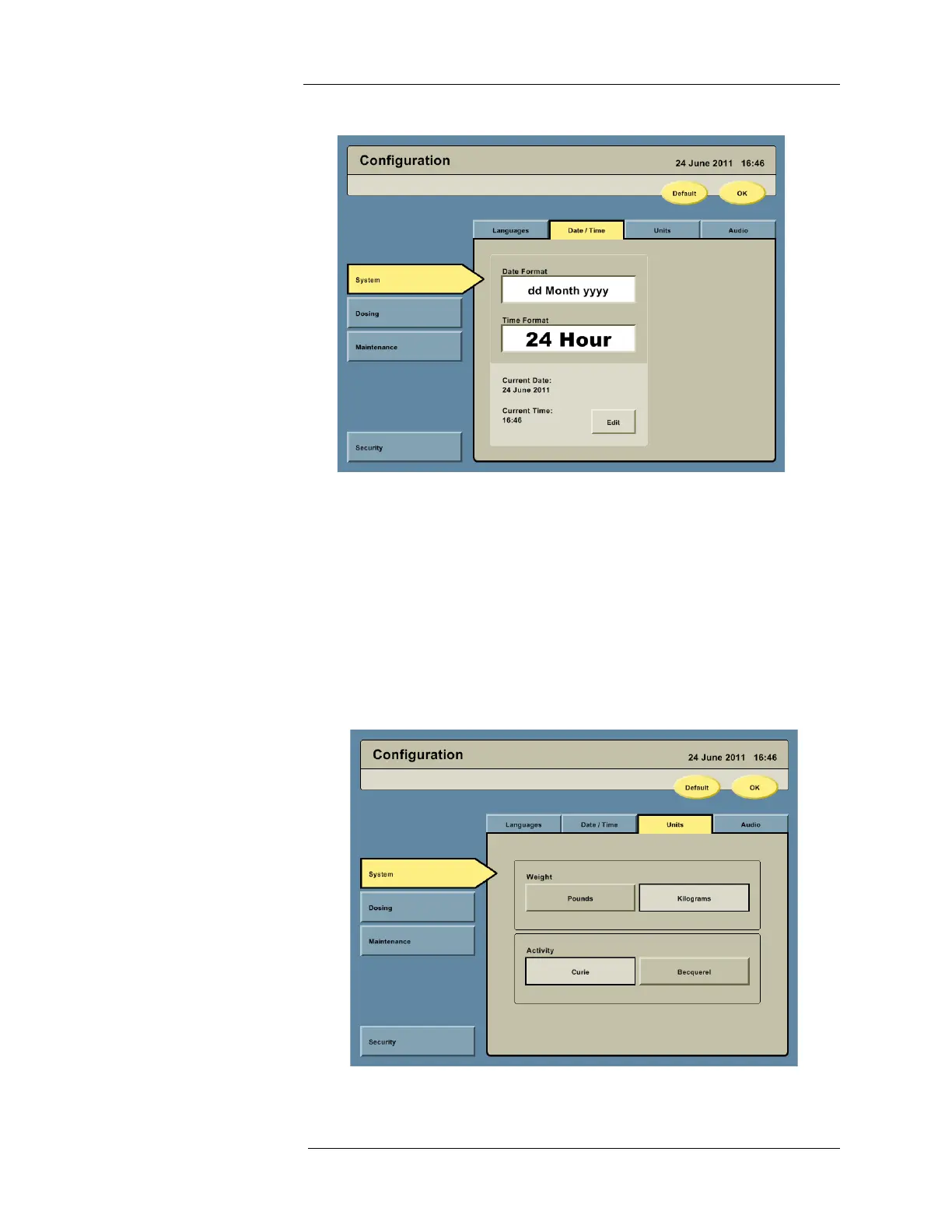
2. Press the Date/Time tab to access the date and time configuration options.
a. Configure the date format by pressing the Date Format field. Five date formats will be
displayed. Press the button showing the desired date format.
b. Configure the time format by pressing the Time Format field. A 12-hour and a 24-
hour format will be displayed. Press the button showing the desired time format.
c. Configure the current date and time by pressing the EDIT button. The current date is
entered by pressing the Calendar icon. The current time is entered by pressing the
Current Time field.
NOTE: The system does not automatically adjust for Daylight Savings Time. The
system time must be adjusted manually.
3. Press the Units tab to access the weight and activity unit configuration options.



 To Next Page