Medrad™ Intego™
PET Infusion System
36
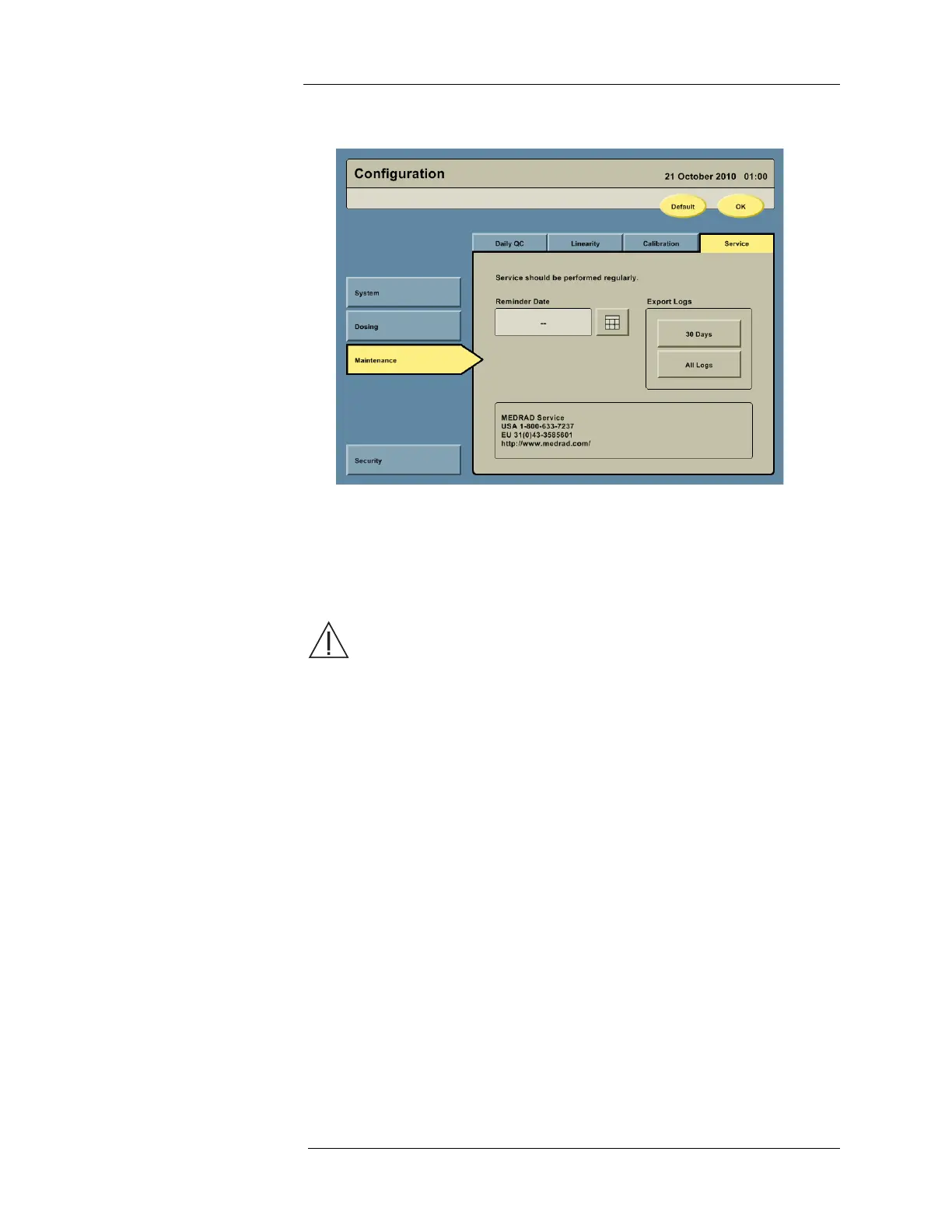
3. Press the Service tab to access the service configuration options.
a. To configure a MEDRAD Service reminder, press the Calendar icon next to the
Reminder Date field and enter the desired date.
b. To export log files, insert a USB memory device into the USB Port. Press either the
30 DAYS or ALL LOGS button, then remove the USB Memory device after the
Intego™ PET Infusion System indicates the export is complete.
WARNING: Shock hazard. This port is intended for connection of USB-powered
devices, such as memory sticks, having no other electrical power connections.
Connection of devices having other electrical power connections to this port may
result in an electrical shock hazard.
c. MEDRAD contact information is on the Service Configuration screen.



 To Next Page