Medrad™ Intego™
PET Infusion System
40
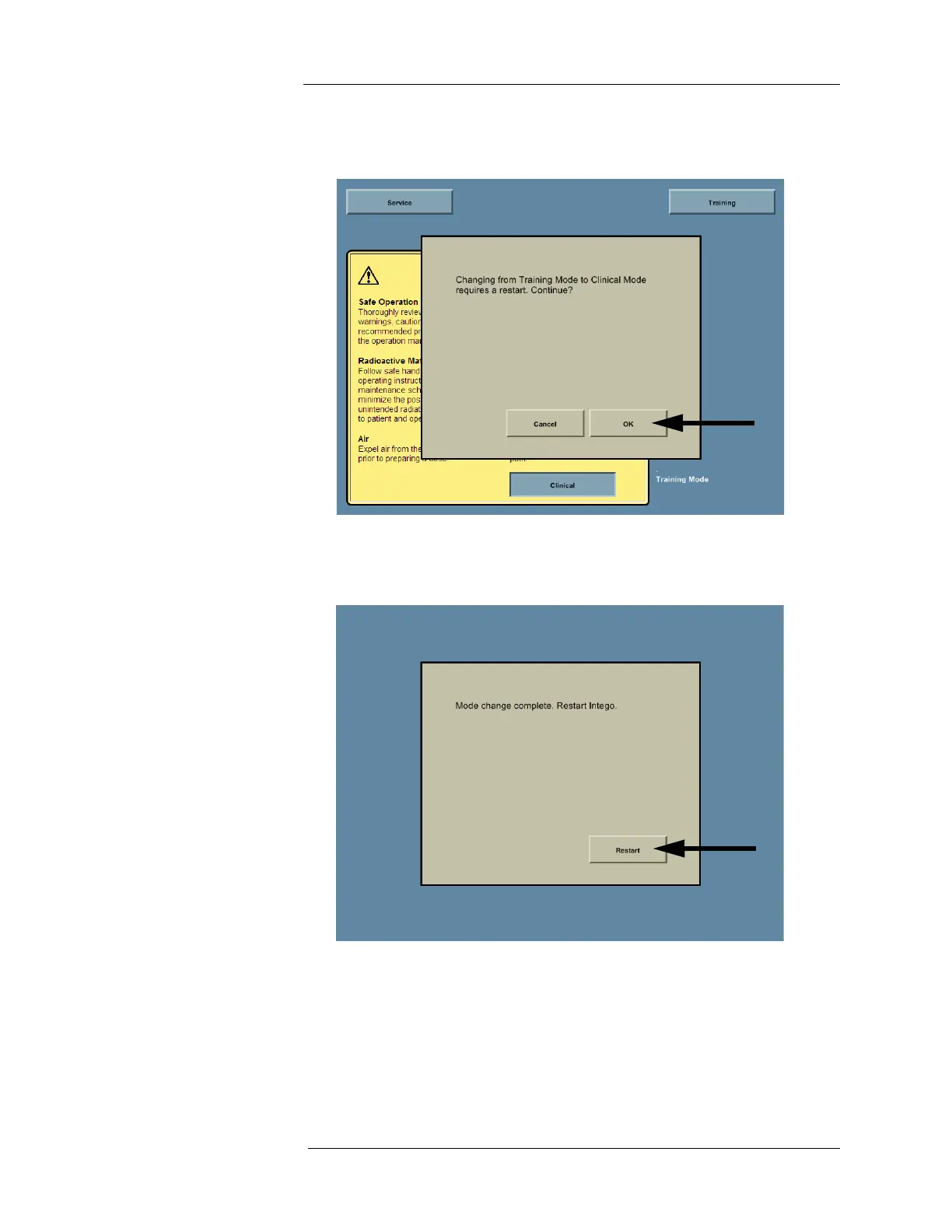
3. If the Intego™ PET Infusion System was in Training Mode, the system will display the
message “Changing from Training Mode to Clinical Mode requires a restart. Continue?”
Press OK to proceed.
4. The Intego™ PET Infusion System will display a progress bar while switching to Clinical
Mode. When complete, the system will display a message prompting the user to restart.
Press the RESTART button to Restart the system.
5. At the Introduction screen, press the CLINICAL button.



 To Next Page