Medrad™ Intego™
PET Infusion System
62
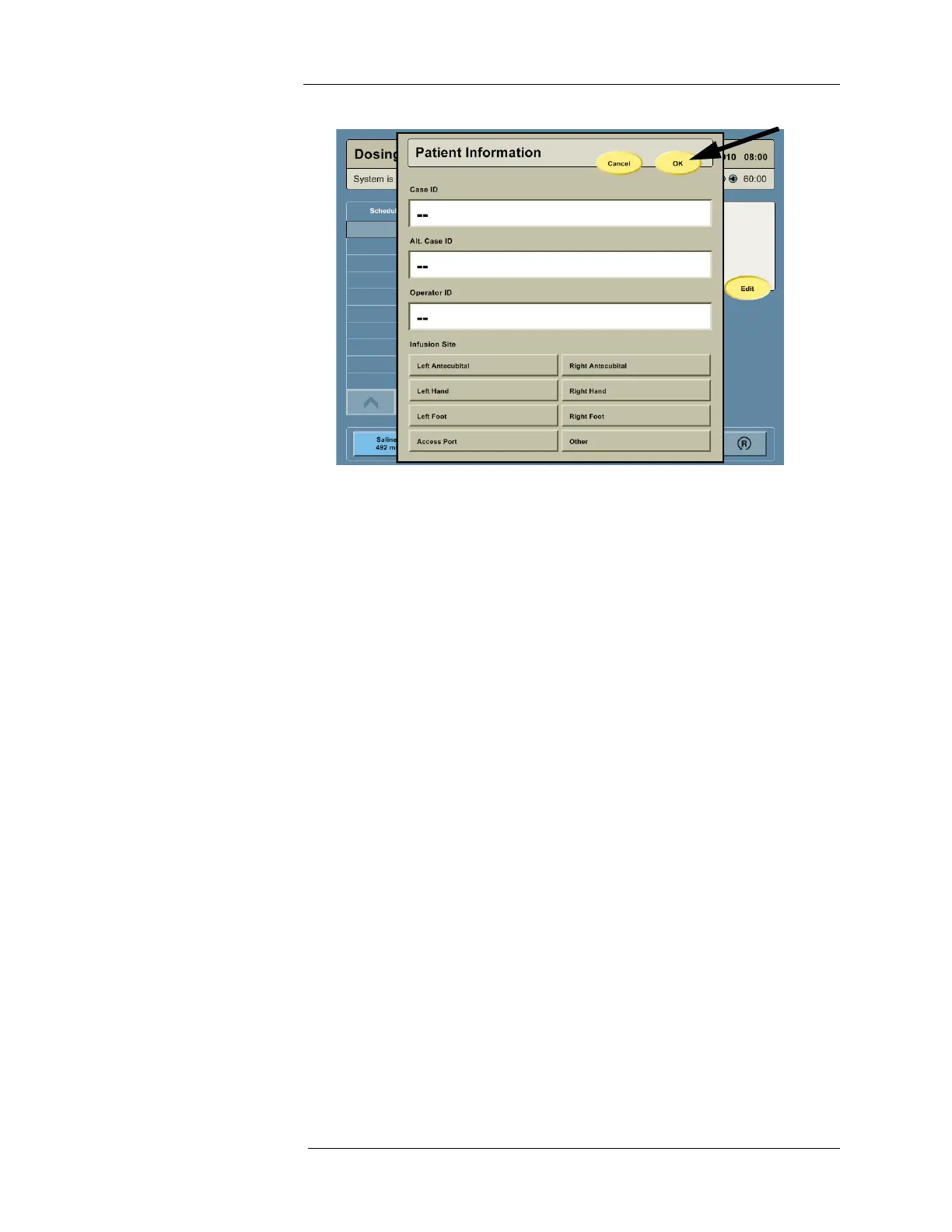
4. Enter patient and operator information and update any information that is incorrect. To
enter a Case Identifier, Alternate Case Identifier, or Operator Identifier, touch the
corresponding data field and an on-screen keyboard will appear. To enter an Infusion Site,
press the desired Infusion Site button. Press OK when finished entering patient
information.
NOTE: The Intego™ PET Infusion System requires confirmation that the Patient Entry
field has been reviewed, even if information was not entered. To proceed
without entering information, press EDIT, then press OK.



 To Next Page