X
To select an area: when the map with
crosshair appears, press the controller.
A red square appears on the map, symbol-
izing the area to be blocked.
X
To change the size of the area, turn the
controller.
The map scale is shown at the bottom of the
display. The needle points to the map scale
currently selected.
X
When the desired size is set, press the con-
troller.
The area is entered into the list.
Turning Area on/off and displaying/
changing the area
X
To switch to navigation mode: press the
ß button.
X
To show the menu: slide 6 the control-
ler.
X
To select Options: turn and press the con-
troller.
X
Select Route Settings.
X
Select Avoid Options.
X
Select Avoid Area.
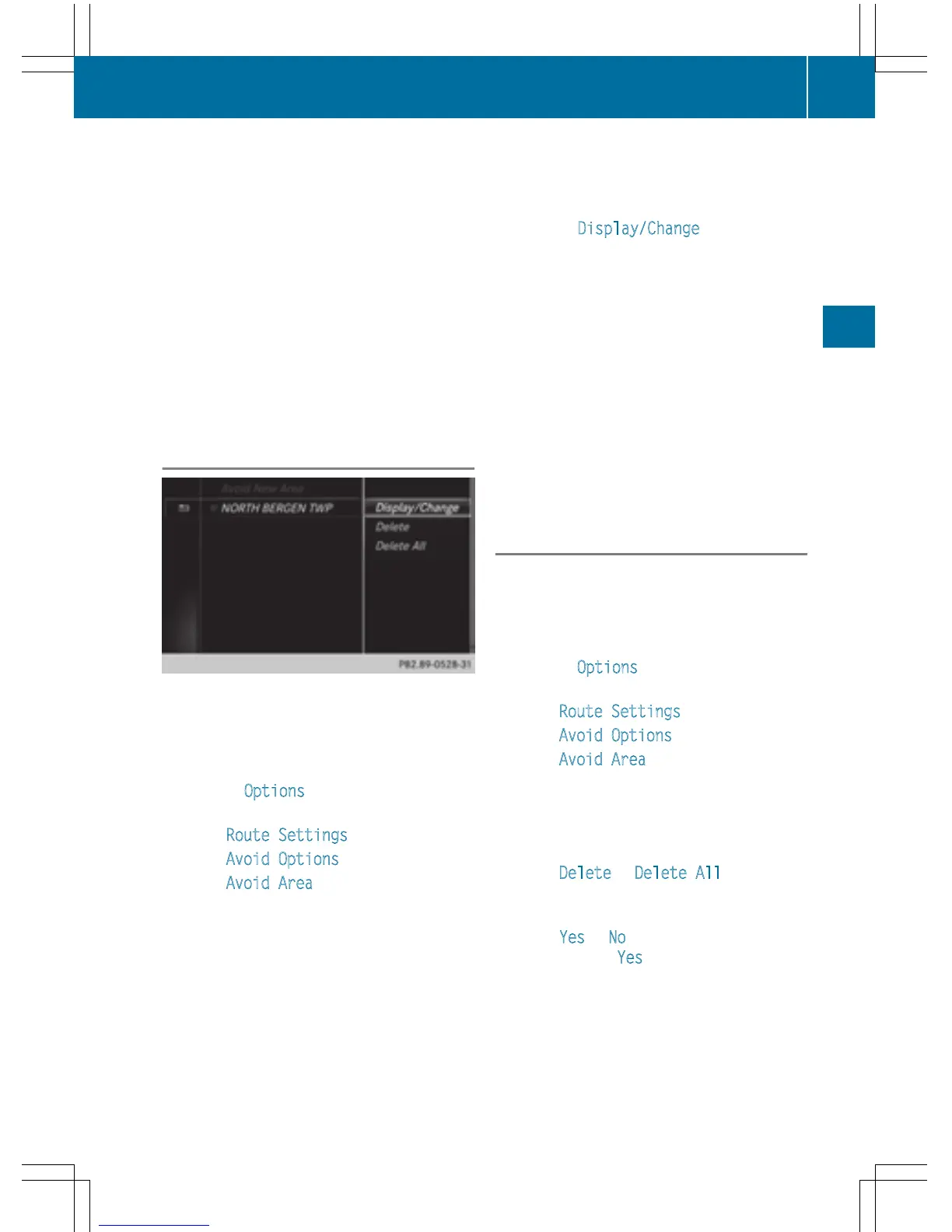
A list appears.
X
To switch an area to avoid on/off: select
an area by turning and pressing the con-
troller.
The area will be avoided O or not ª.
X
To display/change an area: mark an area
by turning the controller.
X
Slide 9 the controller.
X
To select Display/Change: press the con-
troller.
The map with the crosshair appears.
The area currently blocked is displayed as a
red square.
X
To move the area to a new location: slide
1, 4, 2 the controller.
X
To change the size of the area: press the
controller.
X
Turn the controller.
X
To accept changes: press the controller.
A message appears stating that the area
has been set.
Deleting one/all areas
X
To switch to navigation mode: press the
ß button.
X
To show the menu: slide 6 the control-
ler.
X
To select Options: turn and press the con-
troller.
X
Select Route Settings.
X
Select Avoid Options.
X
Select Avoid Area.
A list appears.
X
To delete an area: mark an area by turning
the controller.
X
Slide 9 the controller.
X
Select Delete or Delete All.
A prompt appears asking whether you wish
to delete the area.
X
Select Yes or No.
After selecting Yes
, the area is deleted.
X
To delete all areas: when the list appears,
slide 9 the controller.
Map functions
101
Navigation
Z



 To Next Page