Selection Instructions
Search By Name
Searches for all POIs on
the digital map or around
one of the three previ-
ously specified positions
X
Call up the POI menu (Y page 72).
X
To select Search By Name: turn and press the controller.
X
Select All POIs or one of the three previously selected posi-
tions.
The POI list with character bar appears.
X
Enter a name.
or
X
To select Mercedes-Benz Service: turn and press the con-
troller.
Search By Phone Num‐
ber
All POIs with a telephone
number can be selected.
X
Call up the POI menu (Y page 72).
X
To select Search By Phone Number: turn and press the con-
troller.
You will see a list of phone numbers.
X
Enter the telephone number.
The telephone number consists of:
R
the country code (international dialing code)
R
the area code
When entering the area code, omit the leading "0"
R
the telephone number of the participating caller
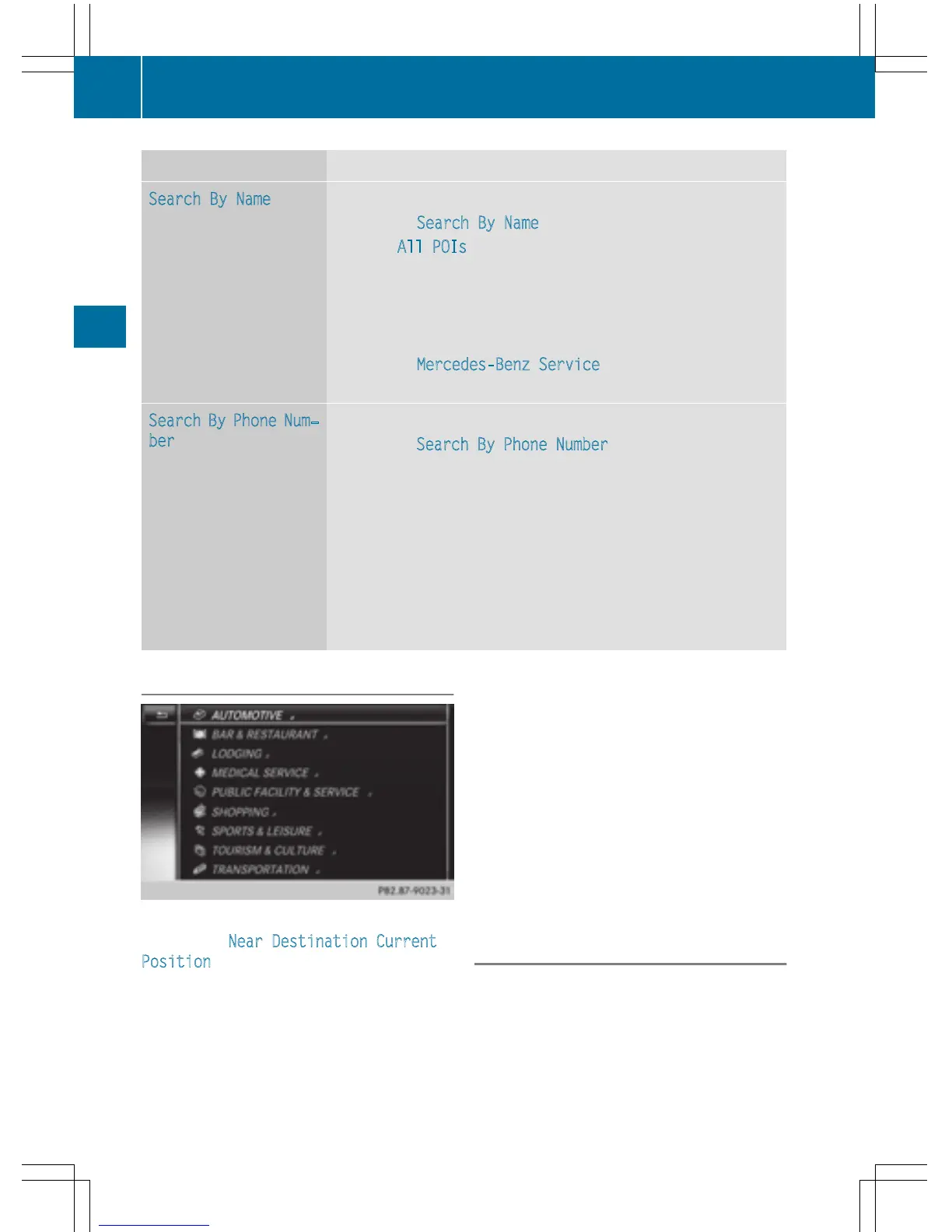
Selecting a POI category
POI categories appear after choosing the
menu items Near Destination
, Current
Position and after entering another city.
X
Turn and press the controller.
The G symbol after an entry shows that
further categories are available.
X
Select a sub-category.
The POI search covers a 240 mile (400 km)
radius around the selected position.
Once the search is completed, the POI list
is displayed.
The search results display the following
information:
R
an arrow that shows the linear direction
to the POI (search around vehicle posi-
tion)
R
the linear distance to the POI
R
the name of the POI
X
Select a point of interest (Y page 74).
The complete address of the POI is shown.
Selecting a POI
Requirement for "Calling up POI": a mobile
phone must be connected to COMAND
(
Y page 112).
Requirements for "Viewing the vicinity of the
destination" and "Loading data from the Inter-
net" (USA): mbrace must be activated for
Internet access (
Y page 146).
74
Destination entry
Navigation



 To Next Page