X
To store an intermediate destination in
the destination memory: select Save
(Y page 94).
X
To accept an intermediate destination:
select Start
by pressing the controller.
The destination is entered in the intermedi-
ate destinations menu.
If Calculate Alternative Routes
is
activated (
Y page 64), instead of Start,
menu point Continue
is available.
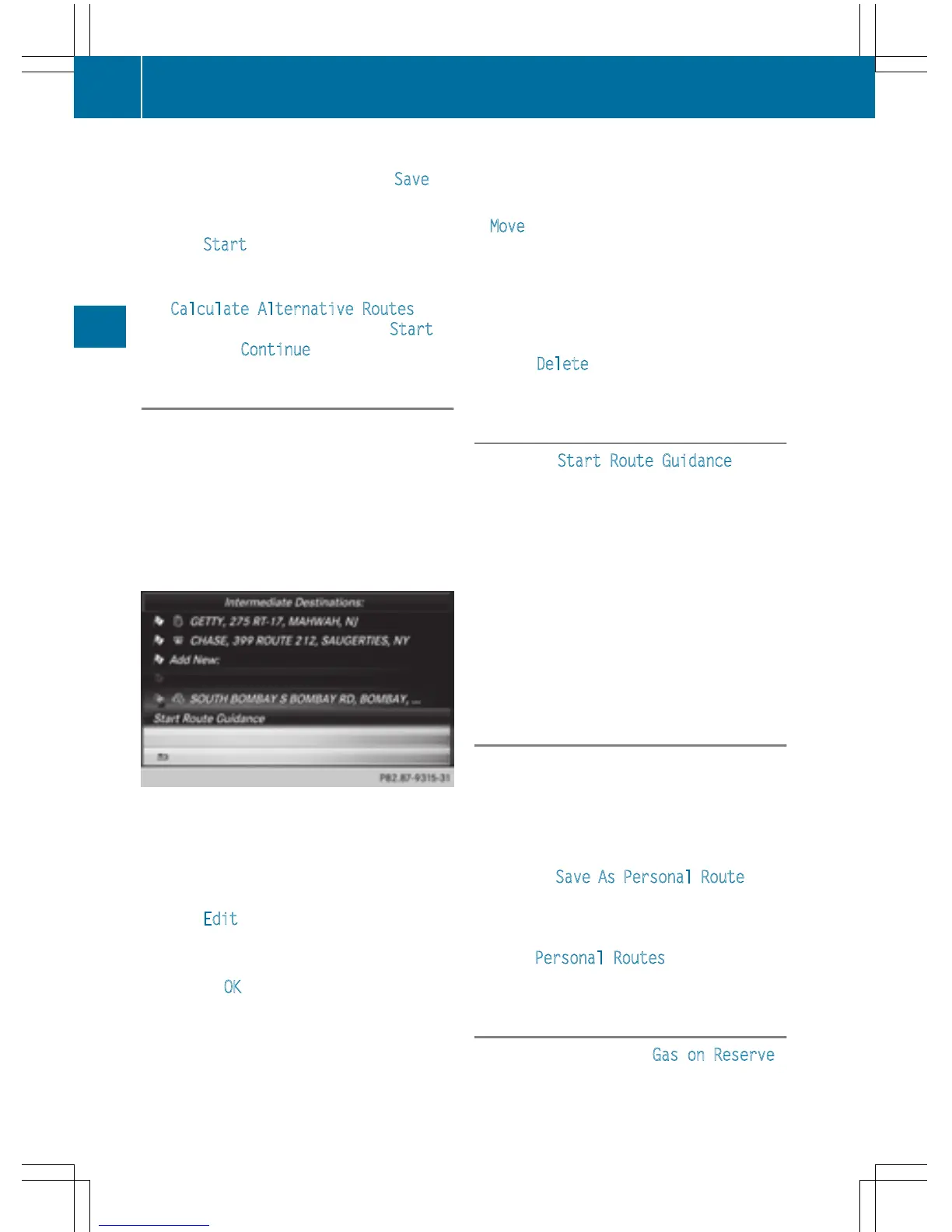
Editing intermediate destinations
You can perform the following functions:
R
change intermediate destinations
R
switch the sequence of the intermediate
destinations in the intermediate destina-
tions menu
R
delete intermediate destinations
i
You cannot edit POIs.
X
To select an intermediate destination in the
intermediate destinations menu: turn and
press the controller.
A menu appears.
X
To change an intermediate destination:
select Edit
in the menu.
X
Change the address, e.g. the city and
street.
X
To select OK: turn and press the controller.
The intermediate destinations menu
appears and displays the changed inter-
mediate destination.
You can enter the intermediate destinations
and the destination in any order. To change
the order, at least one intermediate destina-
tion and the destination must be entered.
X
To change the order: in the menu, select
Move
.
X
Turn the controller and move the intermedi-
ate destination or destination to the
desired position.
X
Press the controller.
X
To delete an intermediate destination:
select Delete
in the menu.
Accepting intermediate destinations
for the route
X
To select Start Route Guidance in the
intermediate destinations menu: press the
controller.
The route is calculated with the entered
intermediate destinations.
If an intermediate destination was passed
during route guidance, a green tick mark
will be entered in the intermediate destina-
tions menu. Once the route has been recal-
culated, the intermediate destination is
deleted from the intermediate destinations
menu.
Saving as a personal route
You can save a route with intermediate des-
tinations on the SD memory card.
Requirement: the SD memory card is format-
ted using the FAT file system (e.g. FAT32).
X
Insert the SD memory card (Y page 182).
X
To select Save As Personal Route in the
intermediate destinations menu: press the
controller.
The route is saved on the SD memory card
under Personal Routes
.
Searching for a gas station when the
fuel level is low
Requirement: the setting Gas on Reserve
must be enabled (Y page 65).
78
Destination entry
Navigation



 To Next Page