X
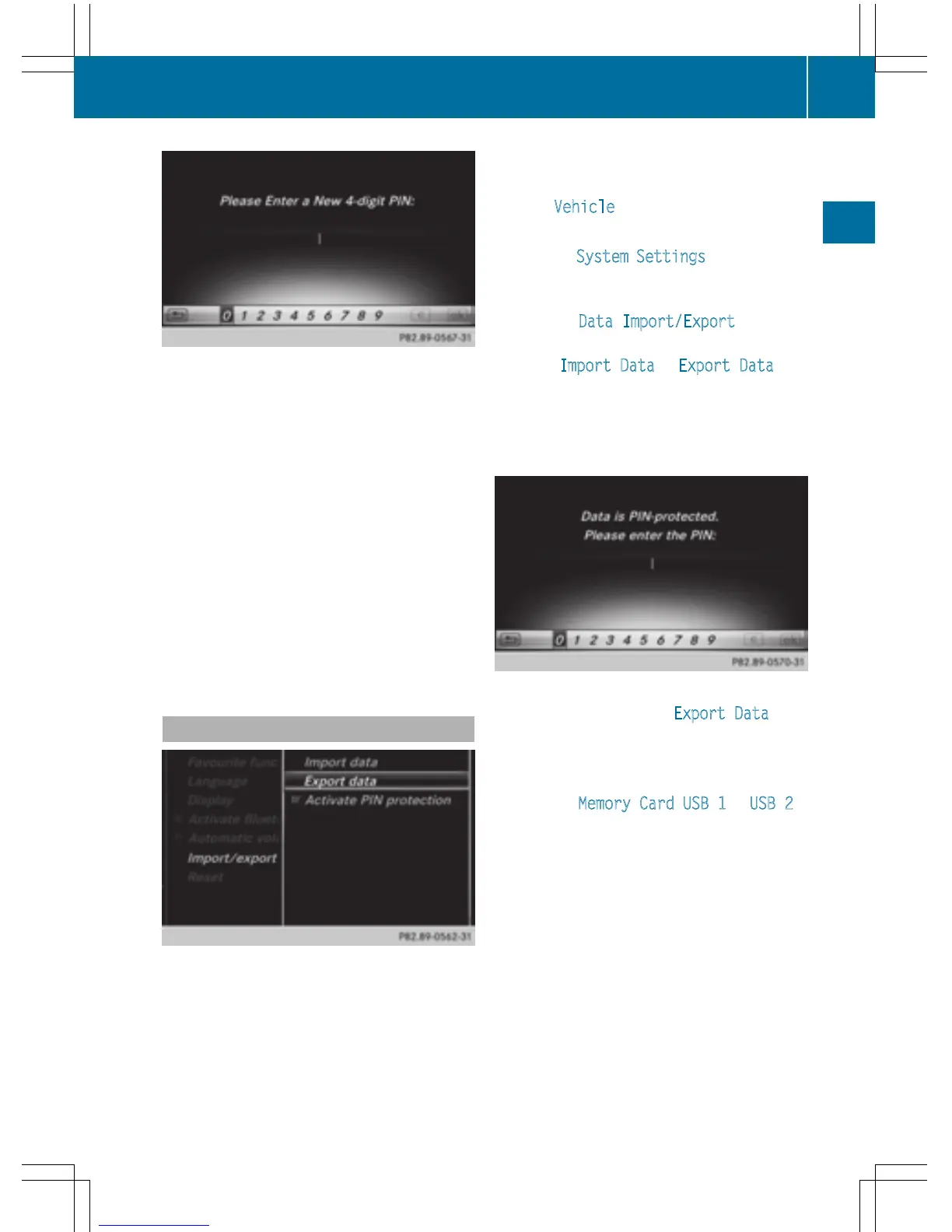
To enter the 4-digit PIN and select ¬:
turn and press the controller.
You will be prompted to enter the PIN
again.
X
Enter the PIN again and select ¬.
The PIN prompt now protects your personal
data from unwanted export.
i
If you deactivate your PIN protection, you
will first be prompted to enter your PIN. If
you have forgotten your PIN, an authorized
Mercedes-Benz Center can deactivate your
PIN protection for you. Alternatively, you
can deactivate PIN protection by resetting
your personal COMAND data
(
Y page 48).
Importing/exporting data
X
Insert the SD memory card (Y page 182).
or
X
Connect a USB device (e.g. a USB memory
stick) (
Y page 182).
X
Press the Ø button.
or
X
Press Vehicle in the main function bar.
The vehicle menu is displayed.
X
To select System Settings: slide 6 and
press the controller.
A menu appears.
X
To select Data Import/Export: turn and
press the controller.
X
Select Import Data or Export Data.
i
If you import data such as address data,
the existing data on COMAND is overwrit-
ten. You will see a message to this effect.
COMAND is restarted after the data import.
If PIN protection is activated, a PIN prompt
appears when you select Export Data
.
X
To enter the PIN: turn the controller and
press ¬ to confirm.
PIN protection is deactivated.
X
To select Memory Card, USB 1 or USB 2:
turn and press the controller.
This function exports all the data to the
selected disc.
A window appears with the message that
the data has been exported.
You can export address data, bookmarks,
system settings that you have made and radio
station lists, for example.
Personal music files in the MEDIA REGISTER
cannot be saved and imported again using
this function.
Mercedes-Benz is not liable for any loss of
data.
Importing/exporting data
47
System settings
Z



 To Next Page