mail settings, manual downloading is not
possible.
Updating from the e-mail server by the
mobile phone
X
Select From the E-Mail Server.
The e-mails in the mobile phone are upda-
ted.
This function is not supported by all mobile
phones.
Reading messages
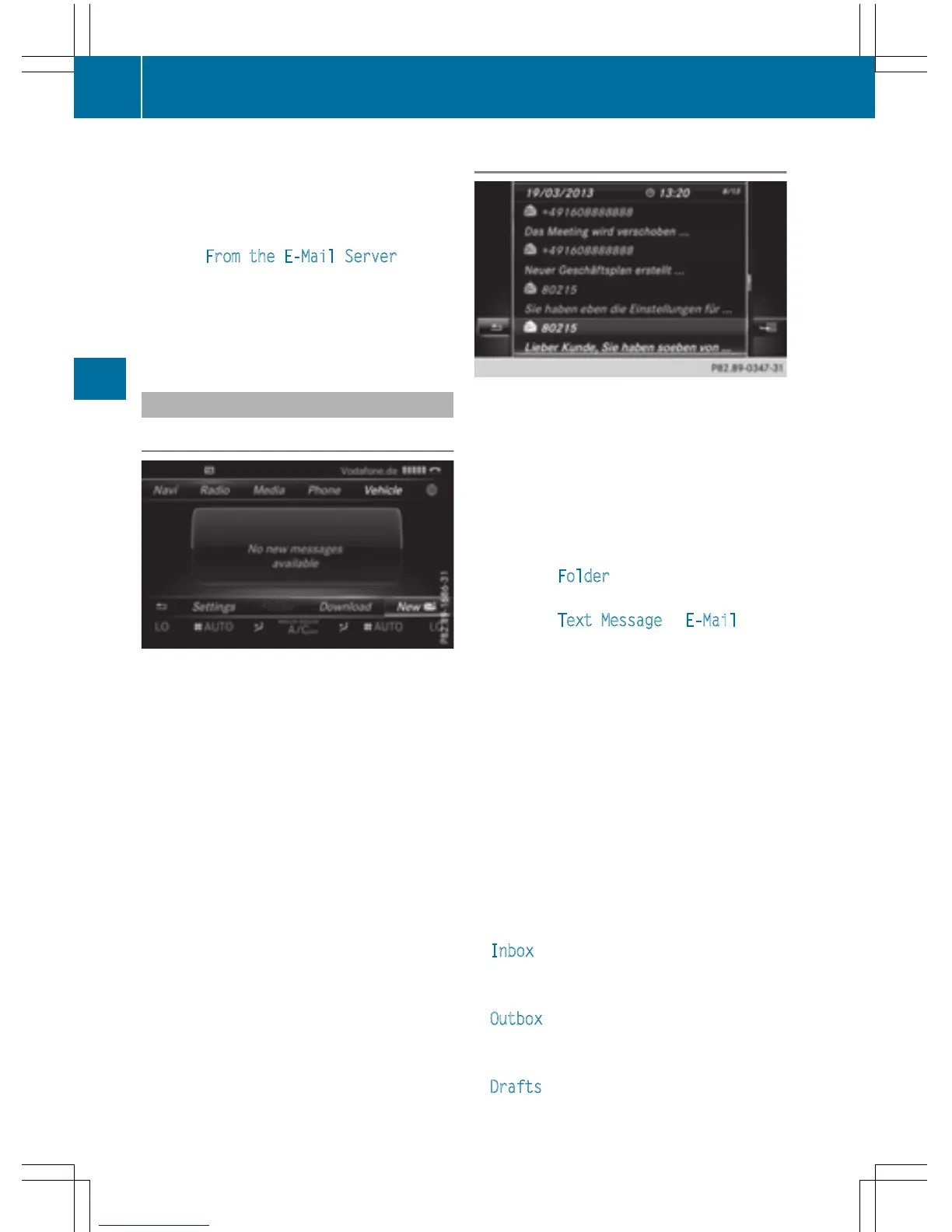
In the message menu
The message menu contains all the unread
text messages and e-mails. If the correspond-
ing folder is called up, the messages are dis-
played sorted by text messages and e-mails.
X
To call up the telephone menu: press the
% button.
X
To switch to the menu bar: slide 6 the
controller.
X
To select 1: turn and press the controller.
The message menu is displayed with the
unread messages.
X
To select the message: turn and press the
controller.
The message text is displayed.
X
To close the message text: press the %
button.
If you want to read messages that have
already been read again, you have to call up
the corresponding message folder
(
Y page 138).
In the message folder
X
To call up the telephone menu: press the
% button.
X
To switch to the menu bar: slide 6 the
controller.
X
To select 1: turn and press the controller.
The message menu is displayed.
X
To switch to the menu bar: slide 6 the
controller.
X
To select Folder: turn and press the con-
troller.
X
To select Text Message or E-Mail: turn
and press the controller.
The selected folder is displayed.
X
To select the message: turn and press the
controller.
The message is displayed.
X
To scroll through the message or select
phone numbers in the text: turn the con-
troller.
The display scrolls up or down line by line,
or skips to the next or previous telephone
number and automatically highlights it.
X
To return to the list: press %.
The following sub-folders can be selected
for text messages and e-mails:
R
Inbox
This folder contains all the incoming mes-
sages.
R
Outbox
This folder contains all the outgoing mes-
sages.
R
Drafts
138
Messages (text messages and e-mails)
Telephone



 To Next Page