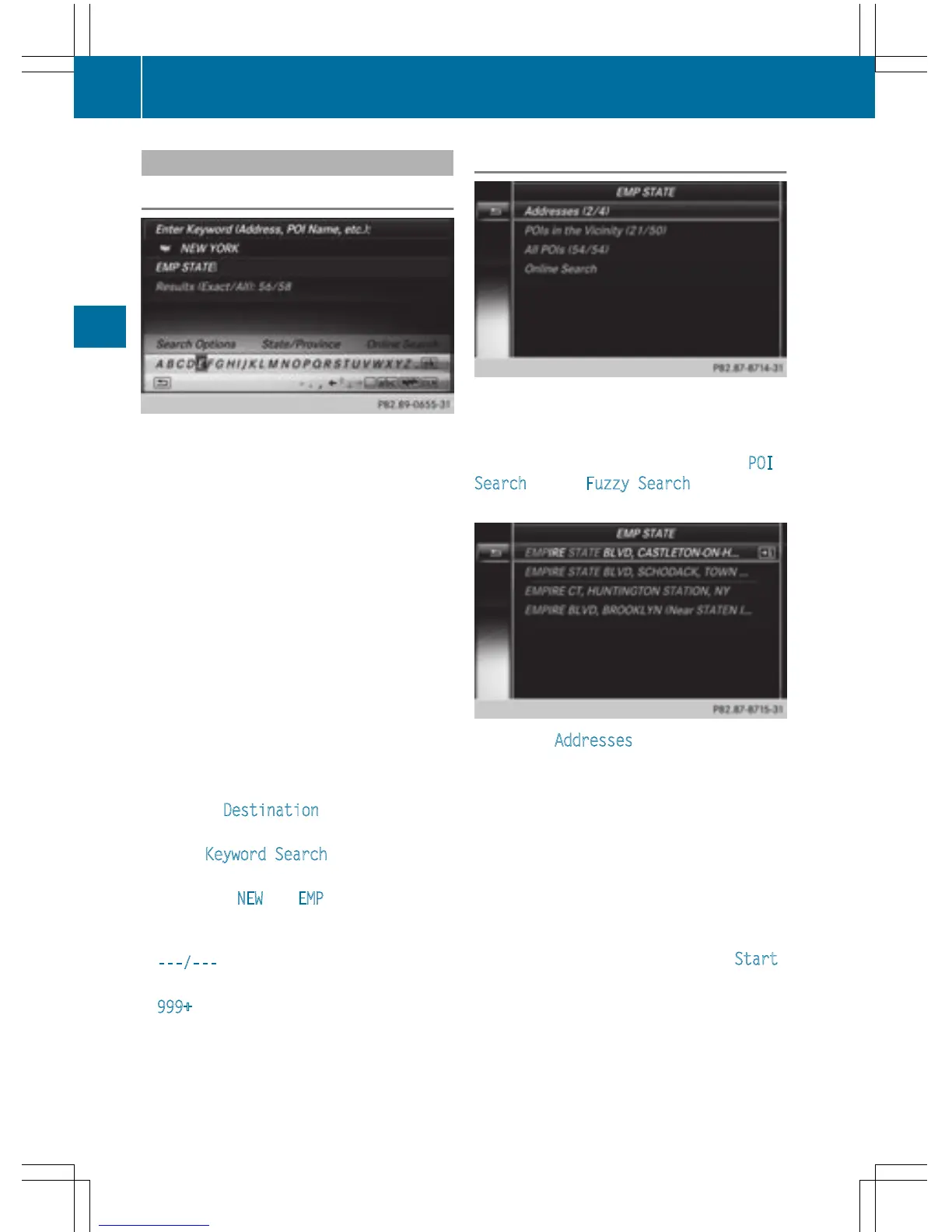
Keyword search
Entering keywords
The keyword search is used to help find des-
tinations using fragments of words. The key-
word search is tolerant of errors.
It can be used for an address or a POI. For
example, you can search for the Empire State
Building in New York.
The keyword search finds geographically tol-
erant hits. If, for example, you are searching
for a street located on the edge of a major
city, the search will also cover adjacent
smaller cities.
The keyword search supports languages
using Latin characters.
X
To switch to navigation mode: press the
Ø button.
X
To show the menu: slide 6 the control-
ler.
X
To select Destination: turn and press the
controller.
X
Select Keyword Search.
X
Enter the first few letters of the city and
street, e.g. NEW
and EMP.
While entering the information, the number
of exact matches/all hits is shown.
---/---
is displayed if fewer than three
characters have been entered.
999+
is displayed if there are too many hits.
X
Select the ¬ symbol.
The search results are displayed
(
Y page 70).
Selecting search results
The search results are divided into catego-
ries, such as addresses. The number of
exact/total hits is shown in brackets.
Further search results are displayed, if POI
Search and/or Fuzzy Search are activated
in the search options (
Y page 71).
X
To select Addresses : press the controller.
The search results are displayed.
Exact hits are shown at the very top of the list.
Hits are listed alphabetically. The search term
that you entered is highlighted in orange in
the entries.
X
Select an entry: turn and press the control-
ler.
The address entry menu appears, showing
the destination address.
X
To start route calculation: select Start .
70
Destination entry
Navigation



 To Next Page