X
Display the message (Y page 138).
X
To call up a menu: press the controller.
X
To select Reply: turn and press the con-
troller.
The e-mail input menu appears. The
addressee's details are automatically filled
in using the details in the original message.
When replying to an e-mail, you can also
select Reply
to All instead of Reply. In this
case, the reply is sent not just to the sender
but to all those who received the original mes-
sage.
Forwarding an e-mail
Observe the requirements for the message
function (
Y page 135).
X
Display the message (Y page 138).
X
To call up a menu: press the controller.
X
To select Forward: turn and press the con-
troller.
The input menu appears. The subject line is
automatically filled in with the same details
as those in the original message.
Text templates
Using text templates
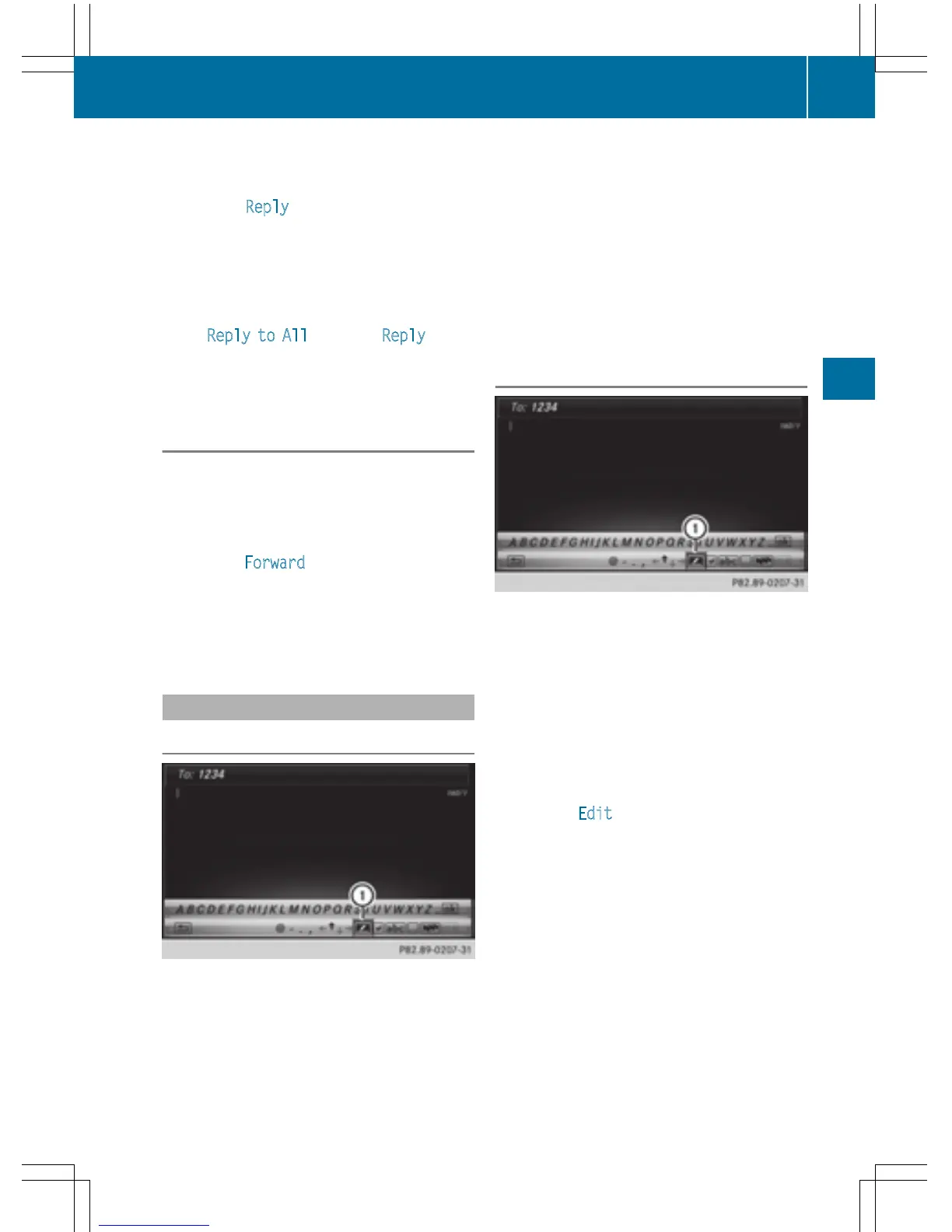
:
Displays text templates
X
Select the input line for a text message
(
Y page 139) or e-mail (Y page 140).
X
To select text templates : in the character
bar: turn and press the controller.
The text templates are displayed.
X
To select and insert a text template: turn
and press the controller.
The text template is inserted into the text
message or e-mail.
Editing text templates
:
Displays text templates
X
Select the input line for a text message
(
Y page 139) or e-mail (Y page 140).
X
To select text templates : in the character
bar: turn and press the controller.
The text templates are displayed.
X
To highlight the text template to be edited:
turn the controller.
X
To select G: slide 9 the controller.
X
To select Edit: turn and press the control-
ler.
The text template is displayed in an input
line.
X
Edit the text template as desired. Further
information on character entry using the
controller (
Y page 31) and on handwriting
recognition on the touchpad (
Y page 27).
X
To adopt changes to the text template,
select ¬: turn and press the controller.
The text template has been changed.
Messages (text messages and e-mails)
141
Telephone
Z



 To Next Page