i
Deactivating the cooling with air dehu-
midification function reduces fuel con-
sumption.
Synchronizing the climate control set-
tings
Use O Sync (synchronization) to select the
climate control setting for all zones together
O or separately ª.
This setting is made in the bottom bar of the
climate control menu.
X
Call up the climate control menu
(
Y page 55).
X
Slide 6 the controller repeatedly until the
bottom bar is activated.
X
To select O Sync: turn and press the con-
troller.
X
Switch the synchronization function on O
or off ª.
For further information on synchronizing cli-
mate control settings (see the vehicle Oper-
ator's Manual).
DYNAMIC SELECT
General notes
You can use DYNAMIC SELECT to configure
the following settings for the Individual drive
program:
R
Drive system
R
Suspension
R
Steering
R
Climate control
R
ECO start/stop function/ECO Assist
i
In a few countries, the ECO start/stop
function is deactivated at the factory due to
the available fuel grade. In this case, the
ECO start/stop function is not available
regardless of the display in the COMAND
display.
The off-road program is only available on vehi-
cles with the Off-Road Engineering package
and is not available for PLUG-IN HYBRID. You
can set the following programs in the Off‐
road Settings menu:
R
Slippery
R
Off-road
R
Gradient
R
Rocking free
R
Trailer
R
Off
In addition, current vehicle and engine data is
visualized via the two further Vehicle Data
and Engine Data menus.
There may be fewer settings depending on
your vehicle's equipment.
For further information on the Individual drive
program; see the vehicle Operator's Manual.
Configuration via the DYNAMIC
SELECT switch
i
There may be fewer settings depending
on your vehicle's equipment.
X
Use the DYNAMIC SELECT switch to select
the Individual drive program; see the vehi-
cle Operator's Manual.
A window appears after a short while.
X
To confirm Adjust: press the controller.
The Individual Configuration
menu
appears.
X
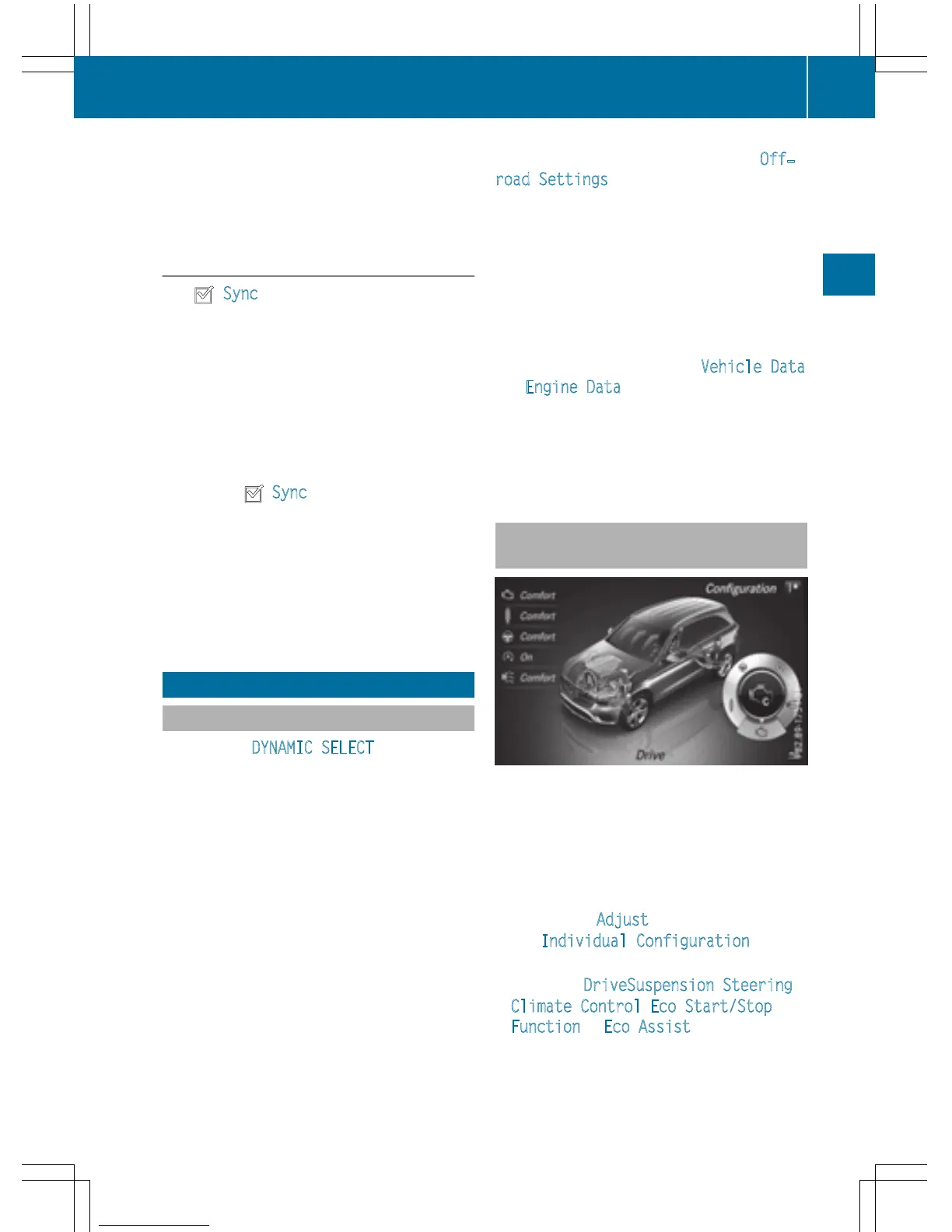
To select DriveSuspension, Steering,
Climate Control
, Eco Start/Stop
Function or Eco Assist: turn and press
the controller.
The menu symbol, text and image show the
selected setting.
DYNAMIC SELECT
57
Vehicle functions
Z



 To Next Page