Deactivating
X
In radio mode: slide 6 the controller.
X
To select Preset: turn and press the con-
troller.
X
To select Station Preset View: Off:
turn and press the controller.
A view of the last waveband you listened to
appears.
Tagging music tracks
This function allows you to transfer the music
track currently playing to an Apple
®
device.
You can then purchase it in the iTunes
®
store.
X
In radio mode: slide 6 the controller.
The radio menu bar appears.
X
To select Options: turn and press the con-
troller.
X
Select Tag This Track.
A message appears in COMAND about stor-
ing the track information.
Displaying the artist and track
X
In radio mode: slide 6 the controller.
The radio menu bar appears.
X
To select Options: turn and press the con-
troller.
X
You can determine whether or not the
artist, track or station name are shown in
the main display area with O or ª before
Show Station Information
.
Calling up sound settings
X
In radio mode: slide 6 the controller.
The radio menu bar appears.
X
To select à: turn and press the control-
ler.
The sound menu appears (
Y page 208).
Displaying information
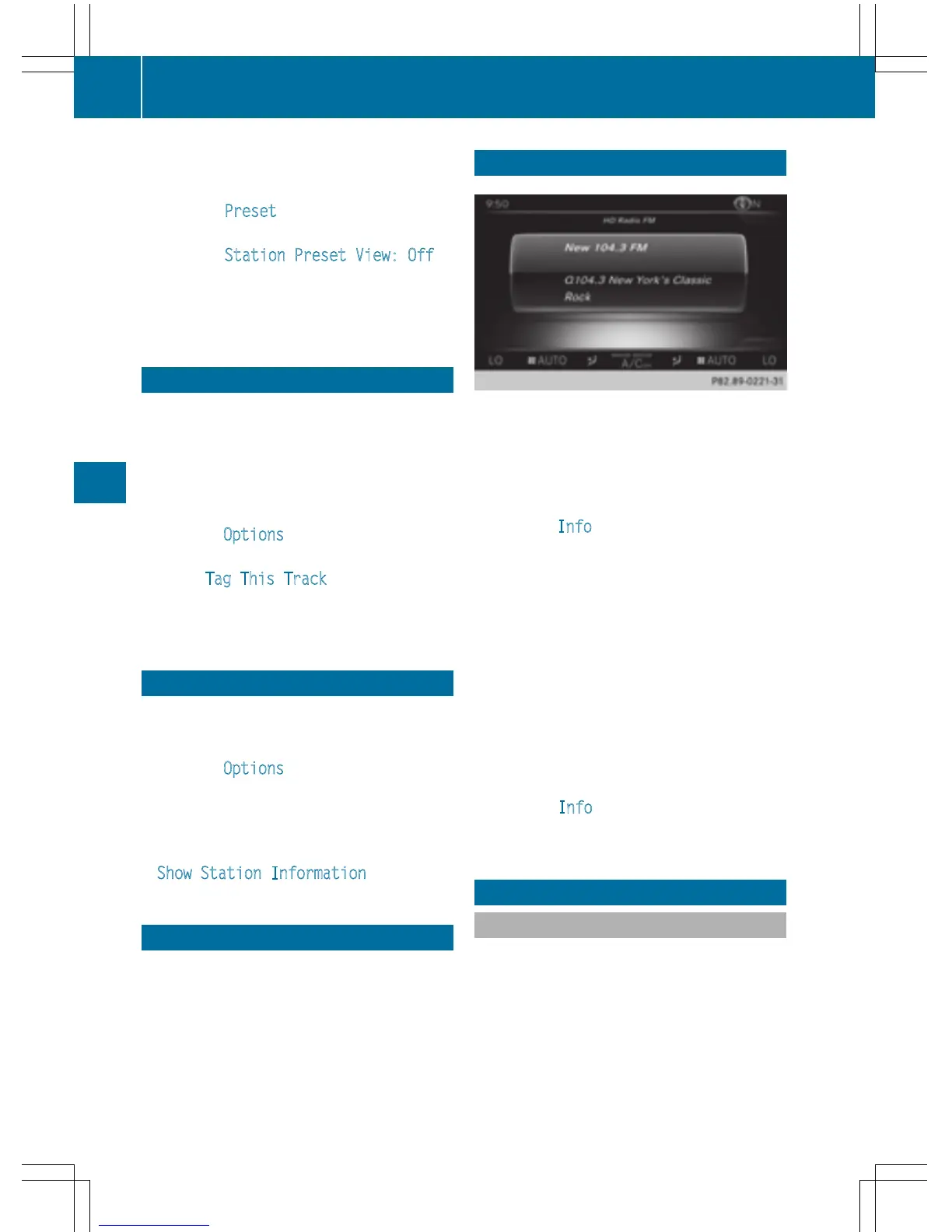
This function is available in HD FM radio and
HD AM radio mode.
Reception is only possible if the radio stations
provide the relevant information.
X
In radio mode: slide 6 the controller.
X
To select Info: turn and press the control-
ler.
If the station supports this function, addi-
tional information will be shown.
If available, you will see:
R
station abbreviation
R
the current track
R
the artist of the current track
R
information about the current program
R
hotline number for the station or latest
headlines
Back to radio display:
X
To select Info: slide 6 and press the
controller.
Satellite radio
General notes
The satellite radio mode requires satellite
radio equipment and registration with a sat-
ellite radio provider.
Note that the categories and channels shown
in the illustrations depend on the program
content offered by the provider. The illustra-
tions and descriptions in these operating
instructions may therefore differ from the
170
Satellite radio
Radio



 To Next Page