Detailed connection status
X
To call up Internet functions (Y page 151).
X
To switch to the menu bar: slide 6 the
controller.
X
To select Settings: turn and press the
controller.
X
To select Connection Status: turn and
press the controller.
The following information is displayed:
R
the volume of transferred data
R
connection status
R
the device name of the mobile phone
Ending the connection
USA: you cannot cancel the connection your-
self. The Internet connection is automatically
terminated if the system does not recognize
any user input within a five-minute time
period.
Canada:
X
To call up Internet functions (Y page 151).
X
To switch to the menu bar: slide 6 the
controller.
X
To select ©: turn and press the control-
ler.
If the mobile phone Internet connection is
canceled, COMAND tries to reconnect. You
should therefore always close the connection
on COMAND.
Google™ local search
Calling up Local Search
You do not need a Google™ account to use
Local Search.
X
To call up Internet functions (Y page 151).
X
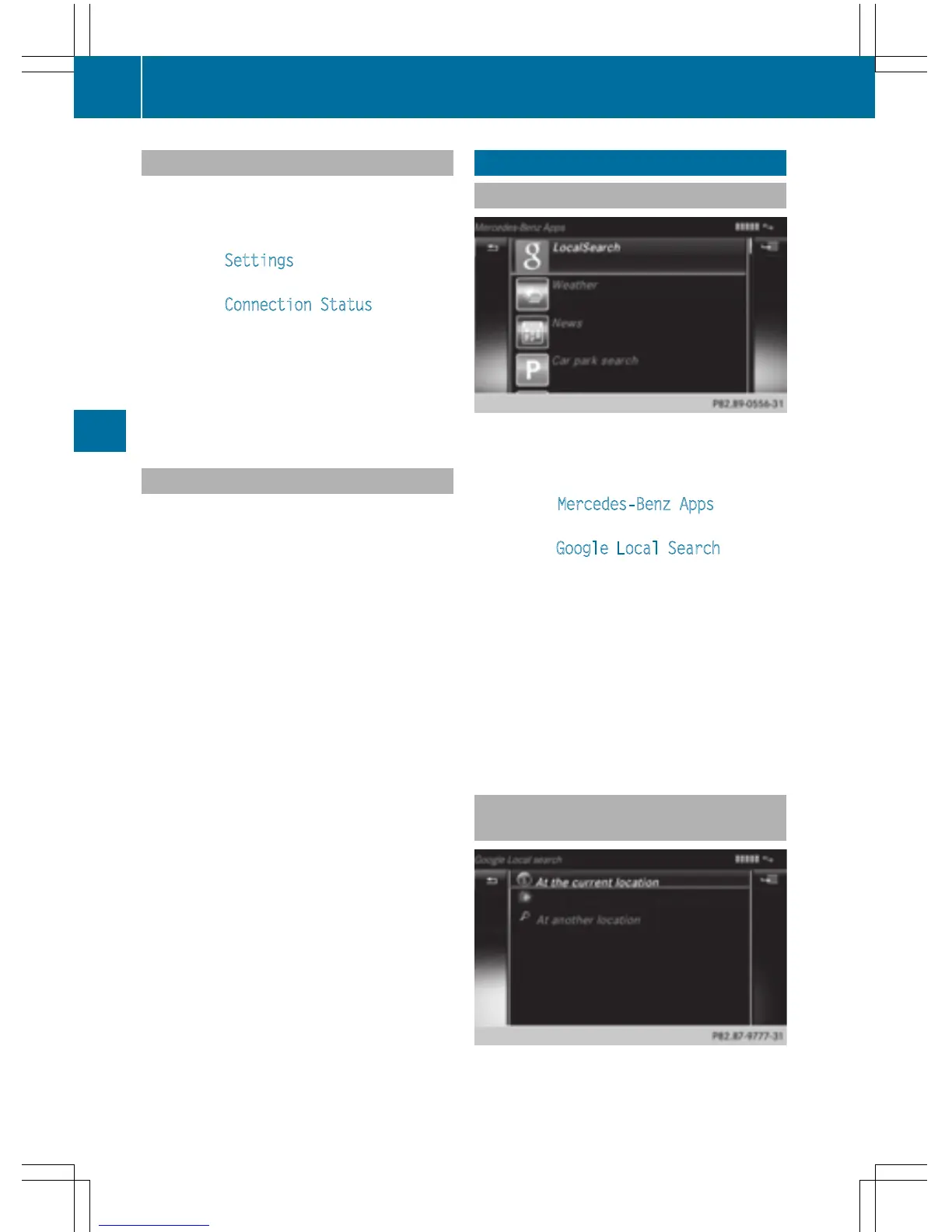
To select Mercedes-Benz Apps: turn and
press the controller.
X
To select Google Local Search: turn and
press the controller.
Further information on how to enter the
search position and search term
(
Y page 152).
i
You will first need to register COMAND
before you can use the Internet functions.
To do so, you have to enter your name and
postal address once in the vehicle and con-
firm the general terms and conditions.
Entering a search position and search
term
It is only possible for the driver to enter a
search term when the vehicle is stationary.
152
Google™ local search
Online and Internet functions



 To Next Page