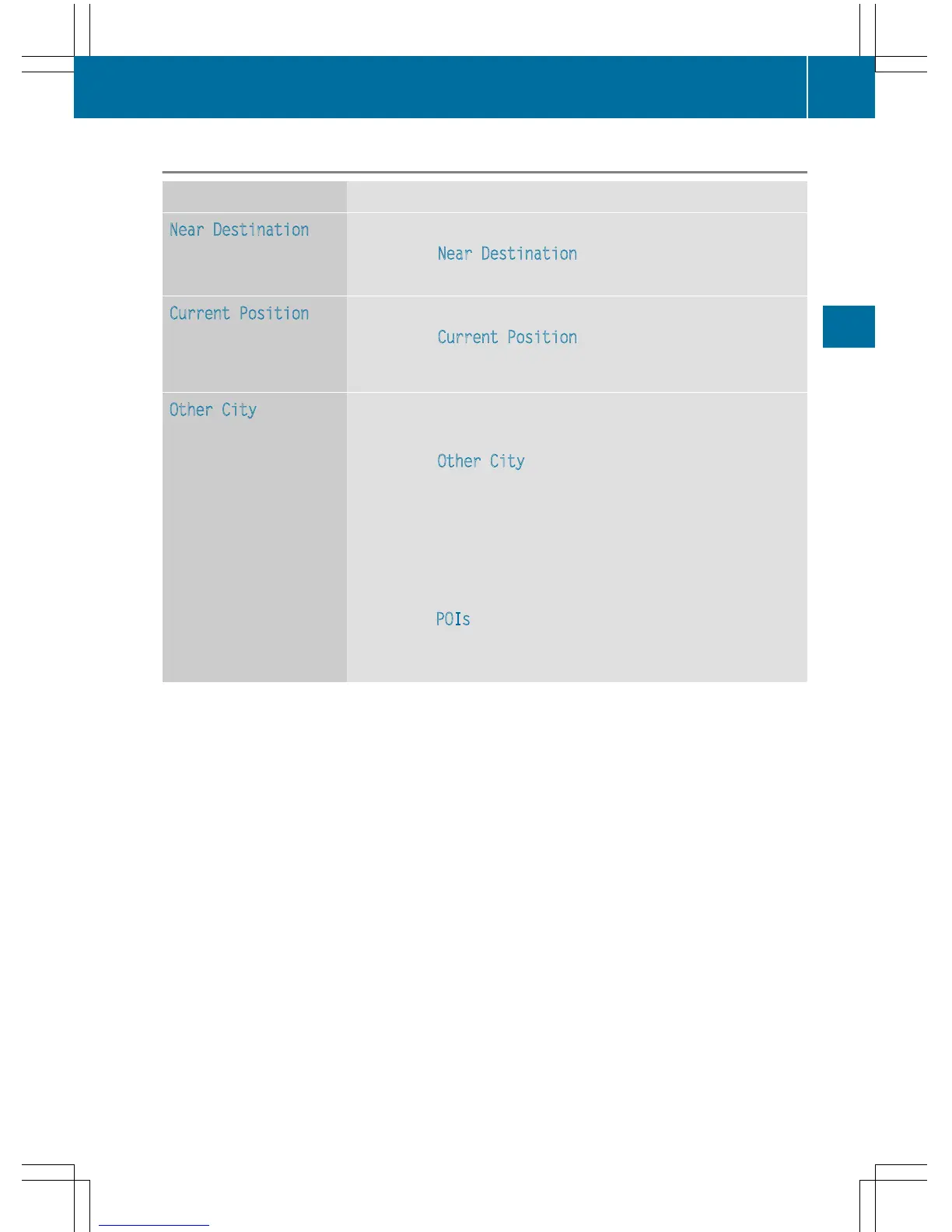
Defining the position for the POI search
Selection Instructions
Near Destination
(when route guidance is
active)
X
Call up the POI menu (Y page 72).
X
To select Near Destination: turn and press the controller.
X
Select a POI category (Y page 74).
Current Position
Searches in the vicinity
of the current vehicle
position.
X
Call up the POI menu (Y page 72).
X
To select Current Position: turn and press the controller.
X
Select a POI category (Y page 74).
Other City
After entering a city, the
search is performed
within the city's bounda-
ries
Option 1
X
Call up the POI menu (Y page 72).
X
To select Other City: turn and press the controller.
X
Select the state/province (Y page 68), if desired.
X
Enter the city (Y page 67).
X
Select a POI category (Y page 74).
Option 2
X
Enter a city in the address entry menu (Y page 67).
X
To select POIs: slide 6 the controller, turn and press to con-
firm.
X
Select a POI category (Y page 74).
Destination entry
73
Navigation
Z



 To Next Page