R
USB storage device
R
MP3
i
Data can only be copied from an MP3
player if this can be configured as a mass
storage device.
Video files from DVD-V cannot be copied.
While copying, several functions will not be
available. If this is the case, you will see a
message to this effect.
1. Selecting a data medium
X
In media mode: press the Õ button.
The menu appears with the available media
sources.
X
To select the media source: turn the con-
troller and press to confirm.
X
To switch to the menu bar: slide 6 the
controller.
X
To select Options: turn and press the con-
troller.
X
Select Save Files to Media Register.
The media list appears. A data medium
from which files can be copied is selected
automatically.
i
The Save Files to Media Register
function can be reached from any media
application.
X
Select the displayed data medium.
The data medium is loaded.
If the data medium contains files that can
be copied, a selection menu appears.
2. Selecting files
X
To select All Media Files: turn and press
the controller.
This command copies all files from the
selected data medium. The symbol next to
All Media Files
is filled in. All subse-
quent entries have a checkmark O beside
them.
X
Select a folder.
A checkmark O next to the folder entry
highlights the selection.
X
To select Continue: turn and press the
controller.
The copying menu appears.
3. Starting the copying process
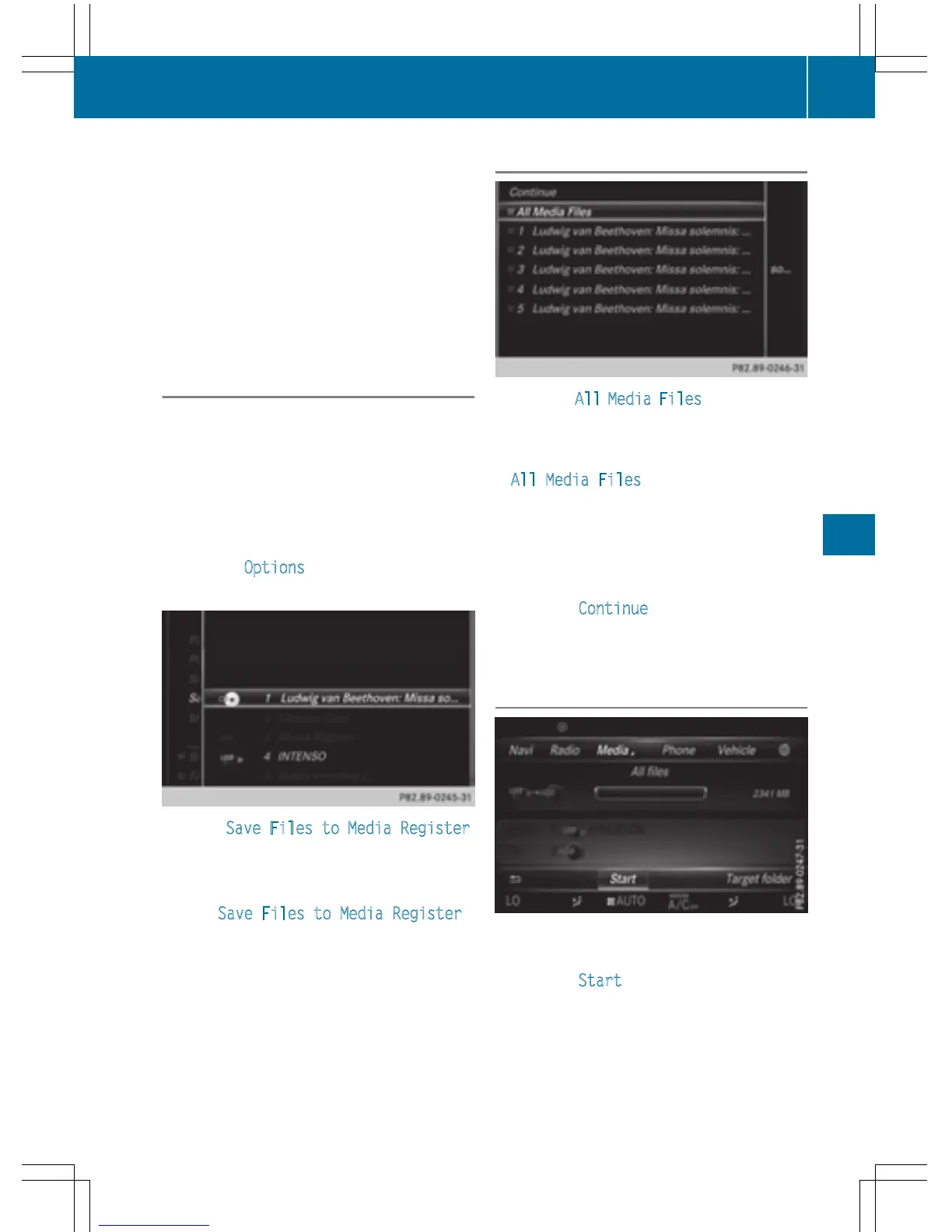
In the example, files are copied from a USB
device to the Media Register.
X
To select Start: press the controller.
i
The selection of a target folder is optional.
If there is no target folder given, the selec-
ted files are saved to the main directory of
the Media Register.
Media Register
189
Media
Z



 To Next Page