marking is shown in main function bar : or
menu bar ;.
X
To select a menu item: turn and press the
controller.
Once you have selected a menu item in :,
the last menu set for the selected function
appears.
Menu bar ; offers options in the current
media mode.
Selecting the operating mode for a
main function
You can select the available operating modes
for the main functions, e.g. telephone.
In the telephone menu, you can:
R
switch to telephone mode
R
call up the address book
R
call up the Digital Operator's Manual for the
telephone
X
Press the % button.
If telephone mode was the last mode selec-
ted, the telephone menu appears.
X
To call up the menu: press the % but-
ton again.
or
X
To select Phone: slide 5 and press the
controller.
A menu appears. Phone
is at the front.
X
To select Address Book, for instance, turn
and press the controller.
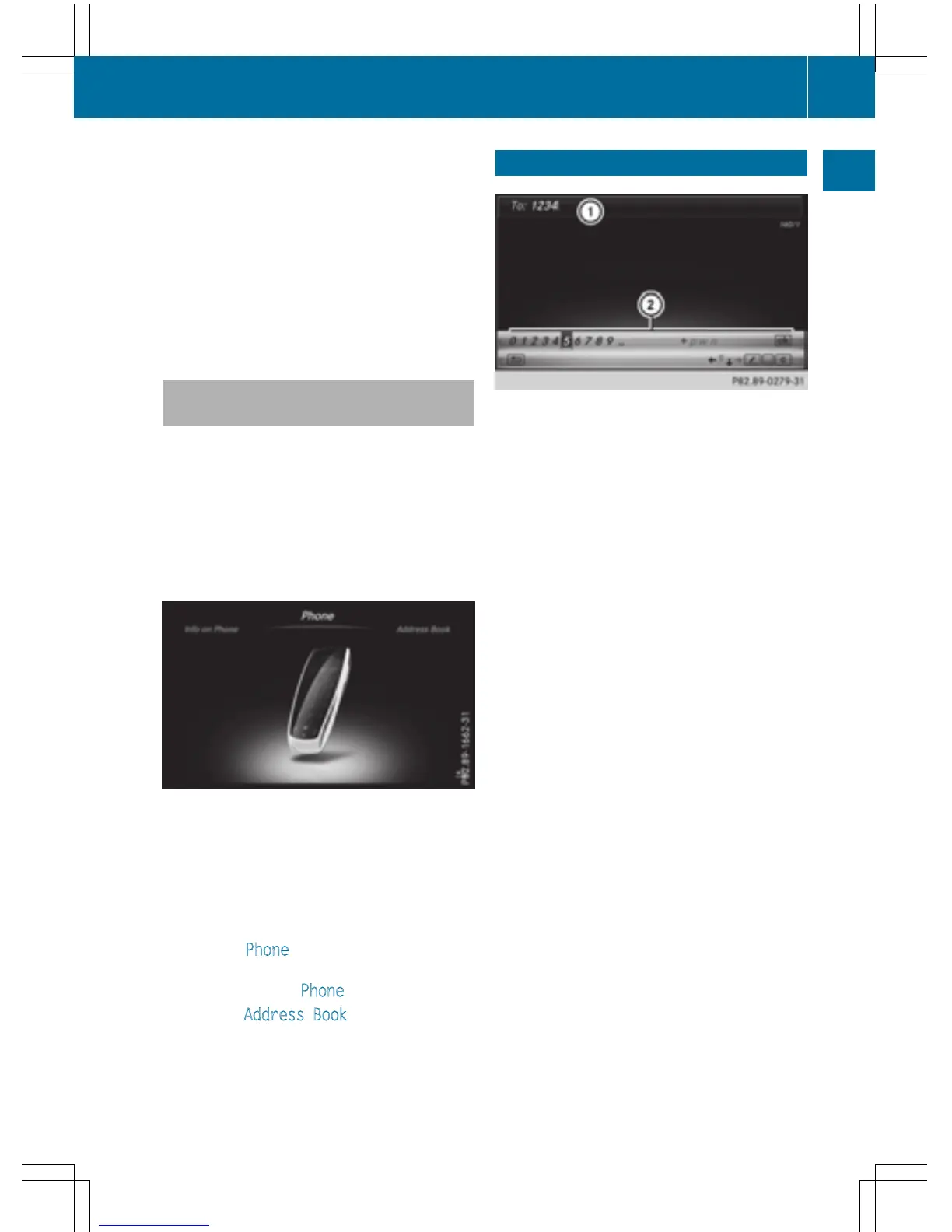
Character entry (telephony)
Writing a text message is used as an example.
Further information on writing a text message
(
Y page 139).
X
To select a character: turn and press the
controller.
The character selected in character bar ;
is entered into telephone number input
line :.
X
To delete a character: switch to the bot-
tom line of the character bar by sliding 6
the controller.
X
To select F: turn and press the controller.
The character last entered is deleted.
X
To switch input line: switch to the bottom
line of the character bar by sliding 6 the
controller.
X
To select 5, turn and press the controller.
or
X
Slide 5 the controller repeatedly until the
character bar disappears.
X
To select the input line for the text of
the text message: slide 6 and press the
controller.
The input line for the text of the text mes-
sage is selected. The character bar has
been adapted for entering text.
Character entry (telephony)
31
Overview and operation



 To Next Page