Adjusting the volume for phone calls
You can adjust the volume for hands-free
mode during a telephone call.
X
Turn the thumbwheel to the right of the
controller.
or
X
Press the W or X button on the mul-
tifunction steering wheel.
i
Setting the volume for the Voice Control
System voice output, see the separate
operating instructions.
Switching the sound on or off
Media source sound
X
Press the thumbwheel to the right of the
controller.
or
X
Press the 8 button on the multifunction
steering wheel.
i
If the audio output is switched off, the
status line will show the 8 symbol. If
you switch the media source or change the
volume, the sound is automatically
switched on.
Switching navigation announcements
off and on again
X
To switch off navigation announce-
ments: press the thumbwheel to the right
of the controller during the announcement.
The Spoken
driving recommendations
have been deactivated. message
appears.
X
To switch navigation announcements
back on: switch COMAND off and then on
again (
Y page 29).
or
X
Start a new route calculation (Y page 69).
or
X
Select +: while route guidance is active,
show the menu and press the controller
(
Y page 87).
Basic menu displays
X
Press the Õ button or the ß, $,
%, or Ø button.
Navigation: the map displays the current
vehicle position.
Radio: the basic menu of the last radio
mode set appears.
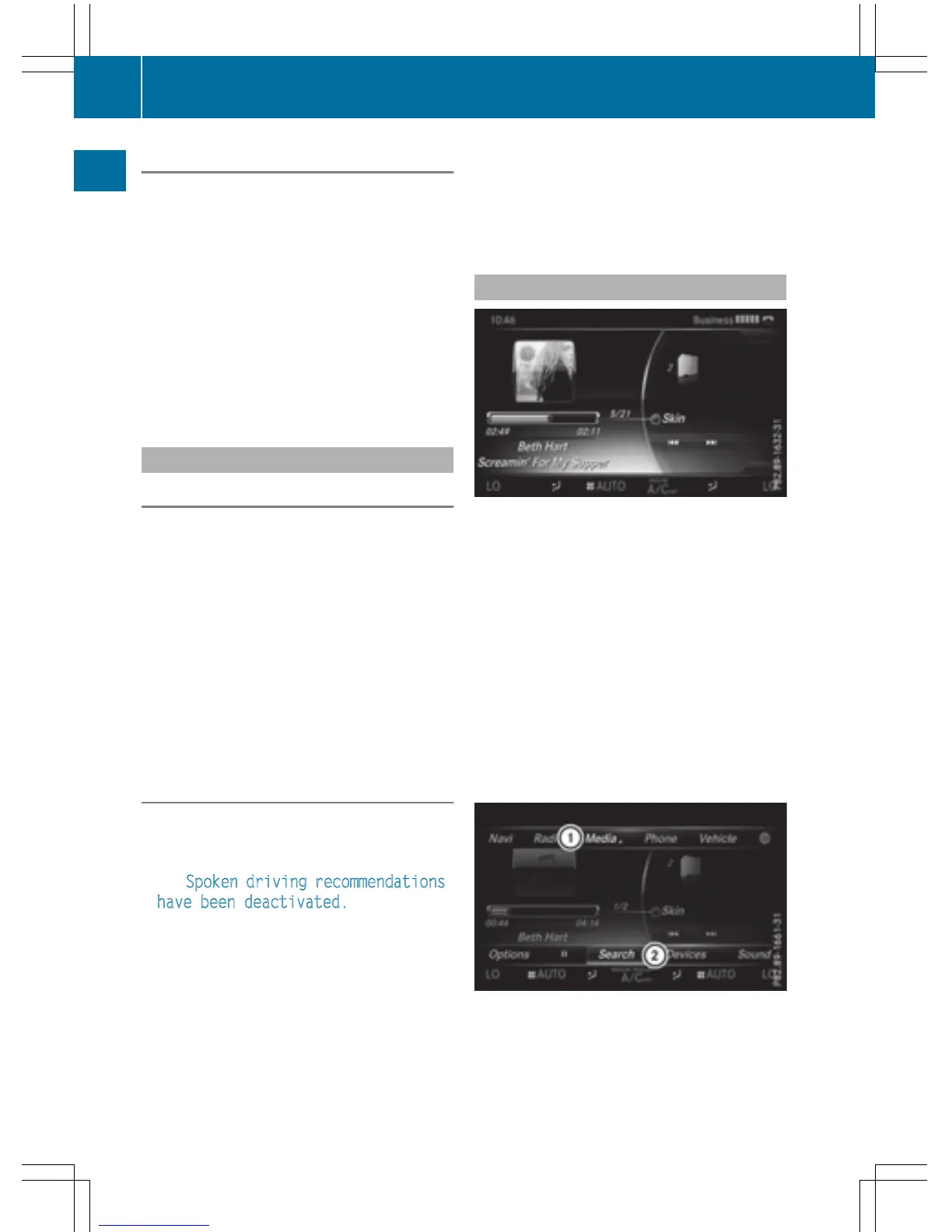
Media: the basic display for the last media
source set appears. In the example, SD
memory card mode is set.
Communication: the basic menu of the
last communication function set appears.
Vehicle functions: the basic display
appears.
X
To show the menu: slide 4 the con-
troller.
The menu for the selected functions
appears. Depending on the operation, the
30
Basic functions
Overview and operation



 To Next Page