This folder contains all the messages that
you have saved as a draft.
i
Folders cannot be selected if they are
empty.
Depending on the mobile phone used, the
sub-folder function may be available.
Read-aloud function for messages
X
To start the read-aloud function: press the
controller when the message is displayed.
X
To select Read Aloud: turn and press the
controller.
COMAND reads out the message.
X
To cancel the read-aloud function: press
the 8 button.
or
X
Press the controller, select Cancel Read-
Aloud Function and press the controller
again.
You can set the language (
Y page 45) and the
speed (
Y page 41) of the read-aloud function.
Displaying details and phone numbers
COMAND can also show a shortened sender
display in full.
X
To call up the telephone menu: press the
% button.
X
To switch to the menu bar: slide 6 the
controller.
X
To select 1: turn and press the controller.
The message menu is displayed.
X
To switch to the menu bar: slide 6 the
controller.
X
To select Folder: turn and press the con-
troller.
X
To select Text Message or E-Mail: turn
and press the controller.
The selected folder is displayed.
X
To highlight the desired message: turn the
controller.
X
To select G: slide 9 the controller.
X
To select Details: turn and press the con-
troller.
The detailed view appears.
X
To close the detailed display: slide 8
the controller.
X
To return to the telephone menu: press
the k button.
Writing text messages
Writing a new text message
Observe the requirements for the message
function (
Y page 135).
X
To call up the telephone menu: press the
% button.
X
To switch to the menu bar: slide 6 the
controller.
X
To select 1: turn and press the controller.
The message menu is displayed.
X
To switch to the menu bar: slide 6 the
controller.
X
To select New: turn and press the controller.
X
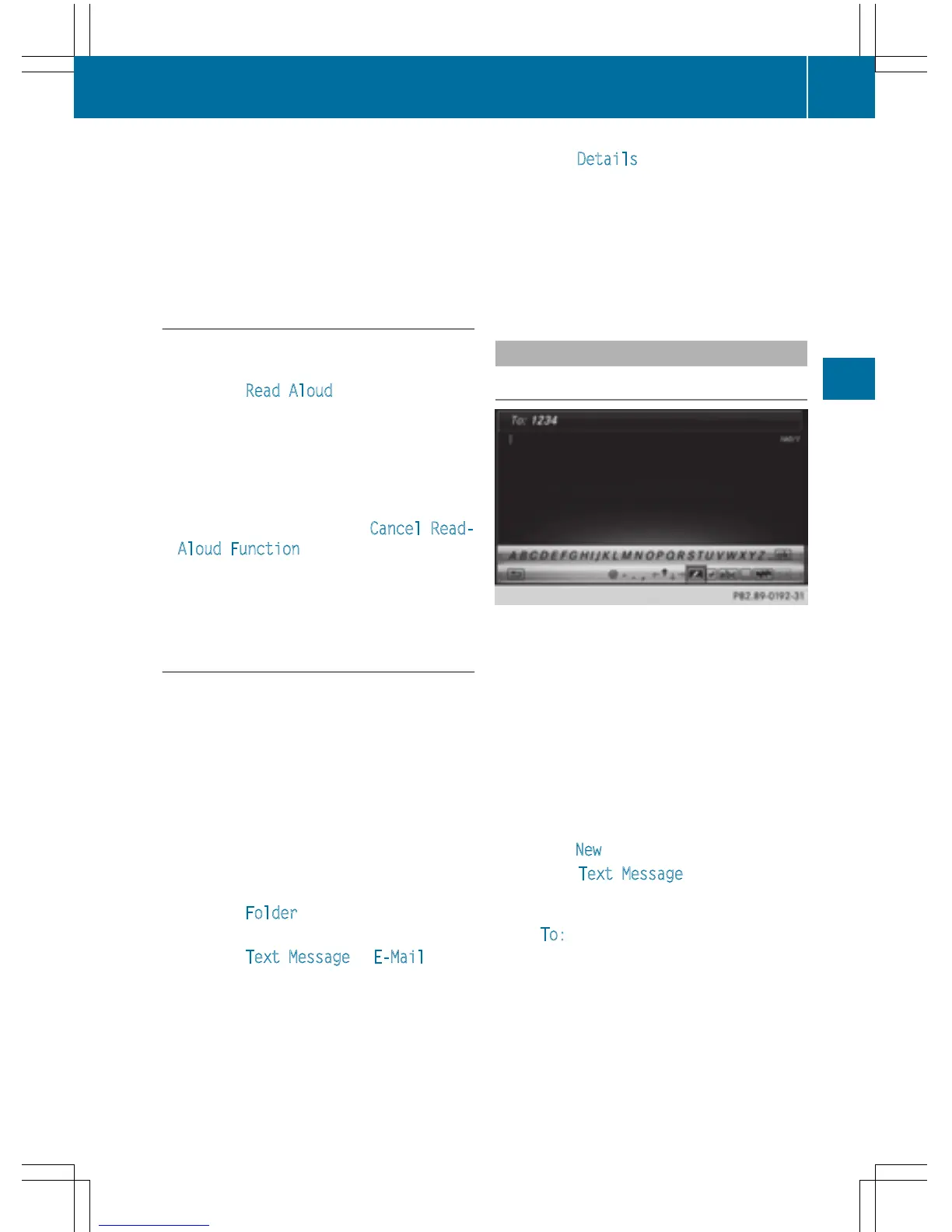
To select Text Message: turn and press
the controller.
The text message input menu is displayed.
The To:
input line is selected.
Entering a recipient
X
Enter characters using the controller
(
Y page 31) or the touchpad (Y page 27).
or
Messages (text messages and e-mails)
139
Telephone
Z



 To Next Page