Canceling/continuing route guidance
Canceling route guidance
X
Slide 6 the controller.
The menu is shown.
X
To select Destination: turn and press the
controller.
X
Select Cancel Active Route Guidance.
The blue route line is no longer shown on
the map.
Resuming route guidance
X
Slide 6 the controller.
The menu is shown.
X
To select Destination: turn and press the
controller.
X
Select Continue Route Guidance.
COMAND calculates the route.
Route information
Destination information
X
To switch to navigation mode: press the
Ø button.
X
To show the menu: slide 6 the control-
ler.
X
To select Route: turn and press the con-
troller.
X
Select Destination Information.
The destination and existing intermediate
destinations are displayed with distances,
travel time and arrival time.
X
To select destination or intermediate
destination: turn and press the controller.
The address appears.
X
Select Save.
The destination or intermediate destination
can be saved as:
R
as a navigable address book contact
R
as a home address
X
To call up the map, select Map.
X
Move the map, change the map scale and
select the destination or the intermediate
destination (
Y page 75).
X
To call the destination or intermediate des-
tination, select Call
.
If a phone is connected and a phone num-
ber is available, COMAND switches to the
telephone function.
Take alternative route
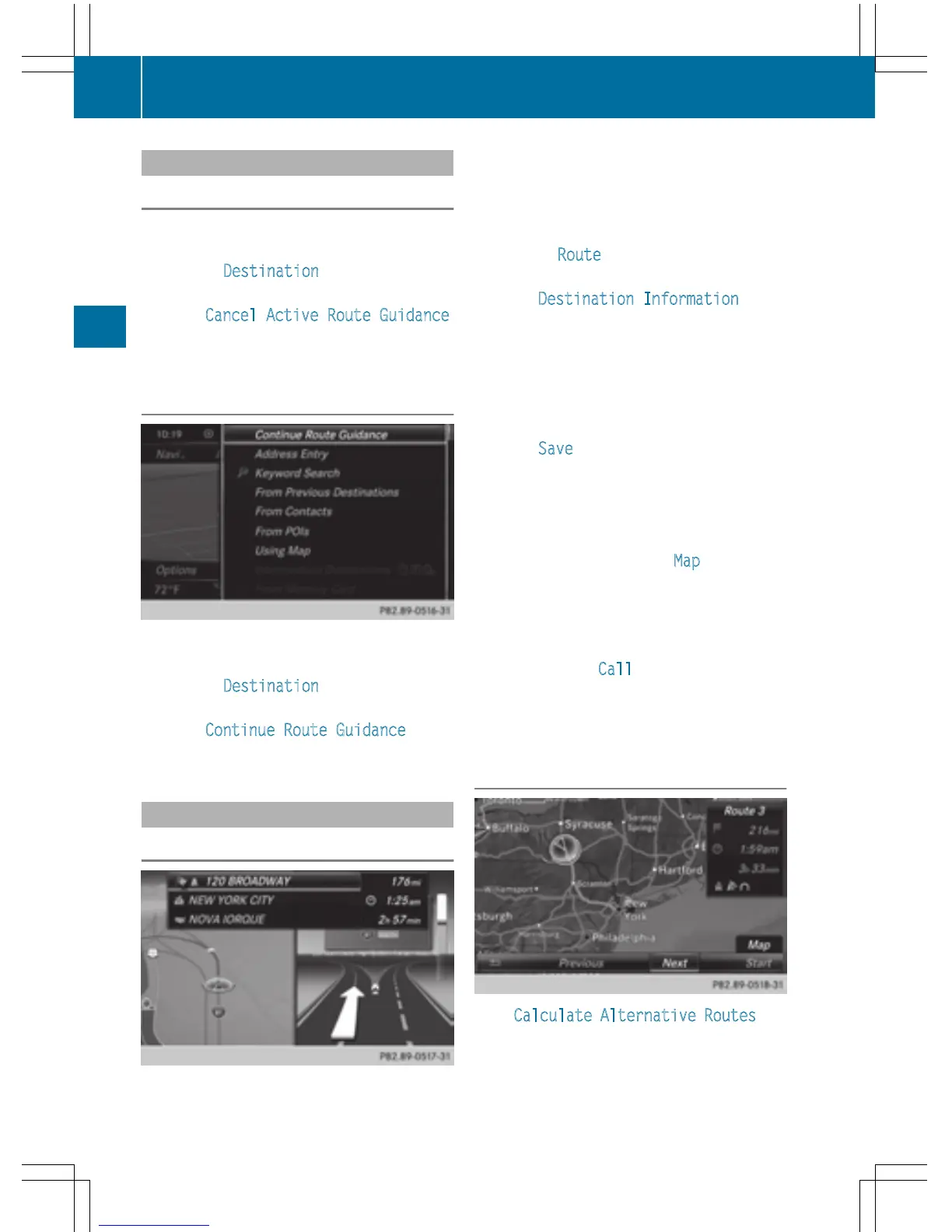
If the Calculate Alternative Routes set-
ting is activated O, different routes will be
offered each time a route is calculated
(
Y page 65).
88
Route guidance
Navigation



 To Next Page