X
Slide 5 the controller.
Full screen symbol : appears.
X
Press the controller.
Moving the map
Requirement: the map is in full screen mode,
the menu is faded out (
Y page 63).
X
Press the controller.
The crosshair is shown.
X
Slide 1, 4 or 2 the controller.
The map moves in the corresponding direc-
tion under the crosshair.
i
Enter a destination using the map
(
Y page 75).
Basic settings
Selecting the route type
X
To switch to navigation mode: press the
Ø button.
X
To show the menu: slide 6 the control-
ler.
X
To select Options: turn and press the con-
troller.
X
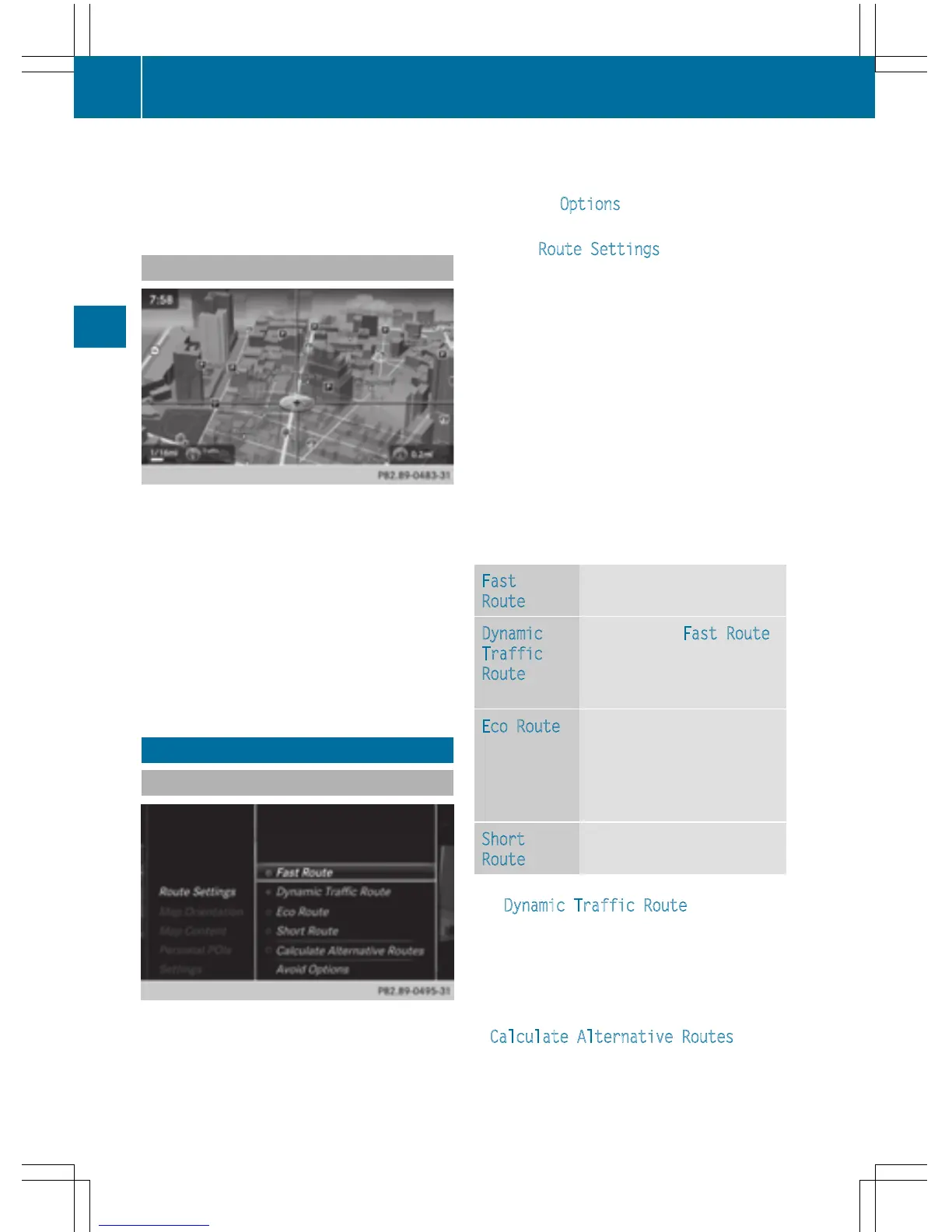
Select Route Settings.
X
Select a route type.
A filled circle indicates the current selec-
tion.
R
Active route guidance: COMAND calcu-
lates a new route.
R
Inactive route guidance: COMAND uses
the selection as the new setting.
i
Route guidance active: a destination has
been entered and the route has been cal-
culated.
Route guidance inactive: no destination
has been entered yet and no route has been
calculated yet.
Fast
Route
COMAND calculates a route
with a short journey time.
Dynamic
Traffic
Route
Based on the Fast Route
route type and includes traf-
fic reports on the route for
the route guidance.
Eco Route
COMAND calculates an
economical route. The jour-
ney may take slightly longer
compared to taking the fast
route.
Short
Route
COMAND calculates a
shorter route.
The Dynamic Traffic Route route type
uses real-time traffic reports from SIRIUS sat-
ellite radio.
Further Information on real-time traffic
reports (
Y page 91).
X
To calculate alternative routes: select
Calculate Alternative Routes
.
Switch the function on O or off ª.
64
Basic settings
Navigation



 To Next Page