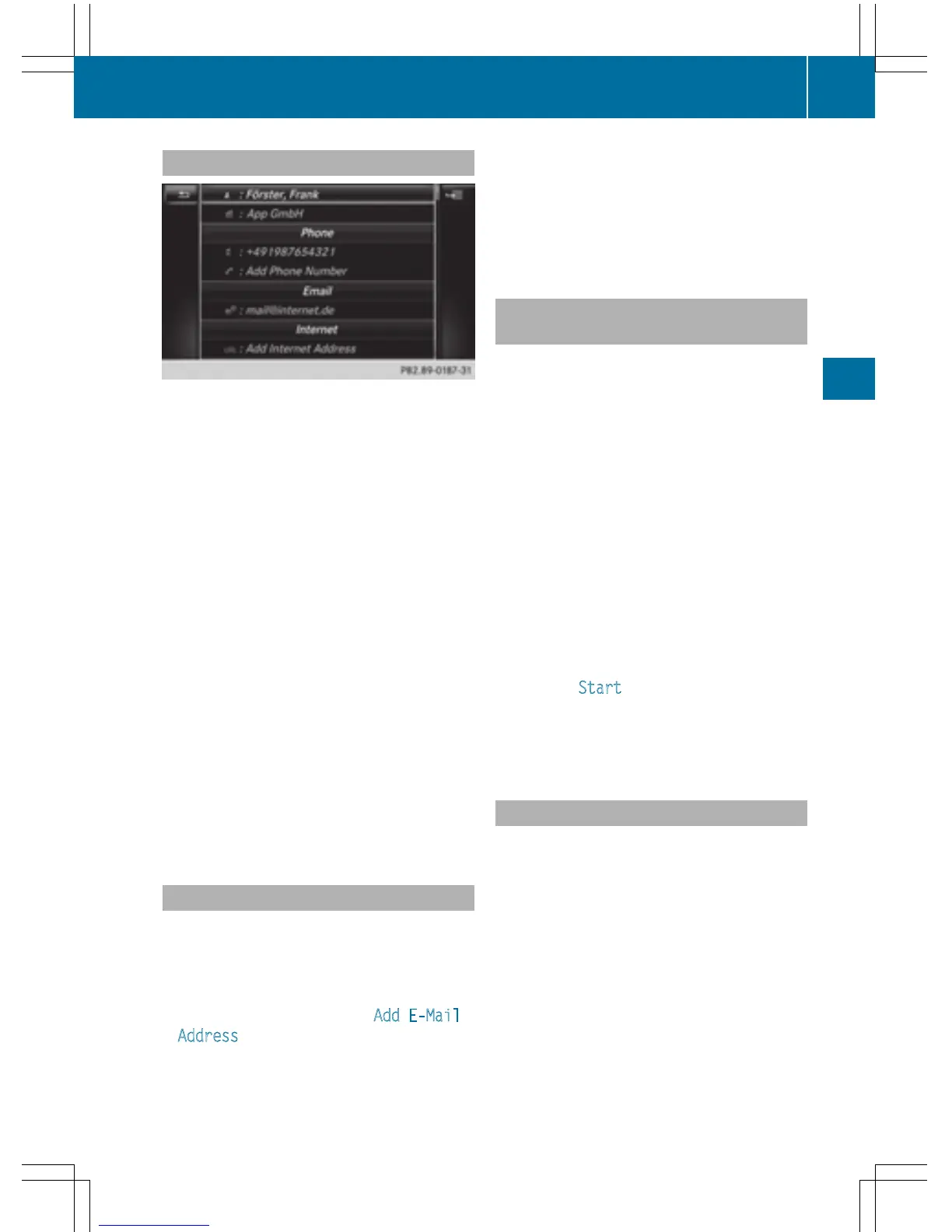
Displaying contact details
X
Call up the address book (Y page 125).
X
To select a contact: turn and press the con-
troller.
The details for the contact are displayed.
The entries can be categorized as follows:
\
Business details
6
Home details
i An address book entry can contain the
following information:
R
name
R
first name
R
company
R
up to five telephone numbers
R
two email addresses
R
Internet address
R
two addresses
R
two navigation addresses (transferred
from navigation(
Y page 68))
R
geo-coordinates
Adding information to a contact
X
Call up the address book (Y page 125).
X
To select a contact: turn and press the con-
troller.
The details for the contact are displayed.
X
To add a desired entry (e.g. Add E-Mail
Address): turn and press the controller.
Depending on the type of entry, the corre-
sponding input menu appears.
X
Enter characters using the controller
(
Y page 31) or the touchpad (Y page 27).
X
To finish and save an entry: select ¬.
A maximum of five telephone numbers can be
saved for one contact.
Starting route guidance to an address
or geo-coordinates
If an address with a ZIP code is saved, the
address can be used for route guidance. If the
ZIP code cannot be assigned to an exact
address, you can adjust the destination sub-
sequently using the controller.
X
Call up the address book (Y page 125).
X
To select a contact: turn and press the con-
troller.
The details for the contact are displayed.
X
To select an address: turn and press the
controller.
or
X
To select an entry with geo-coordinates:
turn and press the controller.
The navigation menu is displayed.
X
To select Start: slide 6 and press the
controller.
The route to the destination address is cal-
culated and route guidance starts.
Making a call
X
Call up the address book (Y page 125).
X
To select a contact: turn and press the con-
troller.
The details for the contact are displayed.
X
To select a telephone number: turn and
press the controller.
The number is dialed. Further information
about the functions during a call
(
Y page 118).
Address book
127
Telephone
Z



 To Next Page