Setting the time and date format
Use this function to set the time and date for-
mat for all displays in the vehicle.
X
Press the Ø button.
or
X
Press Vehicle in the main function bar.
The vehicle menu is displayed.
X
To select Time: slide 6, turn and press
the controller to confirm.
A menu appears.
X
To select Format: turn and press the con-
troller.
X
To select the desired date format: turn and
press the controller.
The # dot indicates the current setting.
X
To select the desired time format: turn and
press the controller.
The # dot indicates the current setting.
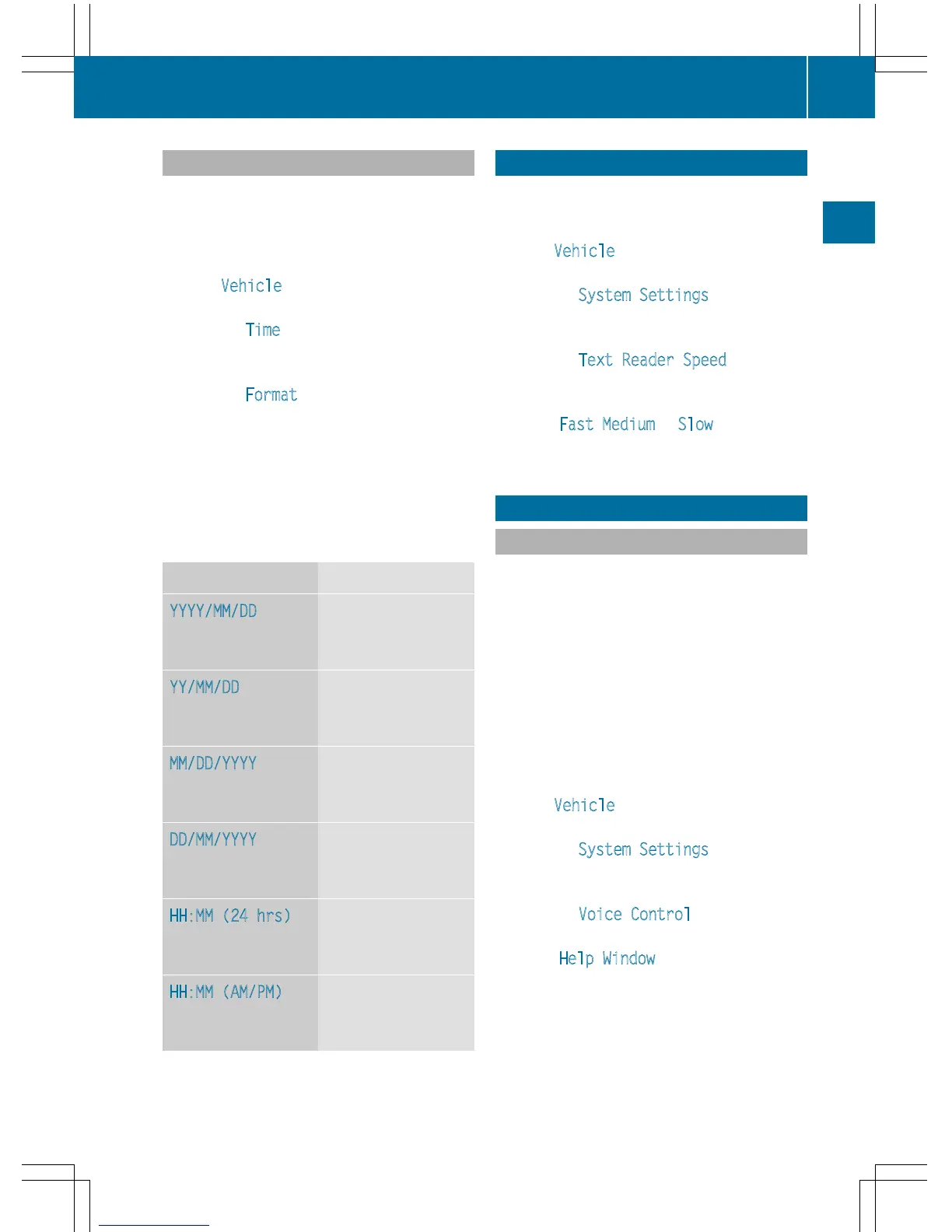
Abbreviation Meaning
YYYY/MM/DD
Year/Month/Day
date format, year (all
four digits)
YY/MM/DD
Year/Month/Day
date format, year
(two digits)
MM/DD/YYYY
Month/Day/Year
date format, year (all
four digits)
DD/MM/YYYY
Day/Month/Year
date format, year (all
four digits)
HH:MM (24 hrs)
Hours : Minutes
(24 hour time for-
mat)
HH:MM (AM/PM)
Hours : Minutes
(AM/PM time for-
mat)
Text reader settings
X
Press the Ø button.
or
X
Press Vehicle in the main function bar.
The vehicle menu is displayed.
X
To select System Settings: slide 6,
turn and press the controller to confirm.
A menu appears.
X
To select Text Reader Speed: turn and
press the controller.
A list appears.
X
Select Fast, Medium or Slow.
The # dot indicates the current setting.
Voice Control System settings
Opening/closing the help window
i
If the set system language is not suppor-
ted by the Voice Control System, English
will be selected.
The help window also shows you information
on audible instructions:
R
during individualization
R
during subsequent operation of the Voice
Control System
X
Press the Ø button.
or
X
Press Vehicle in the main function bar.
The vehicle menu is displayed.
X
To select System Settings: slide 6,
turn and press the controller to confirm.
A menu appears.
X
To select Voice Control: turn and press
the controller.
X
Select Help Window.
You have switched the help window on O
or off ª.
More information on the Voice Control Sys-
tem is available in the separate operating
instructions.
Voice Control System settings
41
System settings
Z



 To Next Page