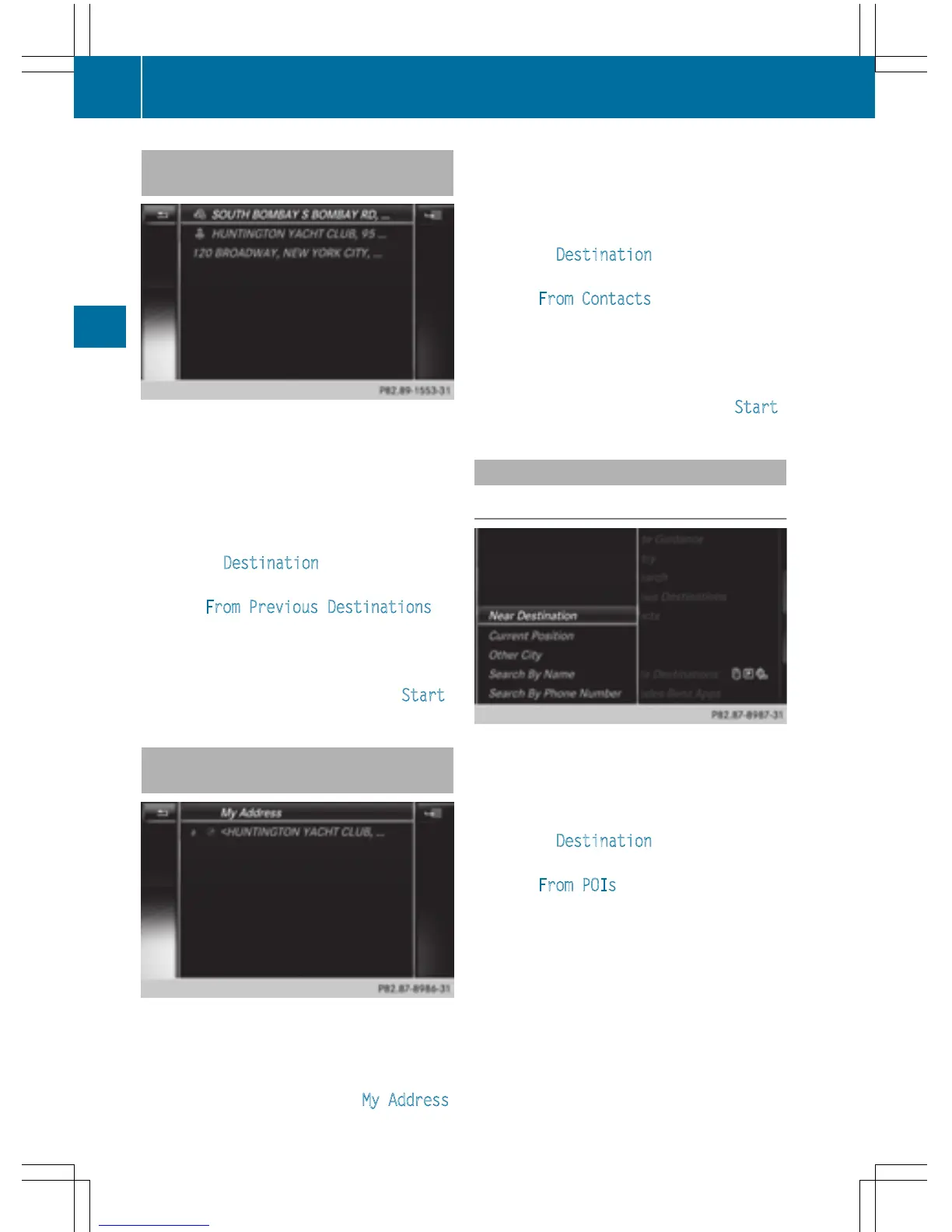
Selecting a destination from the list of
last destinations
COMAND automatically stores the last 50
destinations.
X
To switch to navigation mode: press the
Ø button.
X
To show the menu: slide 6 the control-
ler.
X
To select Destination: turn and press the
controller.
X
Select From Previous Destinations.
X
Select the destination.
The address entry menu appears, showing
the destination address.
X
To start route calculation: select Start .
Selecting an address book contact as
a destination
You can select navigable address book con-
tacts as the destination. These are identified
by the L symbol. If you have already entered
and saved your home address, you can select
this as the destination by using My Address
.
X
To switch to navigation mode: press the
Ø button.
X
To show the menu: slide 6 the control-
ler.
X
To select Destination: turn and press the
controller.
X
Select From Contacts.
X
Select the destination.
The address entry menu appears, showing
the contact and associated destination
address.
X
To start route calculation: select Start .
Selecting a destination from POIs
Calling up the POI menu
X
To switch to navigation mode: press the
Ø button.
X
To show the menu: slide 6 the control-
ler.
X
To select Destination: turn and press the
controller.
X
Select From POIs.
72
Destination entry
Navigation



 To Next Page