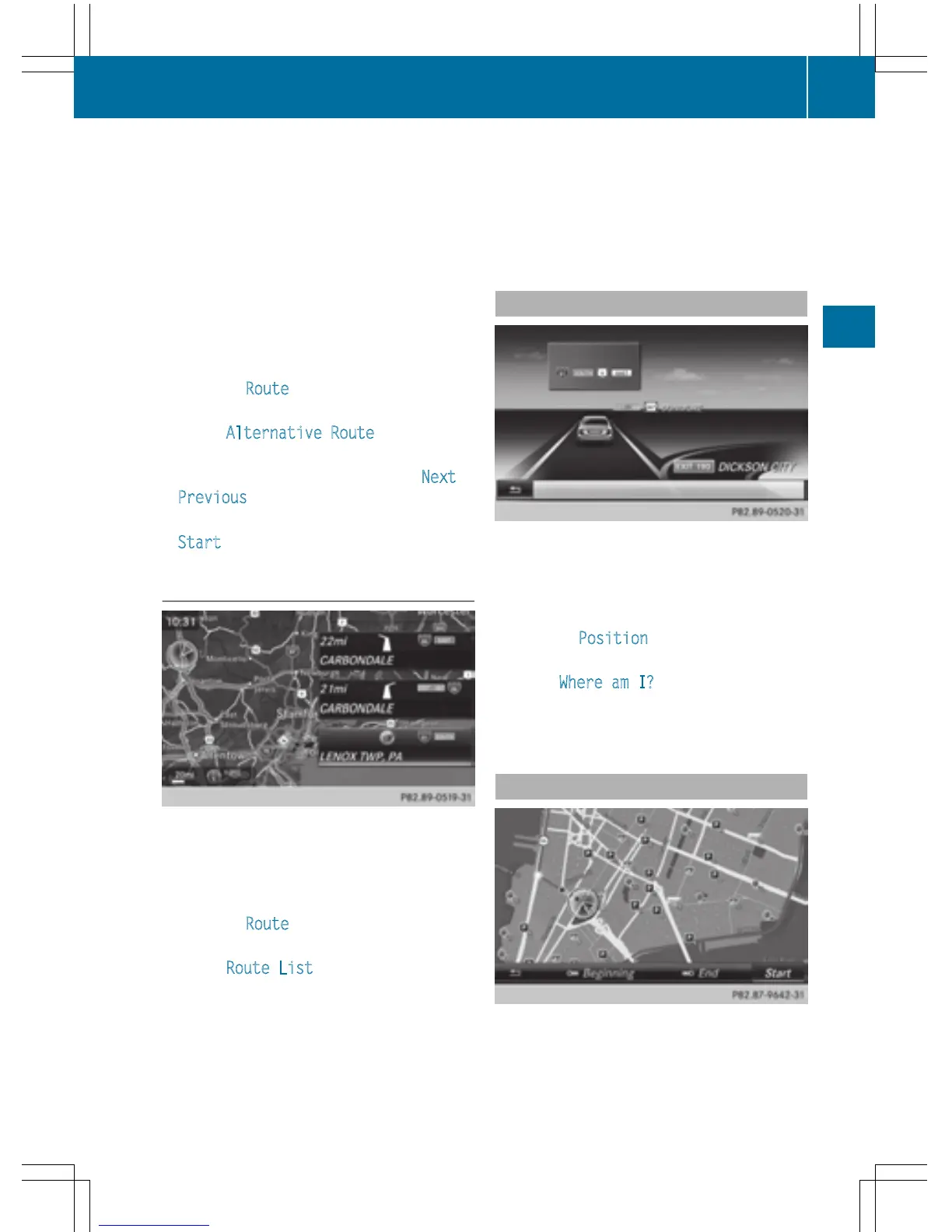
You can call up alternative routes to the cur-
rent route.
Routes 1, 2 and 4 are displayed with a dark
blue line.
Route 3 is the most economic route and is
displayed with a green line.
X
To switch to navigation mode: press the
Ø button.
X
To show the menu: slide 6 the control-
ler.
X
To select Route: turn and press the con-
troller.
X
Select Alternative Route.
Route 1 is shown.
X
To display additional routes: select Next or
Previous
.
X
To start a new route guidance: select
Start
.
Route list
X
To switch to navigation mode: press the
Ø button.
X
To show the menu: slide 6 the control-
ler.
X
To select Route: turn and press the con-
troller.
X
Select Route List.
The route list shows the next change of
direction and the immediate distances
from the current vehicle position.
X
To display additional route sections:
turn the controller.
The position of the change of direction that
belongs to the respective route section is
indicated on the map with a cross.
Where am I?
X
To switch to navigation mode: press the
Ø button.
X
To show the menu: slide 6 the control-
ler.
X
To select Position: turn and press the
controller.
X
Select Where am I?.
The street you are currently on and the pre-
vious and next intersections are displayed.
Traffic jam function
X
To switch to navigation mode: press the
Ø button.
Route guidance
89
Navigation
Z



 To Next Page