soon as the speed falls below approximately
2 mph (3 km/h), the restriction becomes
inactive.
When the restriction is active, certain entries
cannot be made. Menu items are shown in
gray and cannot be selected.
For example:
R
entering the destination city and street
R
entering a destination via the map
R
entering POIs in the vicinity of a city or via a
name search
R
editing entries
Other entries are possible, such as entering
points of interest in the vicinity of the desti-
nation or current position.
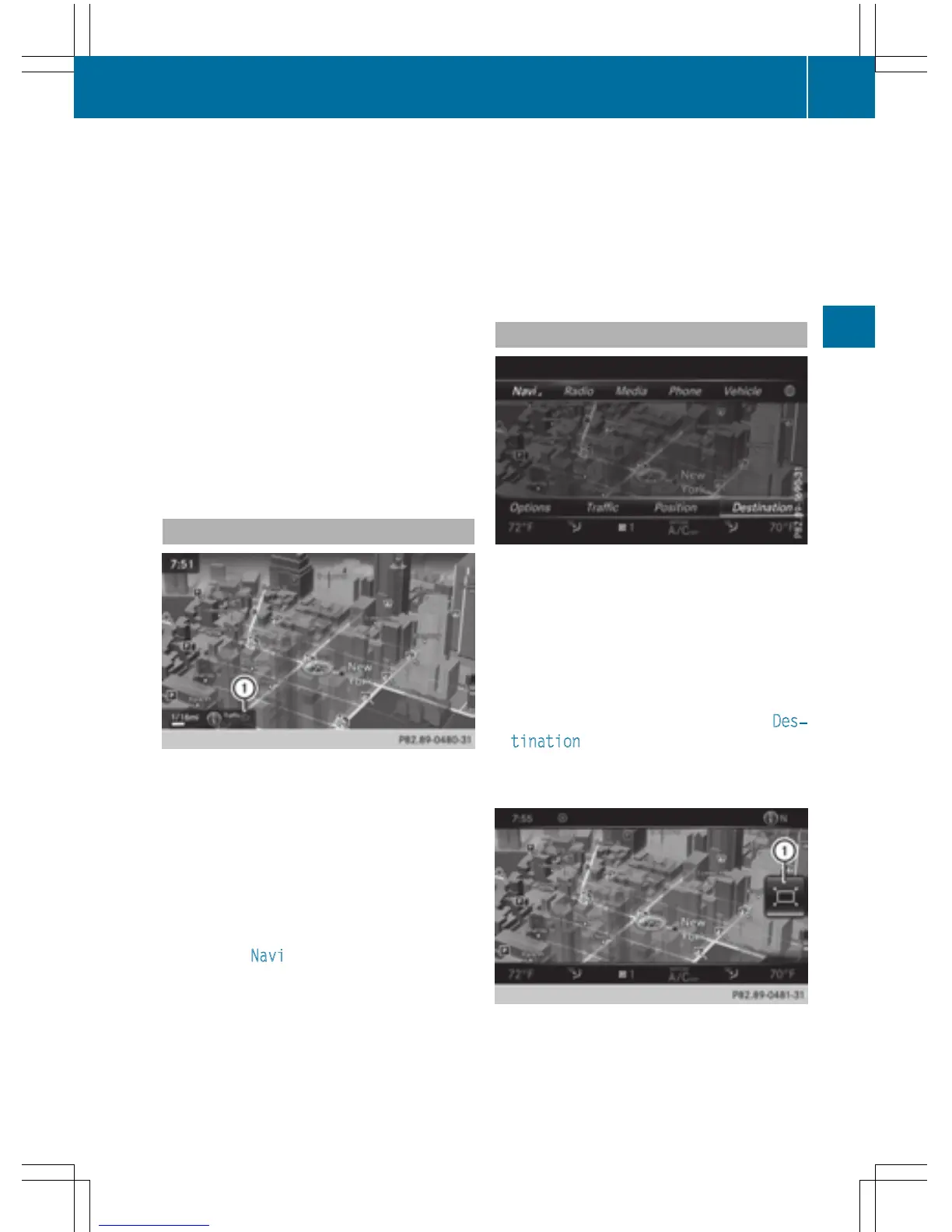
Switches to navigation mode
:
Traffic reports can be received or traffic
reports are available
X
Press the ß button.
The map shows the vehicle's current posi-
tion.
Access from one of the other main functions:
X
To activate the menu: slide 5 the con-
troller (e.g. in radio mode).
X
To select Navi: turn and press the con-
troller.
The navigation menu appears.
X
Press the controller.
The map shows the vehicle's current posi-
tion.
Access within navigation:
X
From any menu, press the ß button.
The navigation menu appears.
X
Press the controller.
The map shows the vehicle's current posi-
tion.
Showing/hiding the menu
Using the menu, you can make a destination
entry or select the navigation settings, for
example.
X
To show: slide 6 the controller when the
map appears.
or
X
Swipe down the touchpad with one finger.
If there has been no route calculated, Des‐
tination is marked.
If a route has been calculated, y is
marked.
X
To hide: press the % button.
or
Introduction
63
Navigation
Z



 To Next Page