Selecting playback options
X
To select Options: turn and press the con-
troller.
X
Select Playback Mode.
A # dot indicates the current setting.
X
Select the desired option.
If you select Random
Track List, you will
see a corresponding message in the display
or selection window.
Increasing the volume using COMAND
X
To select Options: slide 6 and press the
controller.
X
To select Volume: turn and press the con-
troller.
A menu appears. The # dot indicates the
current setting.
X
Select Standard or Boost.
Information on sound settings
(
Y page 208).
Operation with the Media Interface
General notes
Media Interface is a universal interface for the
connection of mobile audio and video devi-
ces. Media Interface in COMAND has two
USB connections.
The USB connection sockets are located in
the stowage compartment under the armrest.
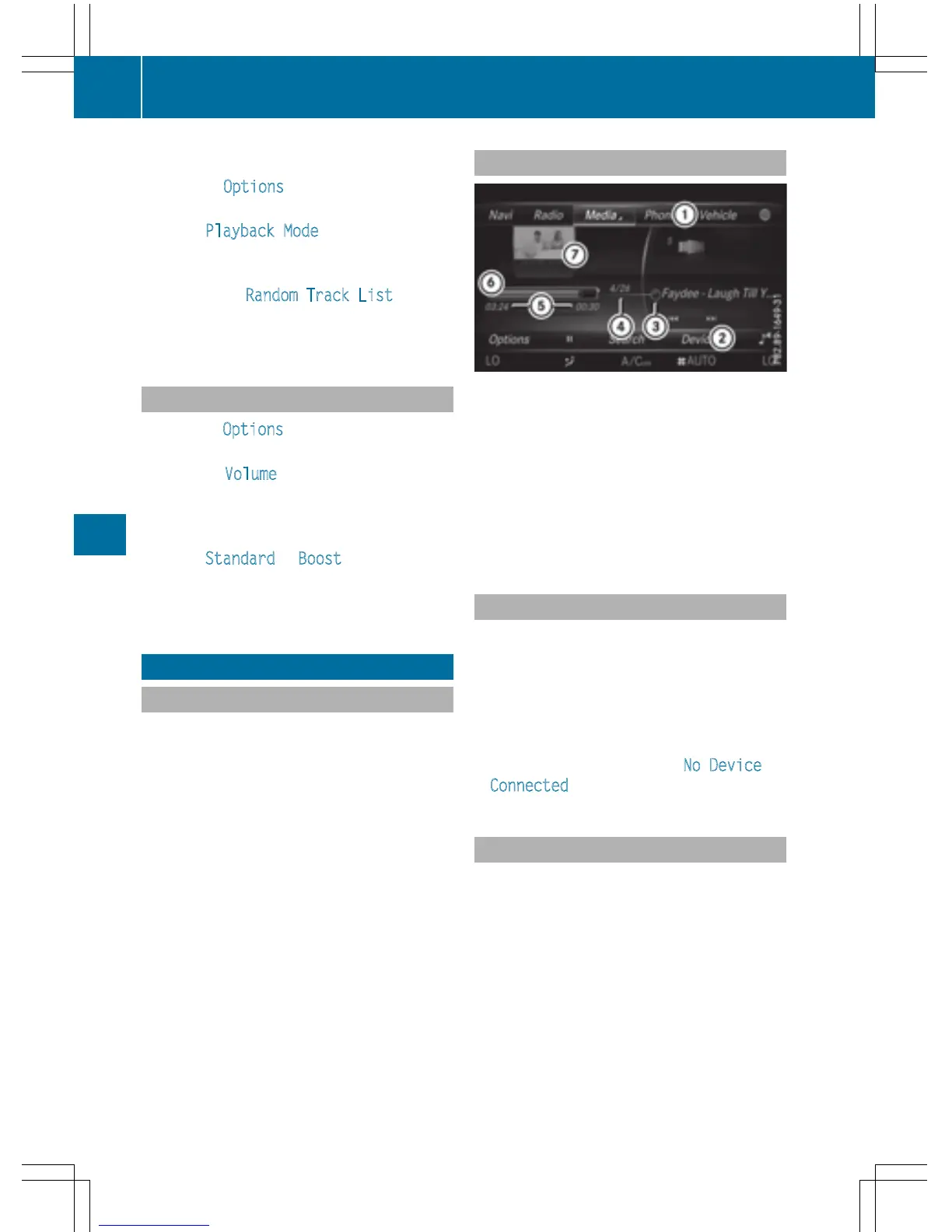
Media Interface basic display
:
Main function bar
;
Media menu bar
=
Track display on the disc
?
Track number and number of tracks in the
track list
A
Numerical time display
B
Graphic time display
C
Cover view (if available)
Switching to Media Interface
X
Connect a data medium to USB socket 1 or
USB socket 2 (
Y page 182).
X
Select the basic menu for Media Interface 1
or Media Interface 2 (
Y page 179).
If playable media files are found, they will
be played by COMAND.
If you remove a device, the No Device
Connected message appears.
Supported devices
The following data media can be connected to
COMAND via the Media Interface:
R
iPod
®
R
iPhone
®
R
iPad
®
R
MP3
R
USB devices
i
It is not possible to run two Apple
®
devi-
ces simultaneously. Therefore the device
last connected is loaded.
198
Operation with the Media Interface
Media



 To Next Page