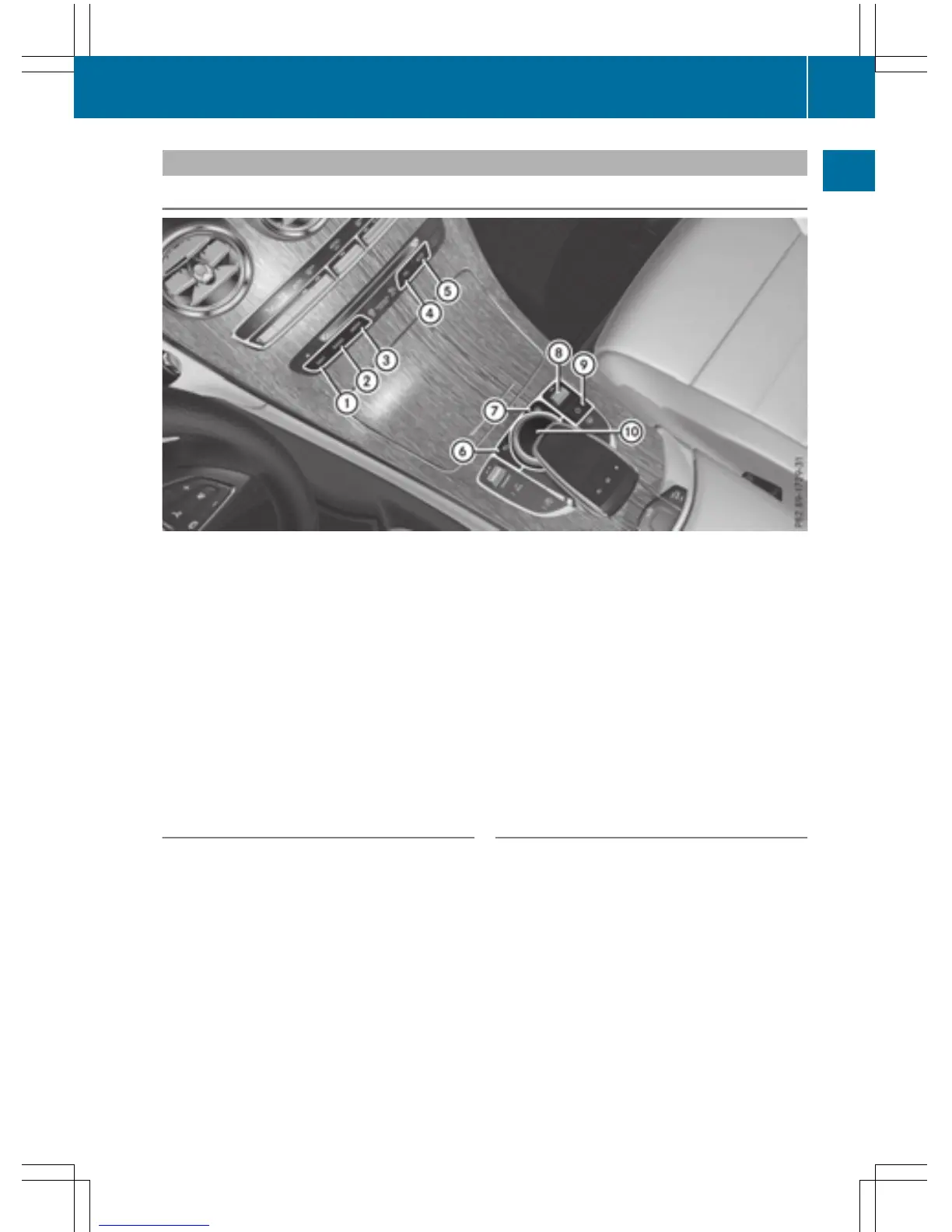
Buttons and controller
Overview
:
Navigation button
;
Radio button
=
Media button
?
Telephone and address book button
A
Vehicle and system settings button
B
Back button
C
Favorites button
D
Adjusts the volume or mutes
E
Switches COMAND on or off
F
Controller
Example shown with touchpad
Back button
You can use the % button to exit a menu or
to call up the basic display of the current
operating mode.
X
To exit the menu: briefly press the %
button.
COMAND changes to the next higher menu
level in the current operating mode.
X
To call up the basic display: press the
% button for longer than two seconds.
COMAND changes to the basic display of
the current operating mode.
Controller
The controller in the center console lets you:
R
select menu items on the display
R
enter characters
R
select a destination on the map
R
save entries
The controller can be:
R
turned 3
R
slid left or right 1
R
slid forwards or back 4
R
slid diagonally 2
R
pressed briefly or pressed and held 7
Overview
23
Overview and operation



 To Next Page