Individualization
Using individualization, you can fine-tune the
Voice Control System to your own voice. This
will help improve voice recognition (see the
separate operating instructions).
WiFi
Overview
Conditions:
To establish a WiFi connection between
COMAND and a WiFi-enabled device, such as
a tablet computer or smartphone:
R
WiFi must be activated at COMAND and at
the device to be connected.
If COMAND is to be used as a WiFi hotspot:
R
COMAND must be connected to an Inter-
net-enabled mobile phone via Bluetooth
®
or USB.
R
The Internet access data for the mobile
phone network provider must be selected
or set for COMAND.
R
There must be an Internet connection to
COMAND.
Activating WiFi
X
To select Vehicle from the main function
bar: turn and press the controller.
X
To switch to the menu bar: slide 6 the
controller.
X
Select System Settings.
The System Settings
menu is displayed.
X
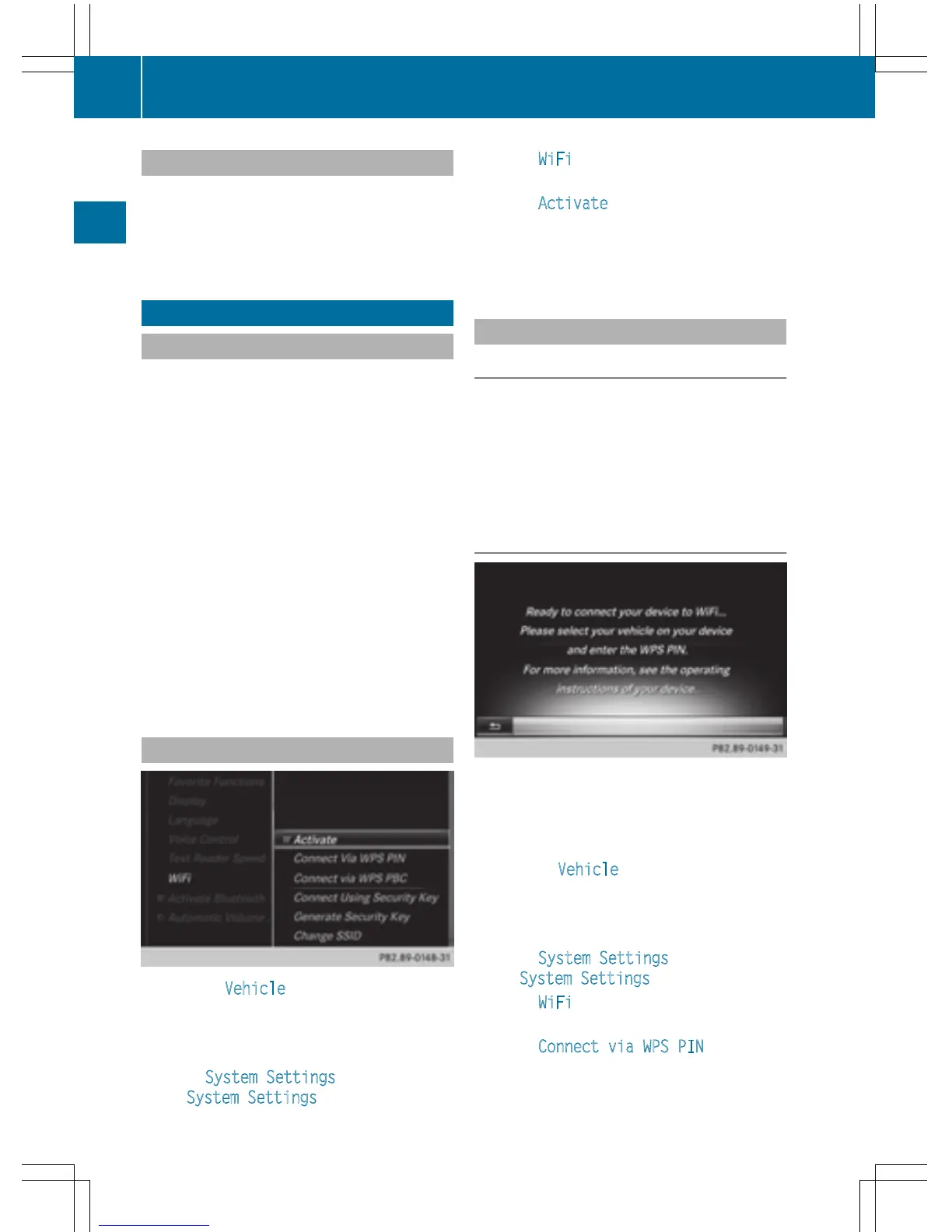
Select WiFi.
The WiFi menu appears.
X
Select Activate.
X
Press the controller.
Switch the connection on O or off ª,
depending on the previous setting.
Connecting the device
General notes
i
The exact WiFi connection procedure may
vary depending on the device to be con-
nected. Follow the instructions that are
shown in the display. Further information;
see the manufacturer's operating instruc-
tions.
Connecting a device via WPS PIN
Prerequisite:
For this type of connection, the device to be
connected must support "Connect using WPS
PIN".
X
To select Vehicle from the main function
bar: turn and press the controller.
X
To switch to the menu bar: slide 6 the
controller.
X
Select System Settings.
The System Settings
menu is displayed.
X
Select WiFi.
The WiFi menu appears.
X
Select Connect via WPS PIN.
X
Select the vehicle from the device to be
connected and "Connect using WPS PIN".
42
WiFi
System settings



 To Next Page