X
Select Storm Watch.
X
Select Show Symbols for Storm Areas
On Map.
Depending on the previous setting, activate
O or deactivate ª the display of areas in
red.
Activating/deactivating the automatic dis-
play of warning popups:
X
Select Display Storm Watch Automat‐
ically.
Depending on the previous setting, activate
O or deactivate ª the automatic display
of warning popups.
Setting the radius for the popups:
X
Select 5 Miles (5 km), 50 Miles (50 km)
or 200 Miles
(200 km).
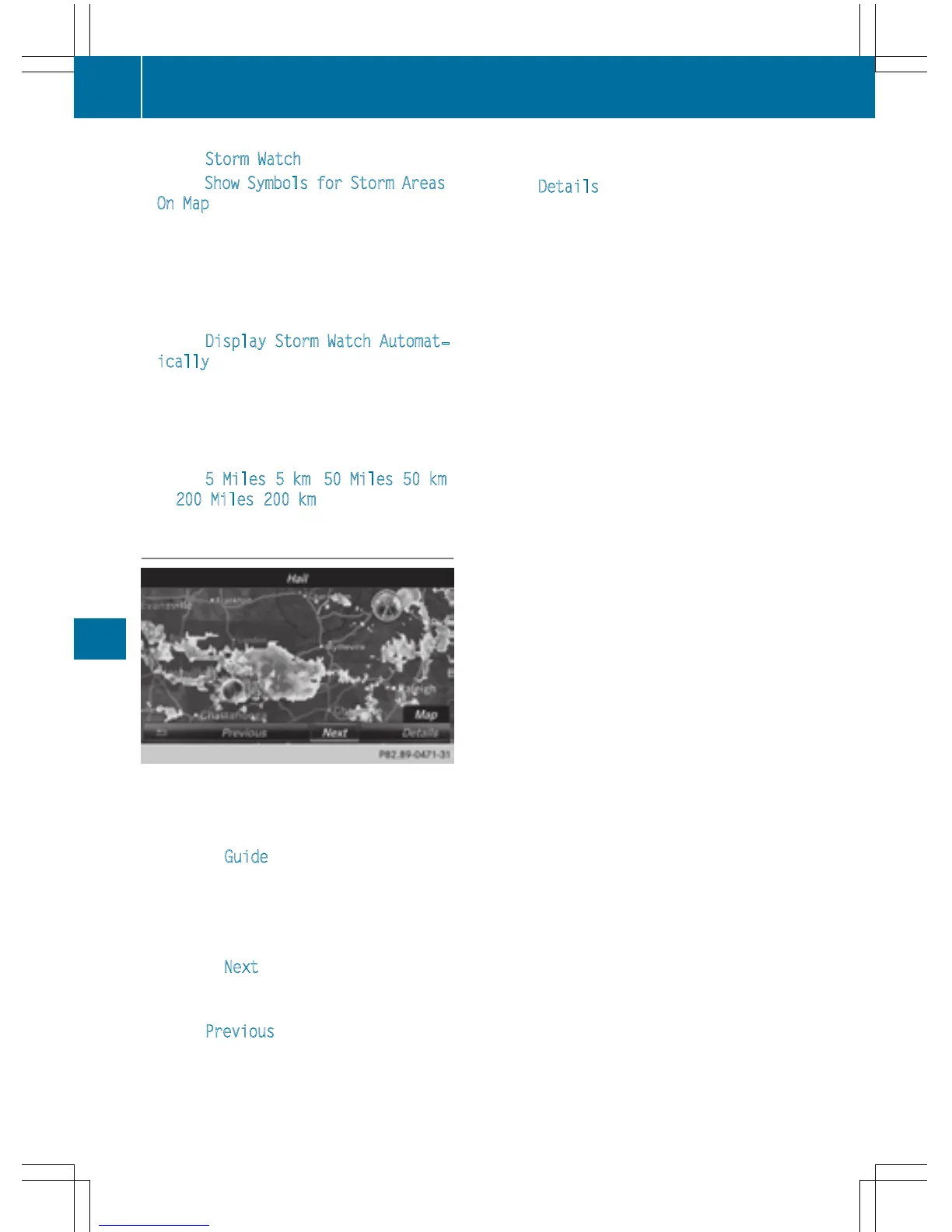
Storm overview
Displaying the Storm Guide:
X
Display the menu on the weather map
(
Y page 216).
X
To select Guide: turn and press the con-
troller.
A menu appears. The current storm is high-
lighted. There is information about the
storm in the status bar.
X
To select Next: turn and press the control-
ler.
The next storm is marked.
X
Select Previous.
The previous storm is highlighted.
Showing storm details:
X
Select Details.
You see detailed information about the
selected storm.
220
Weather forecasts
SIRIUS Weather



 To Previous Page