Displaying and selecting favorites
X
To display the favorites overview: press
the favorites button on the controller.
X
To call up favorites: turn and press the
controller.
Adding favorites
Adding predefined favorites
X
Press the favorites button on the controller.
X
To show the menu bar, slide 6 the con-
troller.
X
To select Reassign: turn and press the
controller.
The categories for favorites are displayed.
R
Navigation
R
Entertainment
R
Phone
R
Vehicle
R
Climate Control
R
®
X
To select a category: turn the controller
and press to confirm.
The available favorites are displayed.
X
To select a favorite: turn and press the
controller.
X
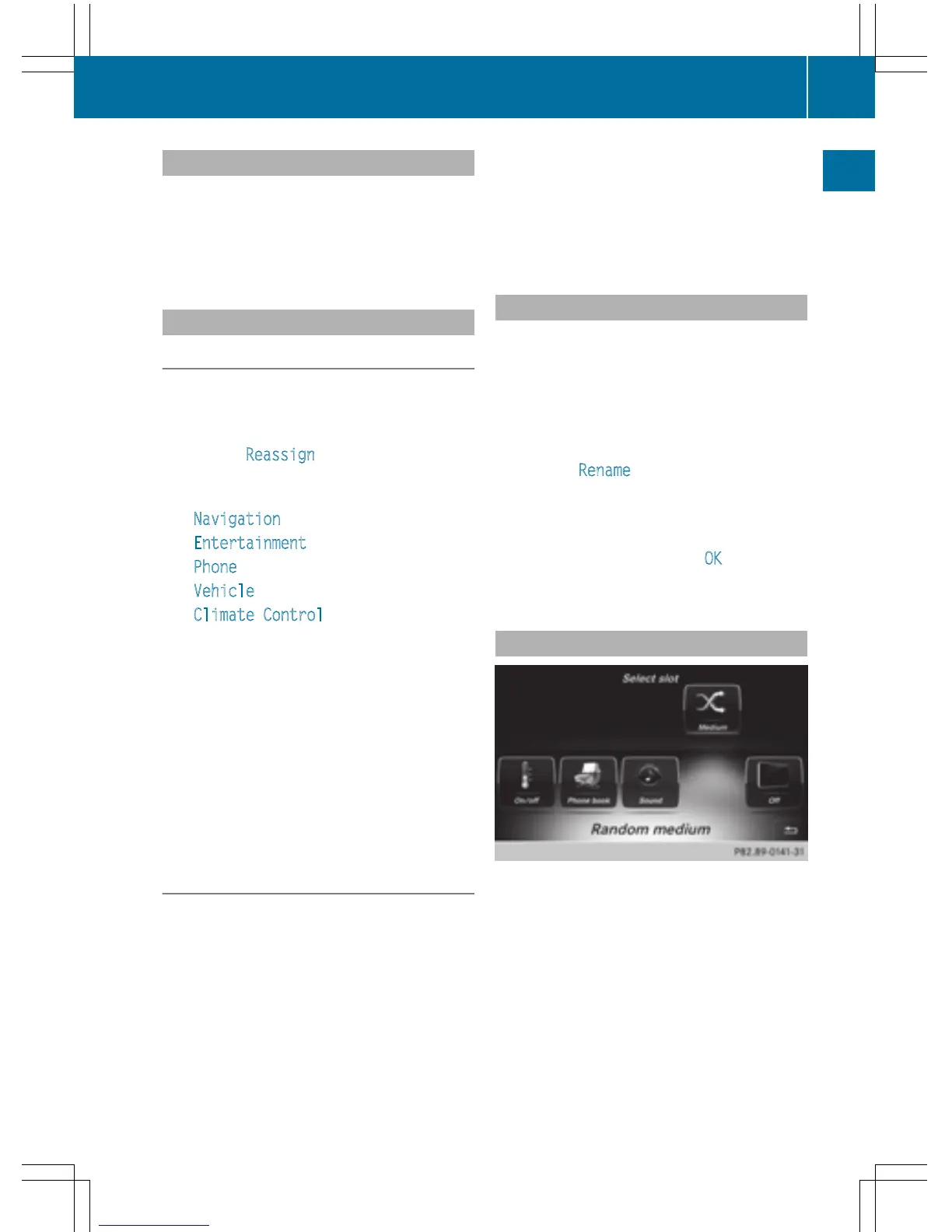
Adding a favorite at the desired posi-
tion: turn and press the controller.
If a favorite is stored over another favorite,
the favorite underneath is deleted.
Adding your own favorites
You can store phone numbers from the phone
book, radio stations or destinations as favor-
ites.
A phone number from the phone book is used
as an example.
X
Call up the phone book (Y page 121).
X
Search for the contact and display the
phone number: (
Y page 122).
X
To add a telephone number as a favorite
at the desired position: press and hold
the favorites button on the controller until
the favorites are displayed.
X
Turn and press the controller.
If a favorite is stored over another favorite,
the favorite underneath is deleted.
Renaming favorites
X
Press the favorites button on the controller.
The favorites are displayed.
X
To select the favorite to be renamed:
turn the controller.
X
To show the menu bar: slide 6 the con-
troller.
X
To select Rename: turn and press the con-
troller.
X
Enter characters using the controller
(
Y page 31) or the touchpad (Y page 27).
X
To finish the entry: select OK.
The favorite has been renamed.
Moving favorites
X
Press the favorites button on the controller.
The favorites are displayed.
X
To select the favorite to be moved: turn
the controller.
X
To show the menu bar: slide 6 the con-
troller.
Favorites
35
Overview and operation



 To Next Page