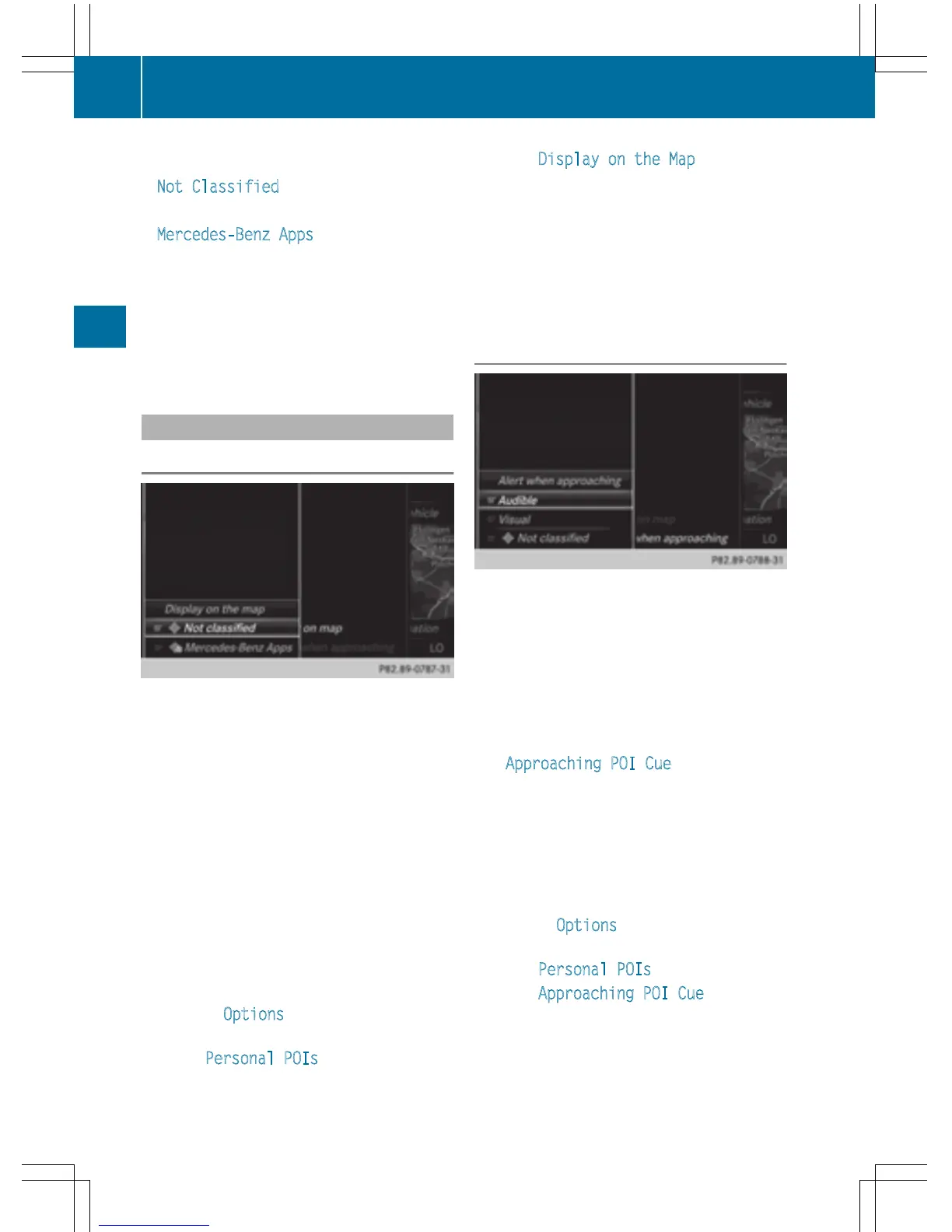
Personal POIs are filed in categories:
R
Not Classified
Standard entry for personal POIs
R
Mercedes-Benz Apps
Personal POIs (destinations, routes) that
you have imported via the online functions
(
Y page 156)
R
Categories which you have created your-
self, e.g. on your PC
Personal routes are not categorized.
Settings for personal POIs
Displaying on the map
Requirements: an SD memory card with per-
sonal POIs is inserted (
Y page 182).
The SD memory card is formatted using the
FAT file system (e.g. FAT32).
All personal POIs of the selected category are
displayed on the map with a corresponding
symbol.
If the "Alert when approaching" function is
activated (
Y page 80) the symbols are dis-
played up to a map scale of 2 km.
X
To switch to navigation mode: press the
ß button.
X
To show the menu: slide 6 the control-
ler.
X
To select Options, turn and press the con-
troller.
X
Select Personal POIs.
X
Select Display on the Map.
The menu displays the categories available
on the SD memory card.
X
To select a category: turn the controller
and press to confirm.
All personal POIs in the selected category
are displayed O or not displayed ª,
depending on the previous status.
Alert when approaching
Requirements: an SD memory card with per-
sonal POIs is inserted (
Y page 182).
The SD memory card is formatted using the
FAT file system (e.g. FAT32).
If the vehicle is approaching a personal POI,
this is highlighted on the map and/or an audi-
ble signal sounds.
For this purpose both the corresponding func-
tion Approaching POI Cue
, and the cate-
gory containing the personal POI must be
activated.
X
To switch to navigation mode: press the
ß button.
X
To show the menu: slide 6 the control-
ler.
X
To select Options, turn and press the con-
troller.
X
Select Personal POIs.
X
Select Approaching POI Cue.
The menu displays the categories available
on the SD memory card.
80
Personal POIs and routes
Navigation



 To Next Page